
You can adjust the times used for the constraint's morning and afternoon durations in the Schedule Settings page. On this page, simply click on the Pencil icon to enter the new start and end times for the morning and afternoon constraint slots:

Constraints are beneficial to block off time when a customer is unavailable; for example, if the customer is out grocery shopping or at the gym. To implement a schedule constraint on a customer, access the Edit Customer pop-up window. In the "Opt. Constraints" select the desire time slot from the drop-down:
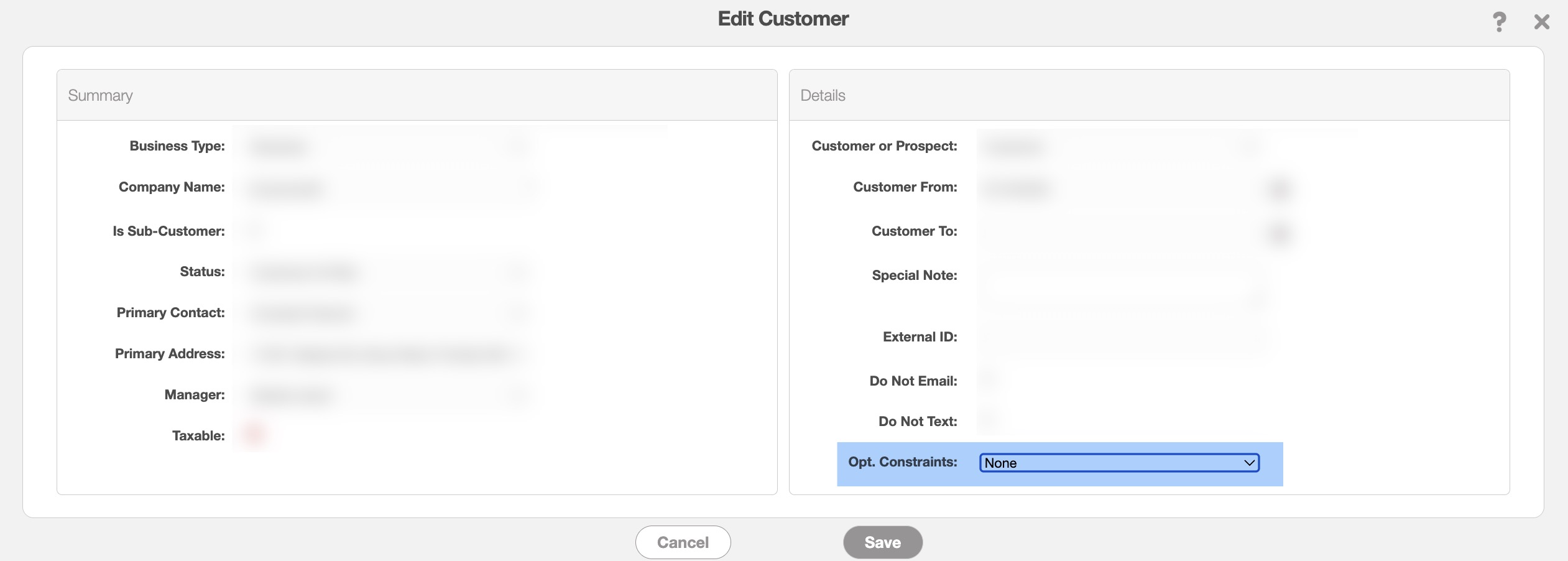
You can select one of the following options:
None: The user does not have a time preference.
Customer Prefers Morning: The customer prefers services to be done in the morning.
Customer Prefers Afternoon: The customer prefers services to be done in the afternoon.
Once the desired option is selected, click the Save button to confirm the update.