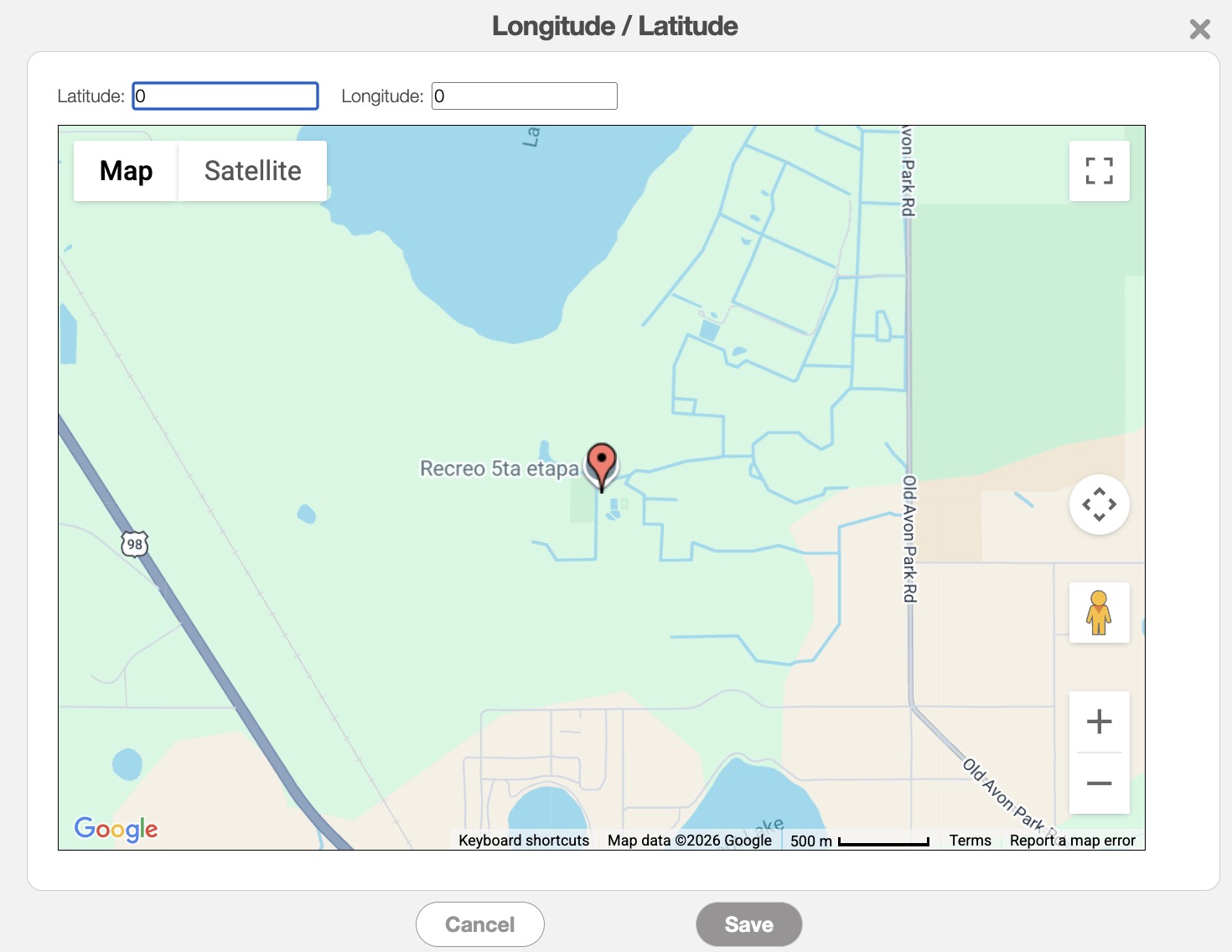
Longitude and Latitude
Throughout MobiWork, clicking the Map Pin icon opens the Map window, allowing you to pinpoint the exact location of a customer or work order. The example below highlights how to access the Map Pin icon from the Add Customer pop-up window:
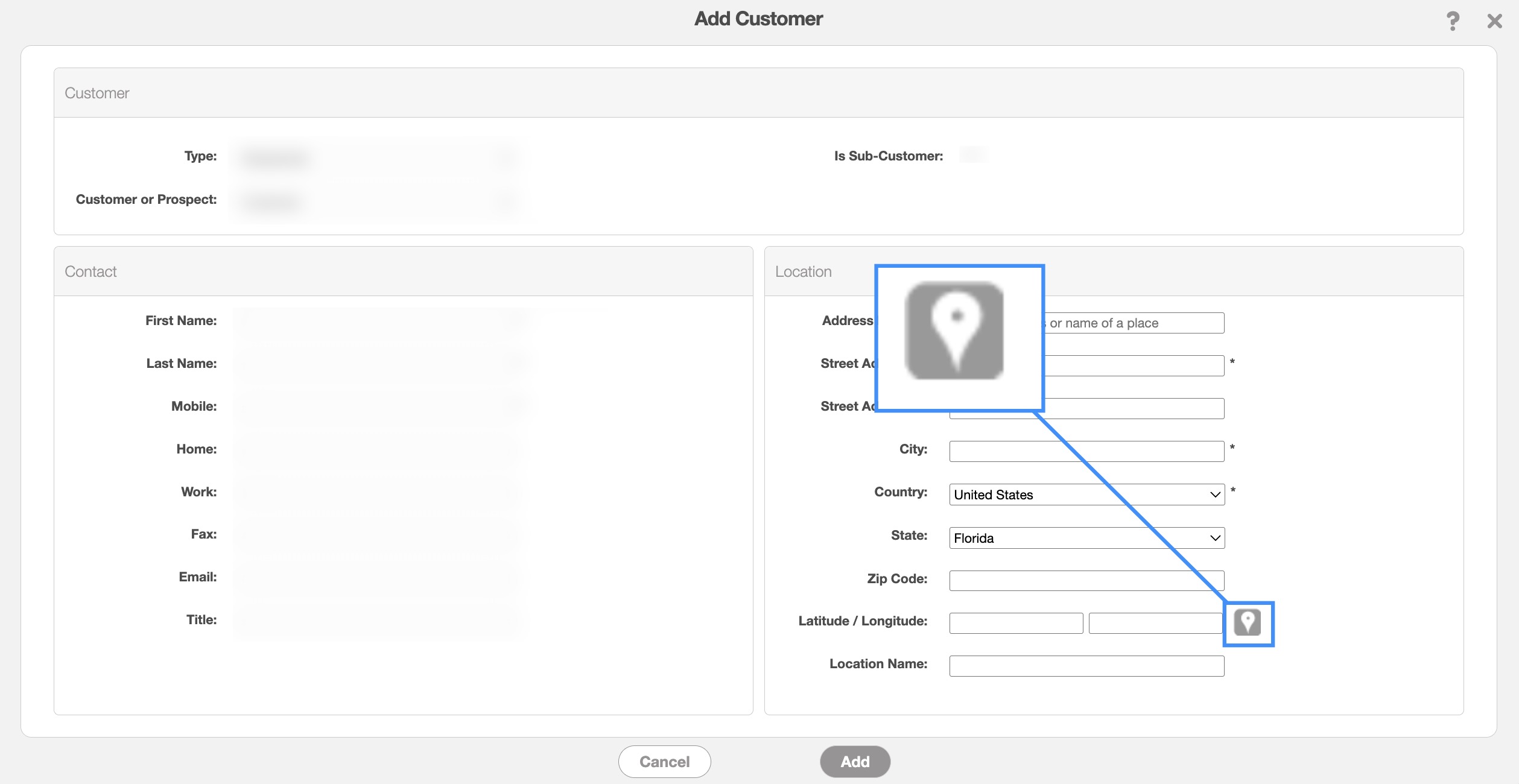
However, please note that wherever you see this icon, you will be able to access Map window. Within the map, you can drag the pin to fine-tune the location or manually enter the latitude and longitude in the corresponding fields for precise positioning: