
MobiWork's system notifications allows users to quickly glean status-related alerts about their connectors, errors, and more.
This section will highlight some of the most commonly asked questions regarding the Systems Notification feature.
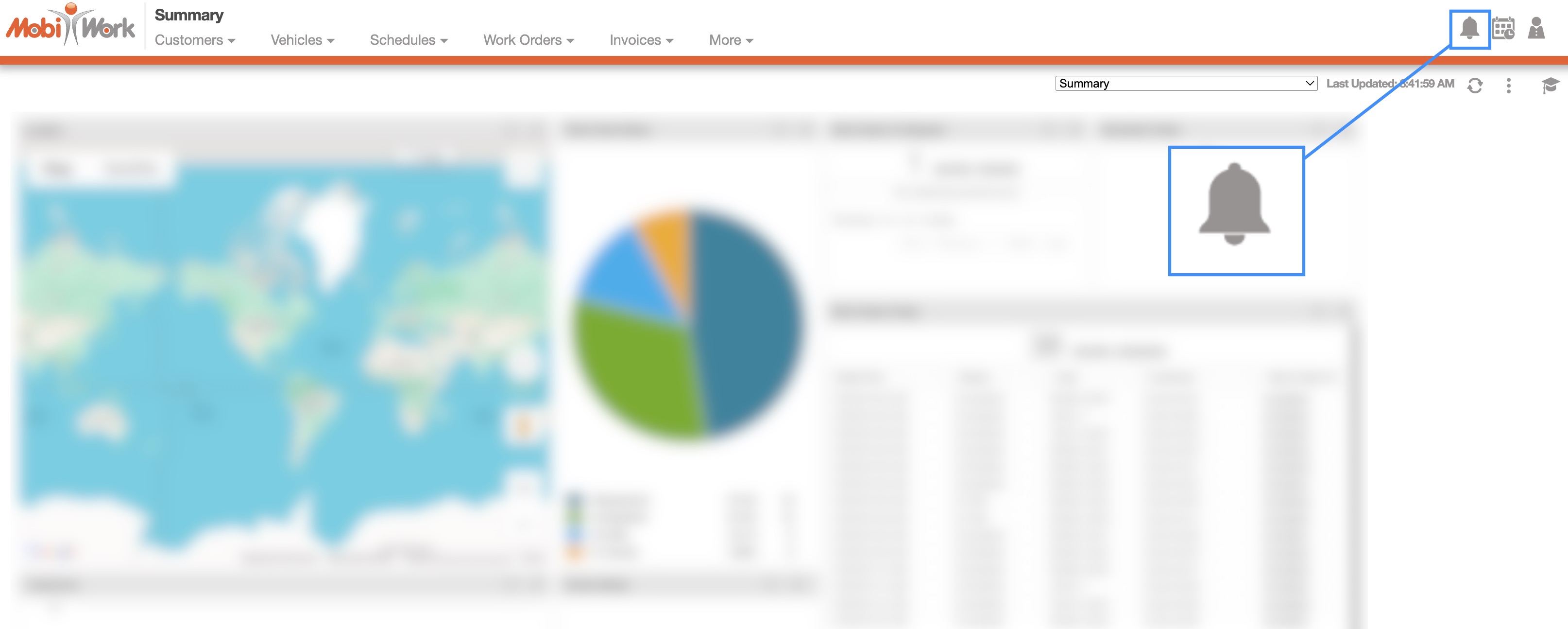
To access your system notifications in MobiWork, click on the Bell icon in the top right corner of your MobiWork page:
You will then be redirected to the Notifications List page. On this page, you can view, mark as read, delete, or add the notification as a note:
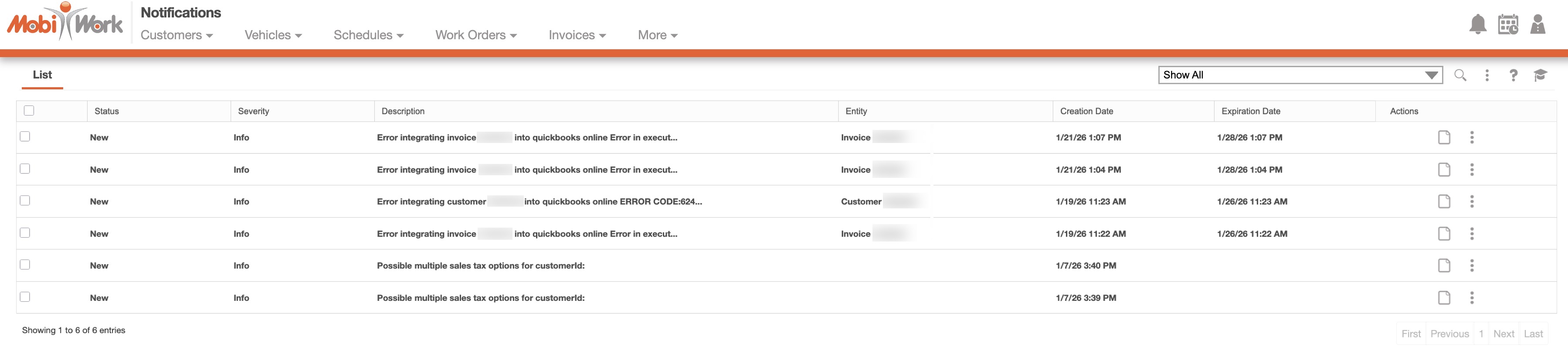
The Notifications List page will list system generated tasks that are running in the background. These notifications include events such as portal payments, recurring services that are running or failing, file processing updates, automated payment errors, connector synchronization issues (for example, QuickBooks), and other integration-related errors.