
In MobiWork, you will be able adjust how taxes are calculated for a bundle; you can also tailor how the corresponding items that the bundle consists of are calculated.
To modify the taxable settings for a bundle, either edit an existing bundle or add a new bundle.
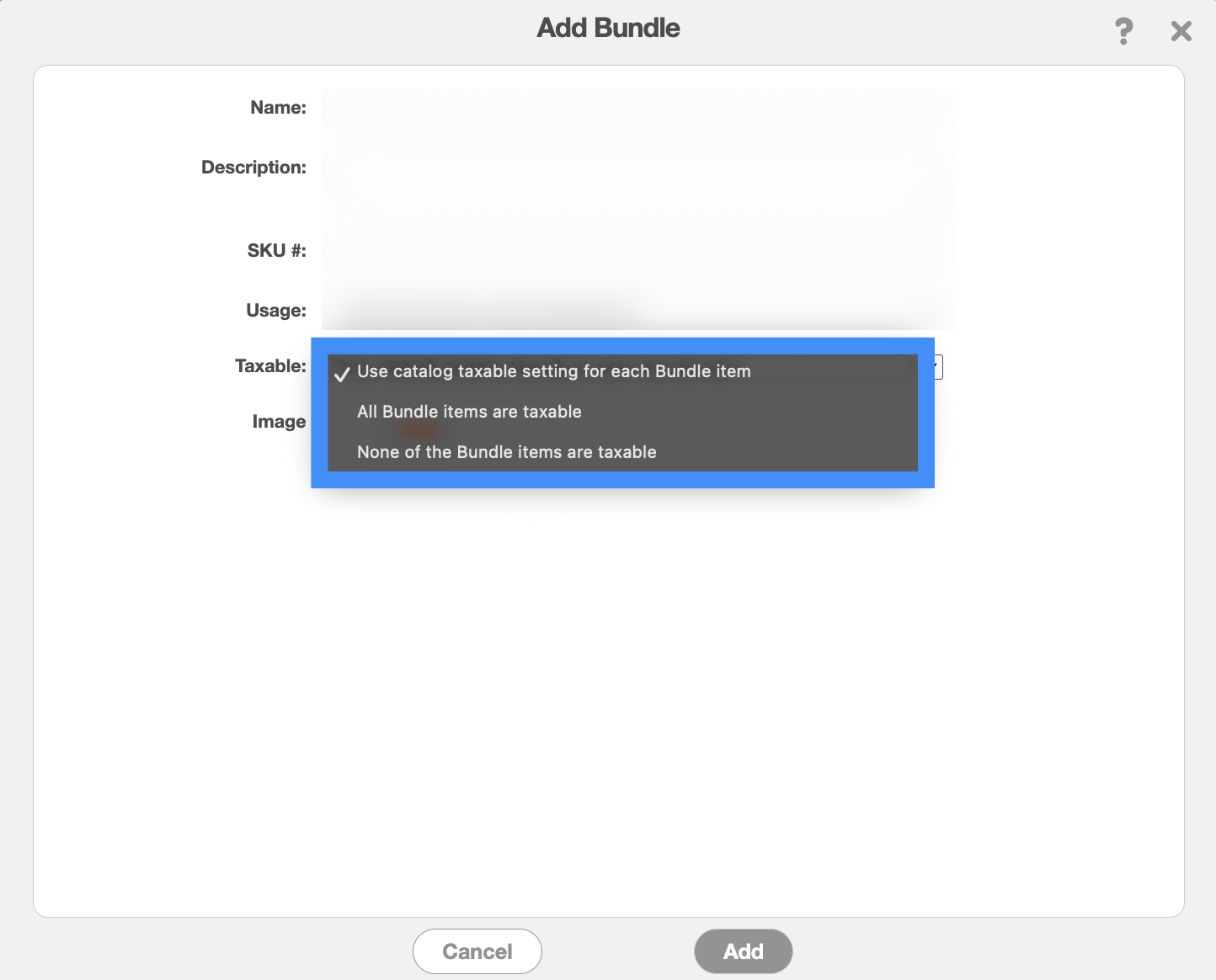
In the Edit Bundle or the Add Bundle pop-up window, you will see the "Taxable" field. In this field there are three different options to choose from:
Each item in the bundle will use its own taxable setting as defined in the Parts Catalog. If a bundled item is marked as taxable in the catalog, tax will be applied to that item. If it is marked as non-taxable, no tax will be applied.
All items included in the bundle will be treated as taxable, regardless of their individual taxable settings in the Parts Catalog.
All items included in the bundle will be treated as non-taxable, regardless of their individual taxable settings in the Parts Catalog. No sales tax will be applied to any item in the bundle.
Once you are satisfied with your selection, click the Add button to confirm the tax calculation update.