
If you have multiple connectors installed on your MobiWork account (for example, Motive, QBO, and Shopify) and import an Excel document, MobiWork will recognize and map separate columns for each connector:
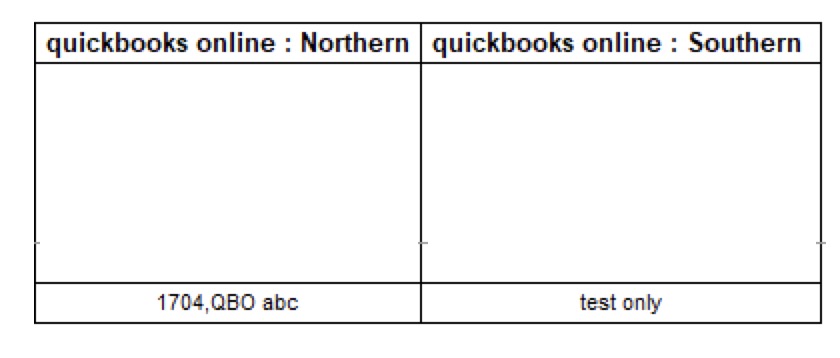
This ensures connector-specific data is accurately imported, helping maintain data integrity and preventing conflicts across your integrated systems. It also allows you to update the external IDs for all connectors directly, rather than requiring manual database updates by our team.
If you have multiple connectors installed on your MobiWork account and export an Excel document, you will now see separate columns for each connector:
This update allows you to clearly track and manage connector-specific data, making it easier to review, reconcile, and troubleshoot information across your integrated systems. It also allows you to update the external IDs for all connectors directly, rather than requiring manual database updates by our team.