
Switching Between Dashboards
You can access all available dashboards directly from the Dashboard home page. Simply select the desired dashboard from the drop-down menu, and it will automatically load with the relevant data:
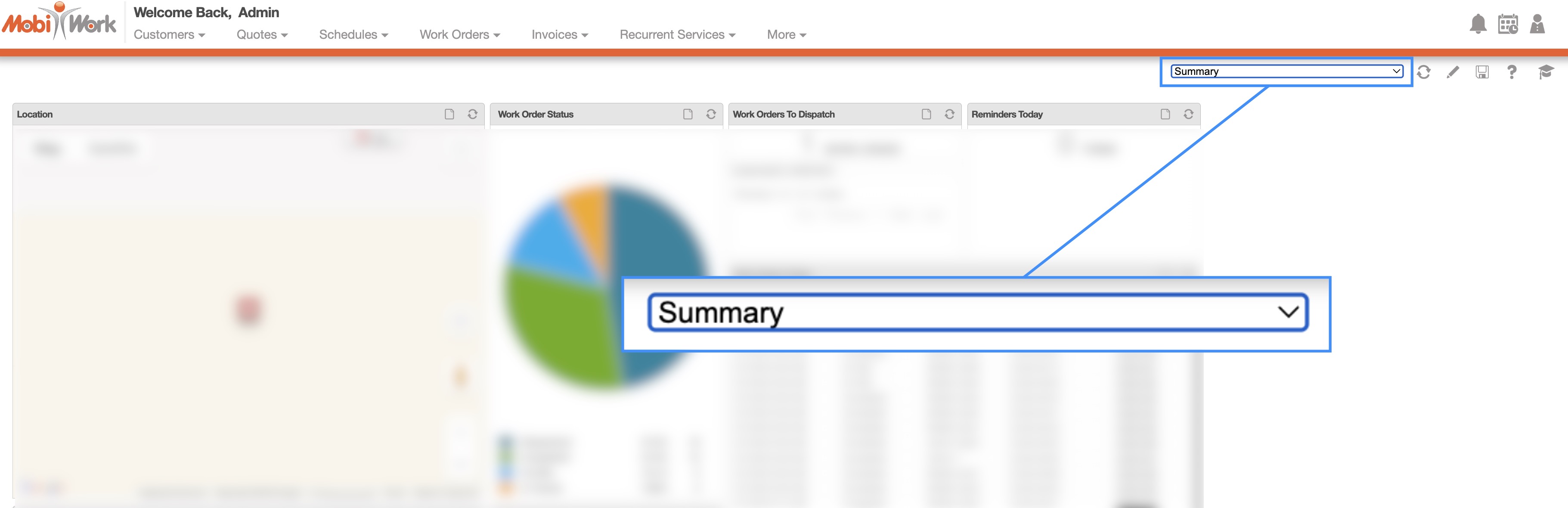
Centralized access to dashboards allows users to quickly switch between different views of key metrics without navigating to multiple pages. By selecting a dashboard from a single drop-down, users can instantly access the information most relevant to their role, improving efficiency and enabling faster, data-driven decisions.
Note: Once you navigate away from the page, then the dashboard will revert back to the "Summary" dashboard.