
To add a reminder category, you will first need to be on the Settings page. For more information on how to access this page, please see the Reminders Settings page.
The "Reminder Categories" section will allow you to categorize your reminders into specific classifications (e.g., High Priority, Urgent, Quote Reminders.):

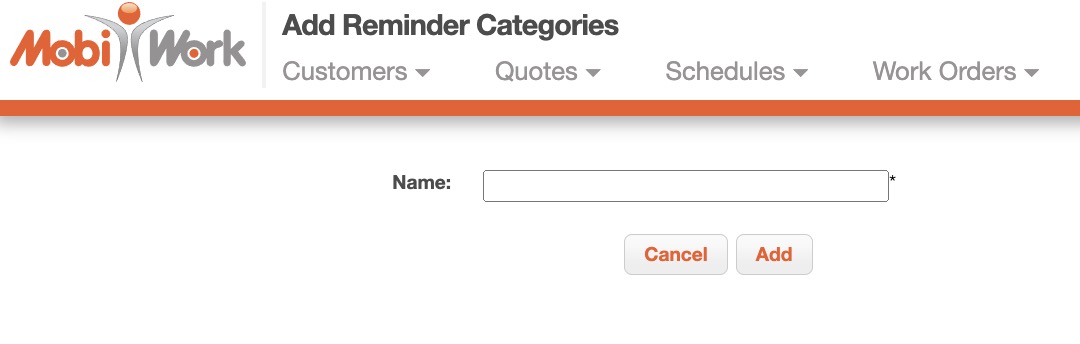
To add a new reminder category, click the Add Reminder Category button. You will then be redirected to the Add Reminder Categories page where you can input the name of your new category:
To edit a reminder category, you will first need to be on the Settings page. For more information on how to access this page, please see the Reminders Settings page:

To edit the reminder category, click the Edit button. You will then be redirected to the Edit Reminder Categories page where you can edit the name of your category:
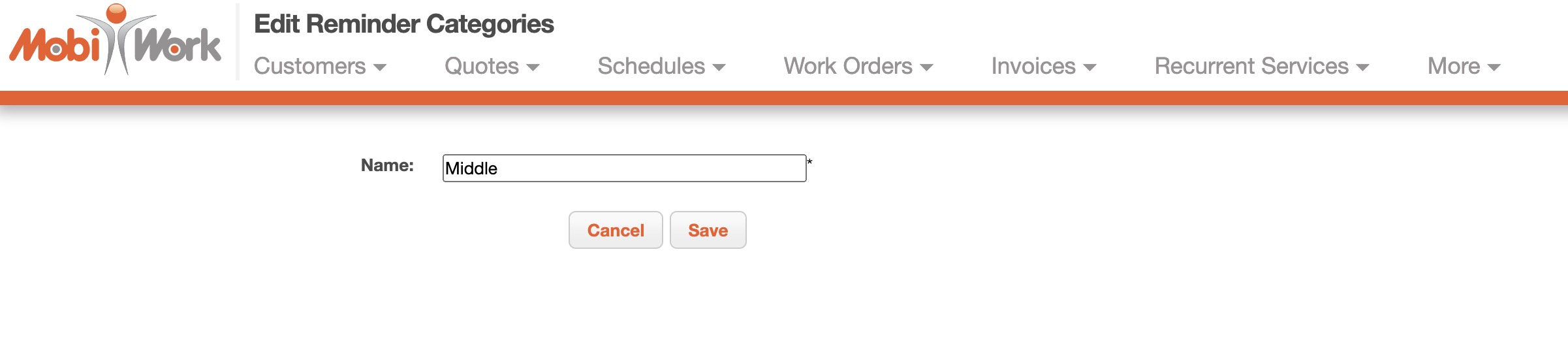
Once on the Edit Reminder Categories page, enter new category name and then click the Save button.
To delete a reminder category, you will first need to be on the Settings page. For more information on how to access this page, please see the Reminders Settings page.
To delete the reminder category, click the Individual Actions button and from the drop-down select the "Delete" option:

The reminder category will then be permanently deleted.