Overview

Branches can easily be removed in MobiWork once they are no longer needed. Deleting a branch helps keep your system organized and ensures that only active locations or divisions are maintained.

This section will highlight how to delete a branch.

Important: Once you delete a branch, it will be permanently removed from the system.

How to access the page

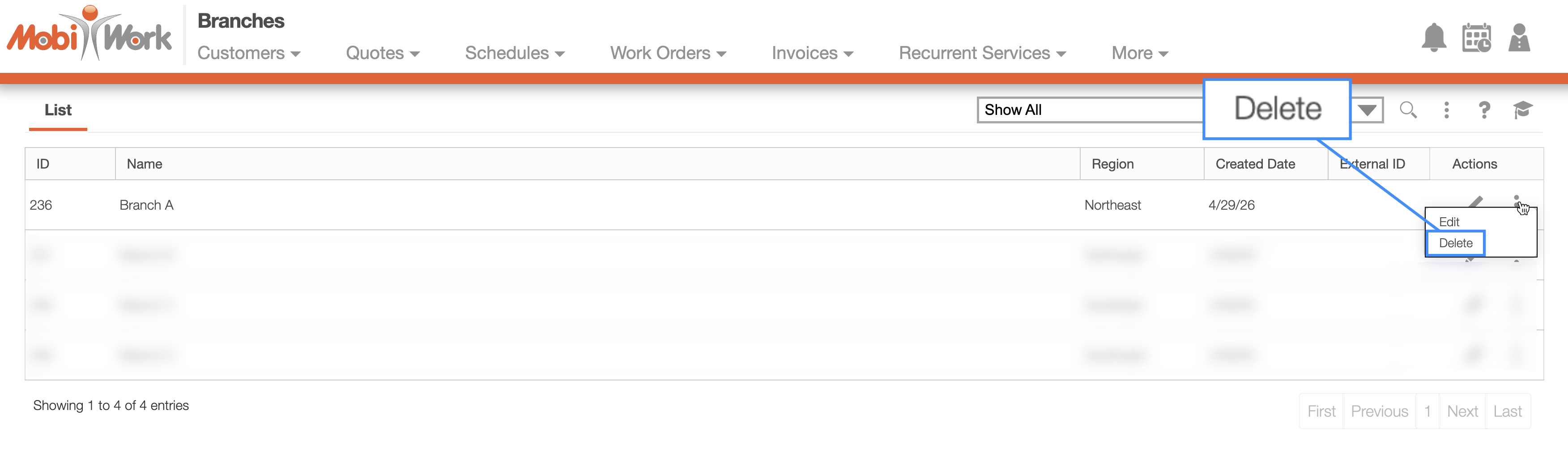
You will be able to access the delete actions for the branch, when right-clicking on the selected branch or by clicking on the Individual Actions button.

From the drop-down select the "Delete" option to permanently delete the branch.

Deleting a Branch

Once you select the "Delete" option from either the right-click or Individual Actions drop-down, the selected branch will be removed from MobiWork.

Note: Please note if the branch is deleted, then any entities associated with the branch will be updated to have the "Not Applicable" value.