Android Review Steps
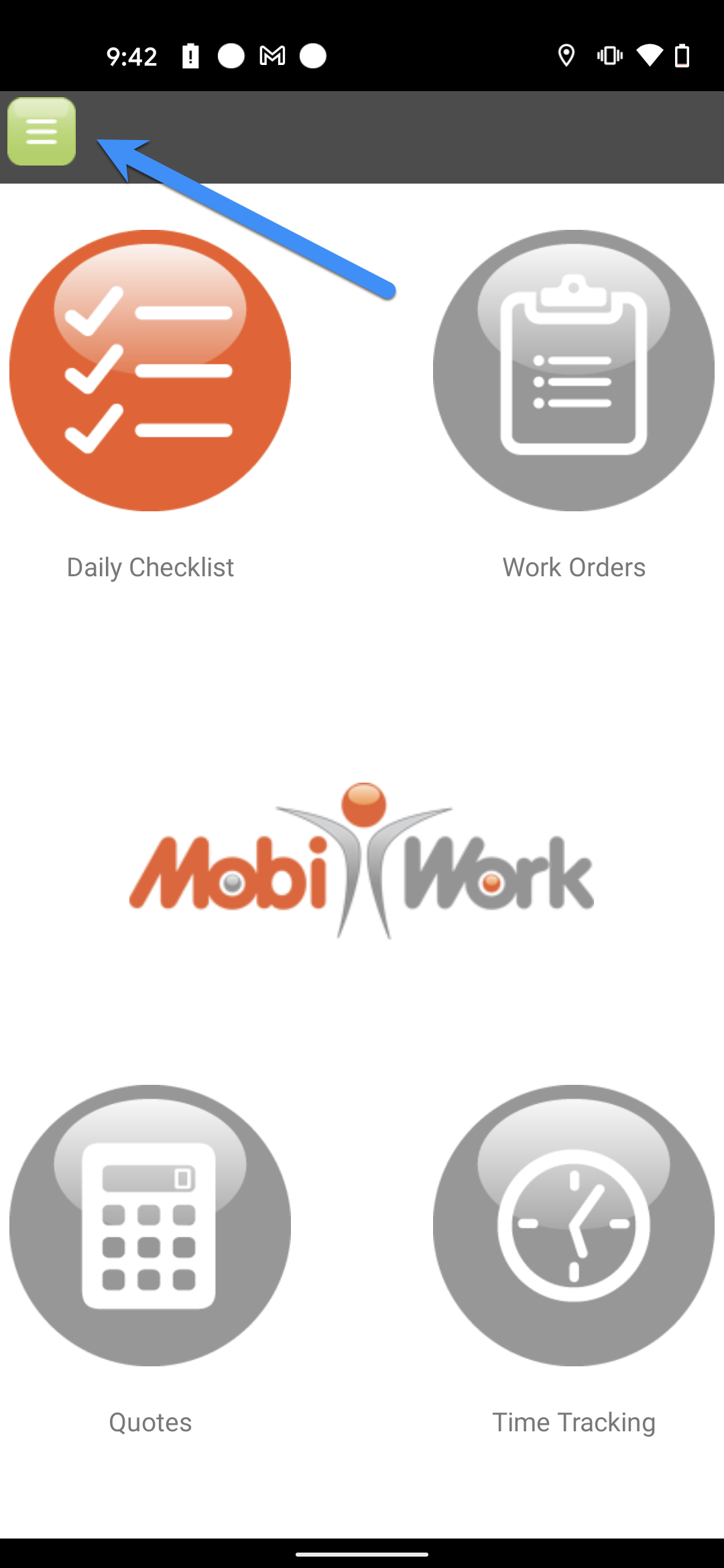
- From the home screen, select to open the features list panel using the three-horizontal lines icon located in the top left corner of the device.
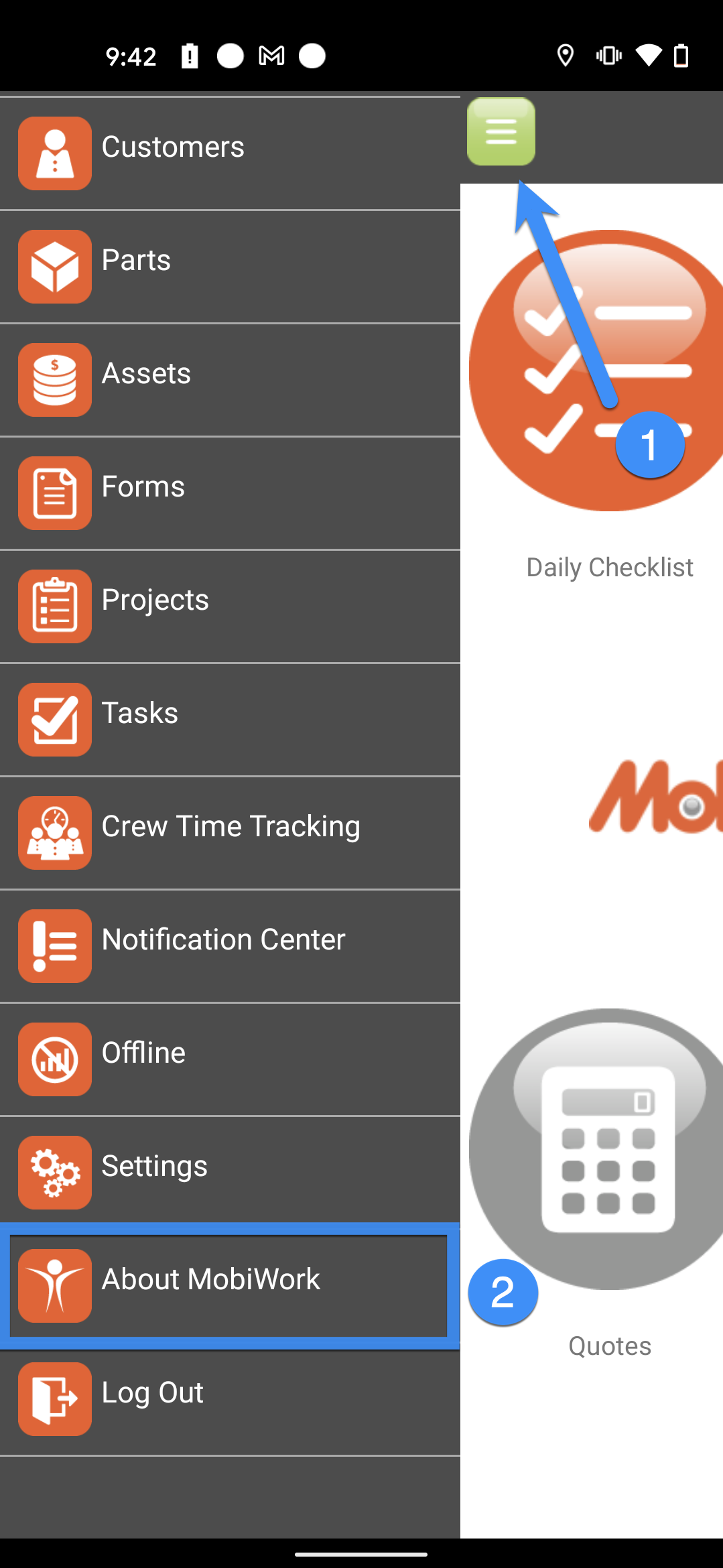
- In the list provided, choose About MobiWork.
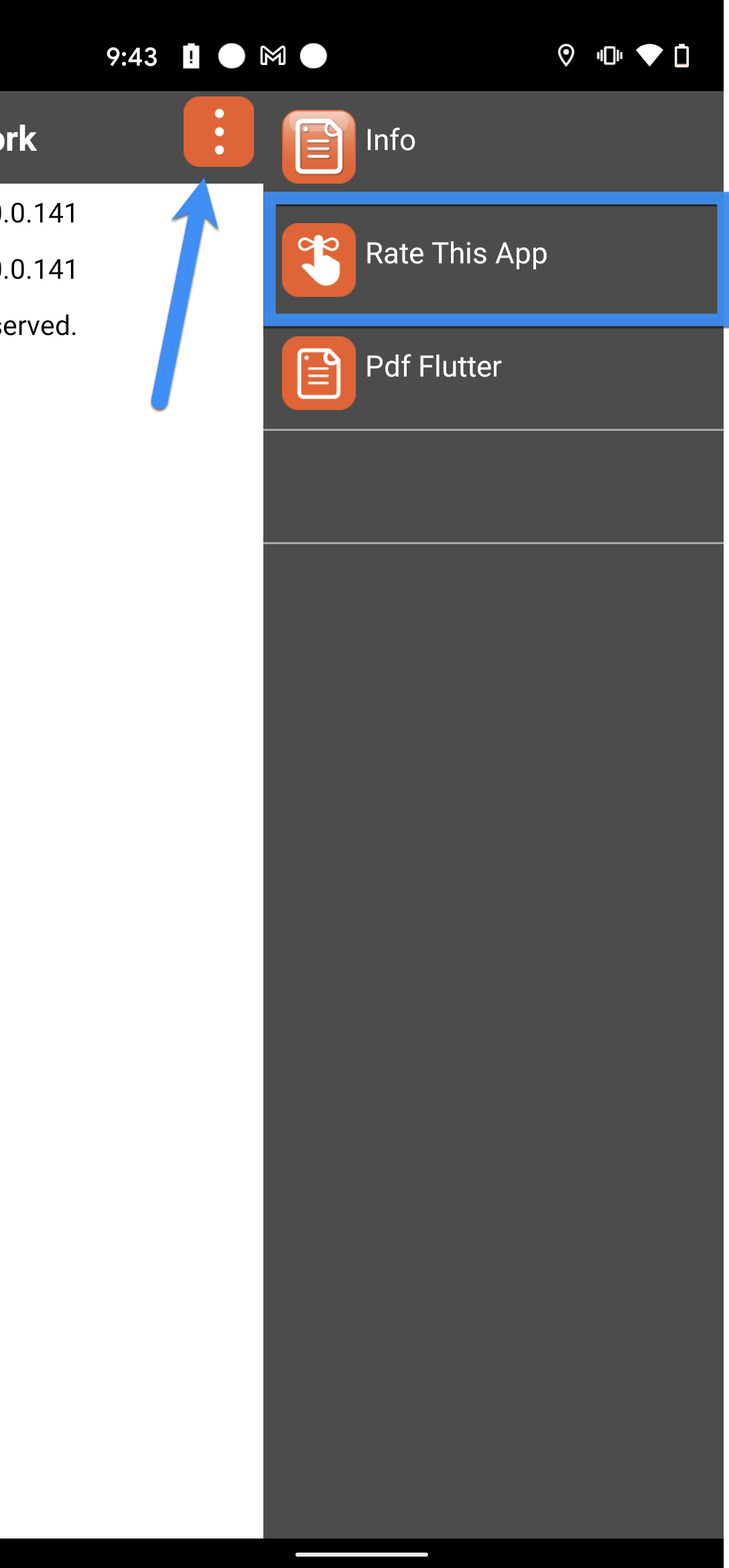
- In the top right corner, select the three-vertical dots icon to open the option to Rate This App.
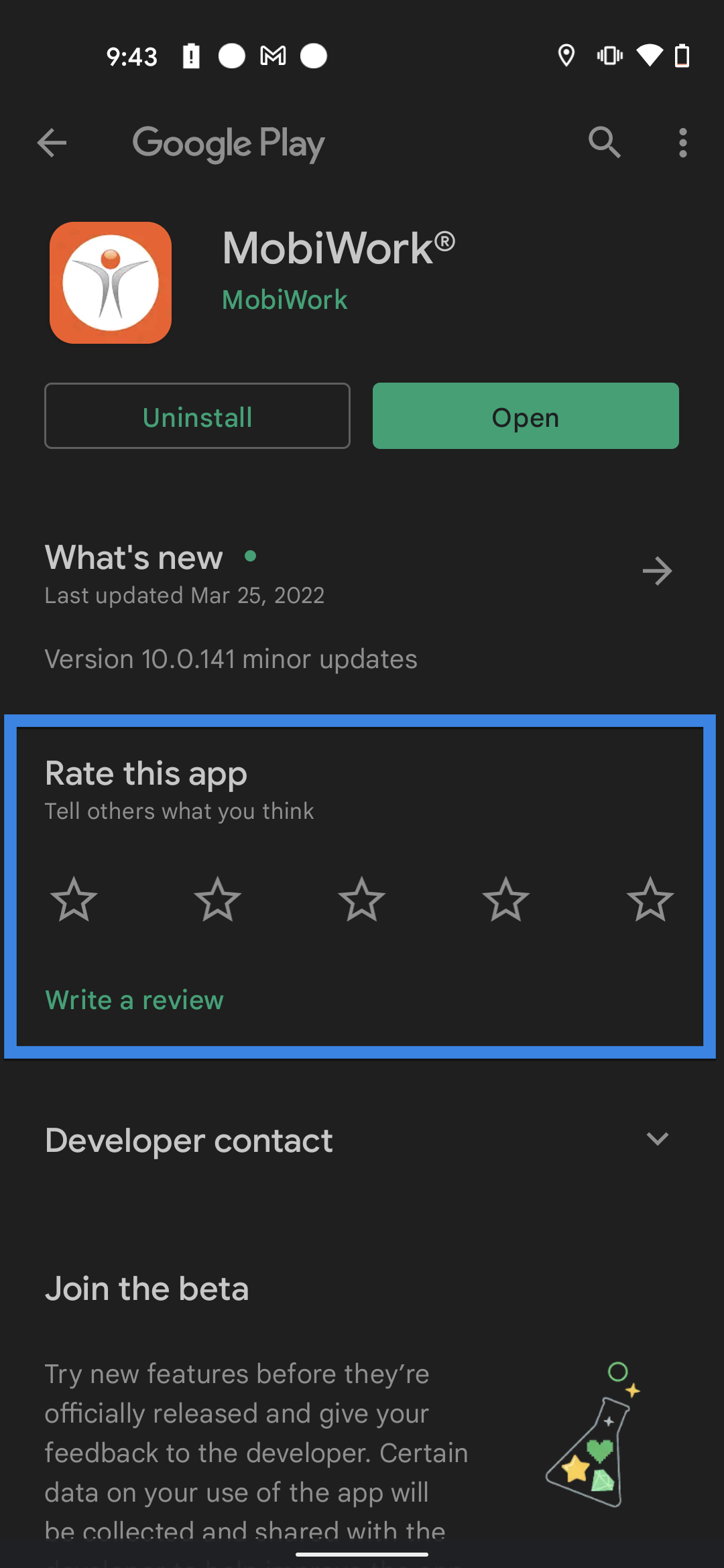
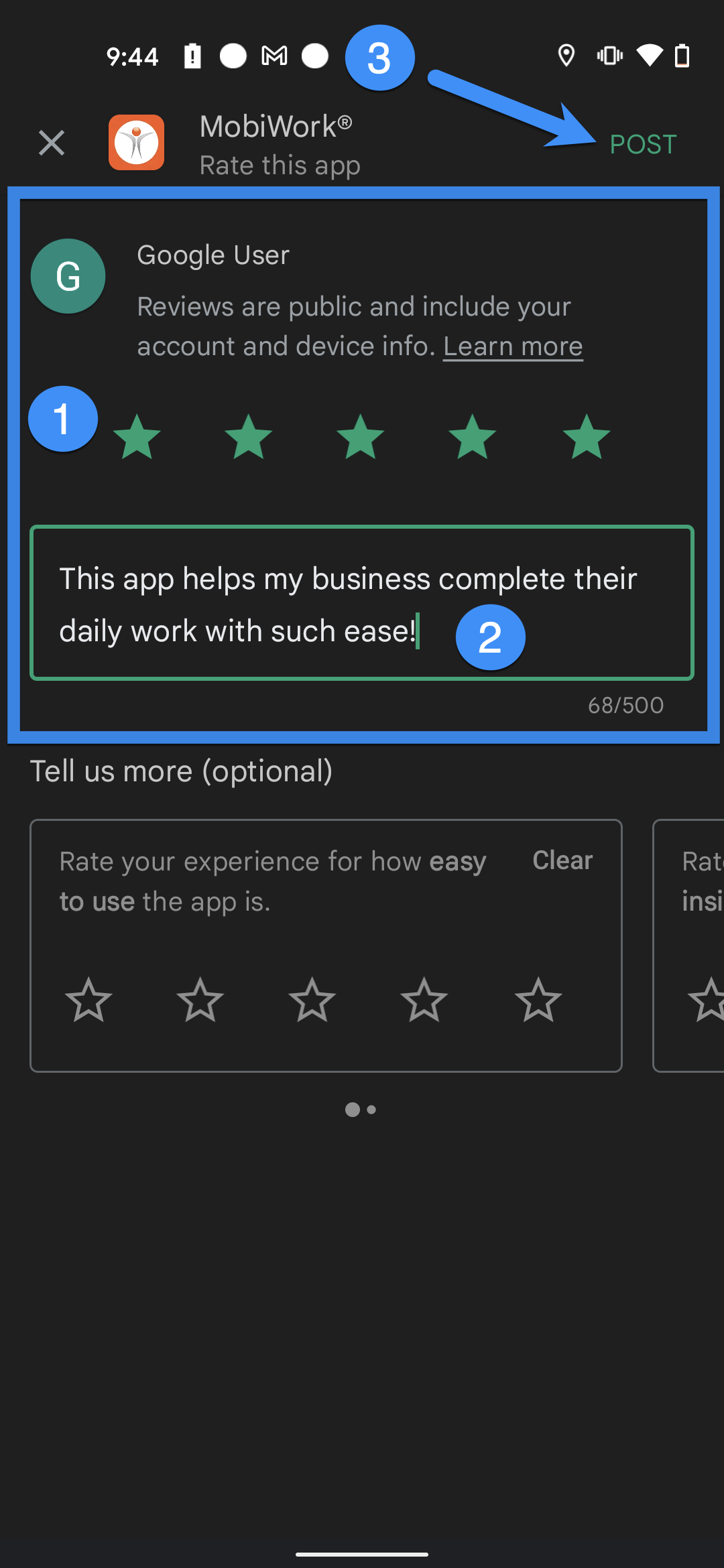
- The device will open the Google Play Store to allow the user to rate the application (out of 5 stars). To add additional text to your review, simply tap the Write a Review link beneath the star rating.
- Once you are finished, tap Post to add your review.