
To enable the Back tile on your Android device, you will need to activate the feature in your Android Settings page. First access the Settings page of your respective Android device. Once there, you can search for the following terms, "Gestures," "System Navigation," or "Navigation Bar." The exact name may vary depending on your device manufacturer:
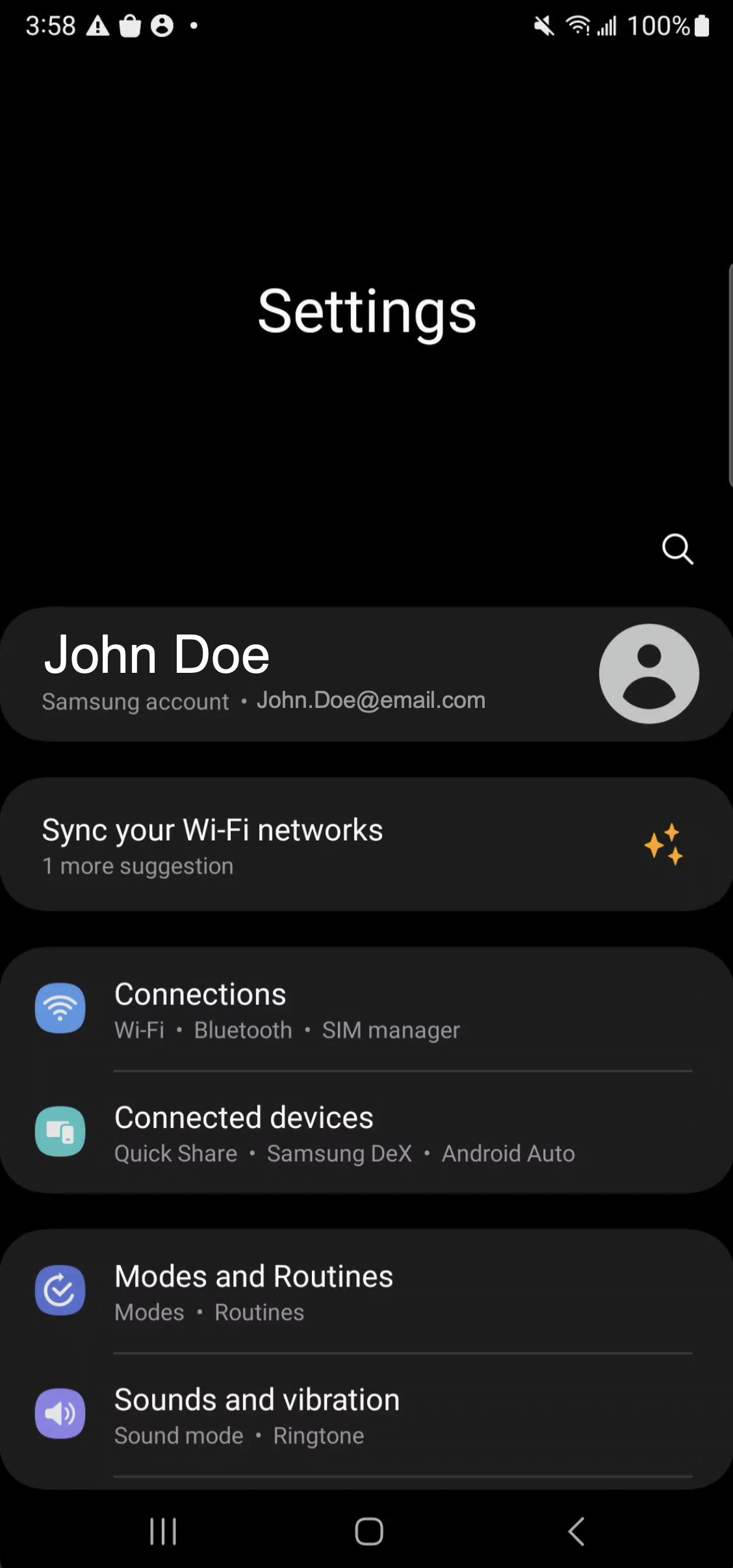
In our example, we were directed to the Navigation Bar settings:
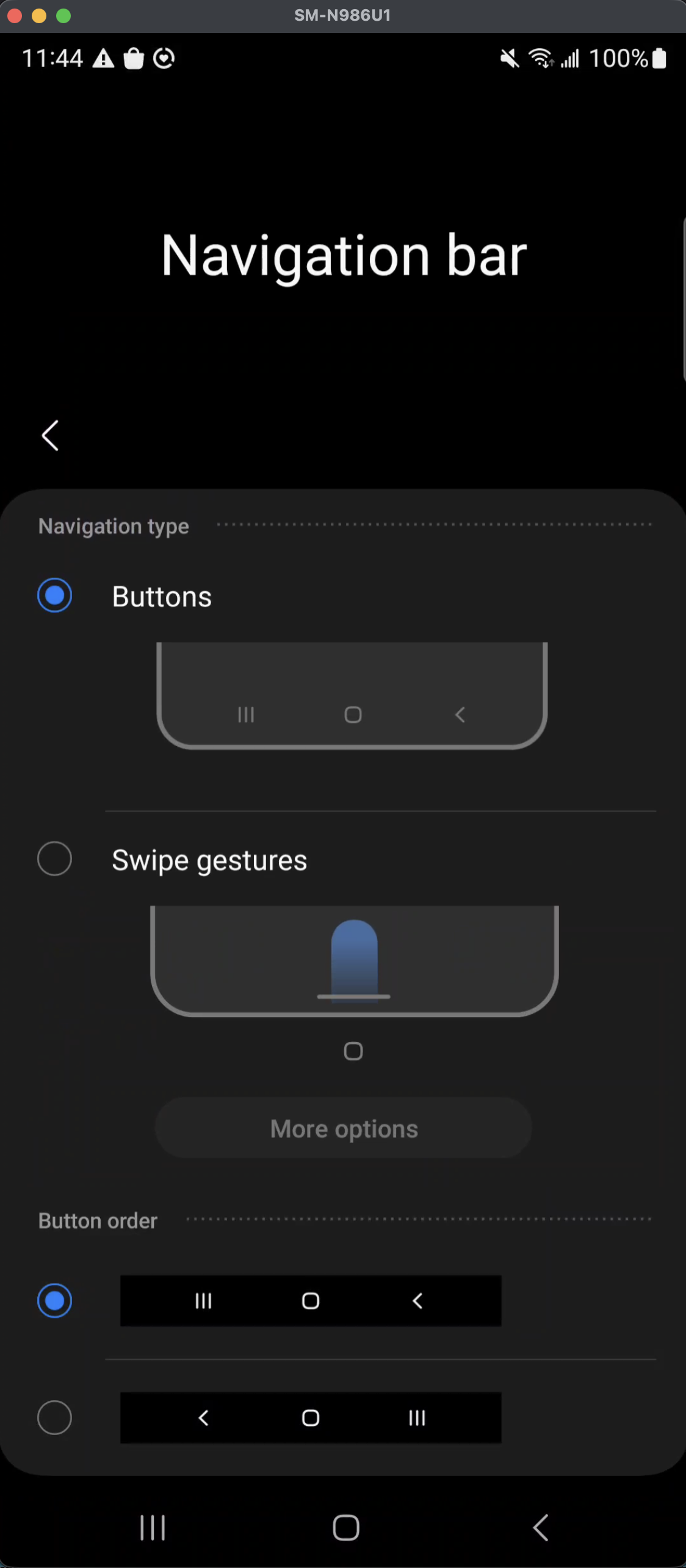
After you locate the exact term, you can select your preferred navigation method. You can choose either to use the buttons or swipe on the screen to navigate back on your device.
If you select the Buttons option, you can further customize the layout and order of the navigation buttons displayed at the bottom of the screen. Once enabled, the Back tile can be used to easily navigate to the previous screen within MobiWork and other applications.
The View Device pop-up window has been enhanced with MobiWork's latest user interface, providing a more modern and streamlined experience:
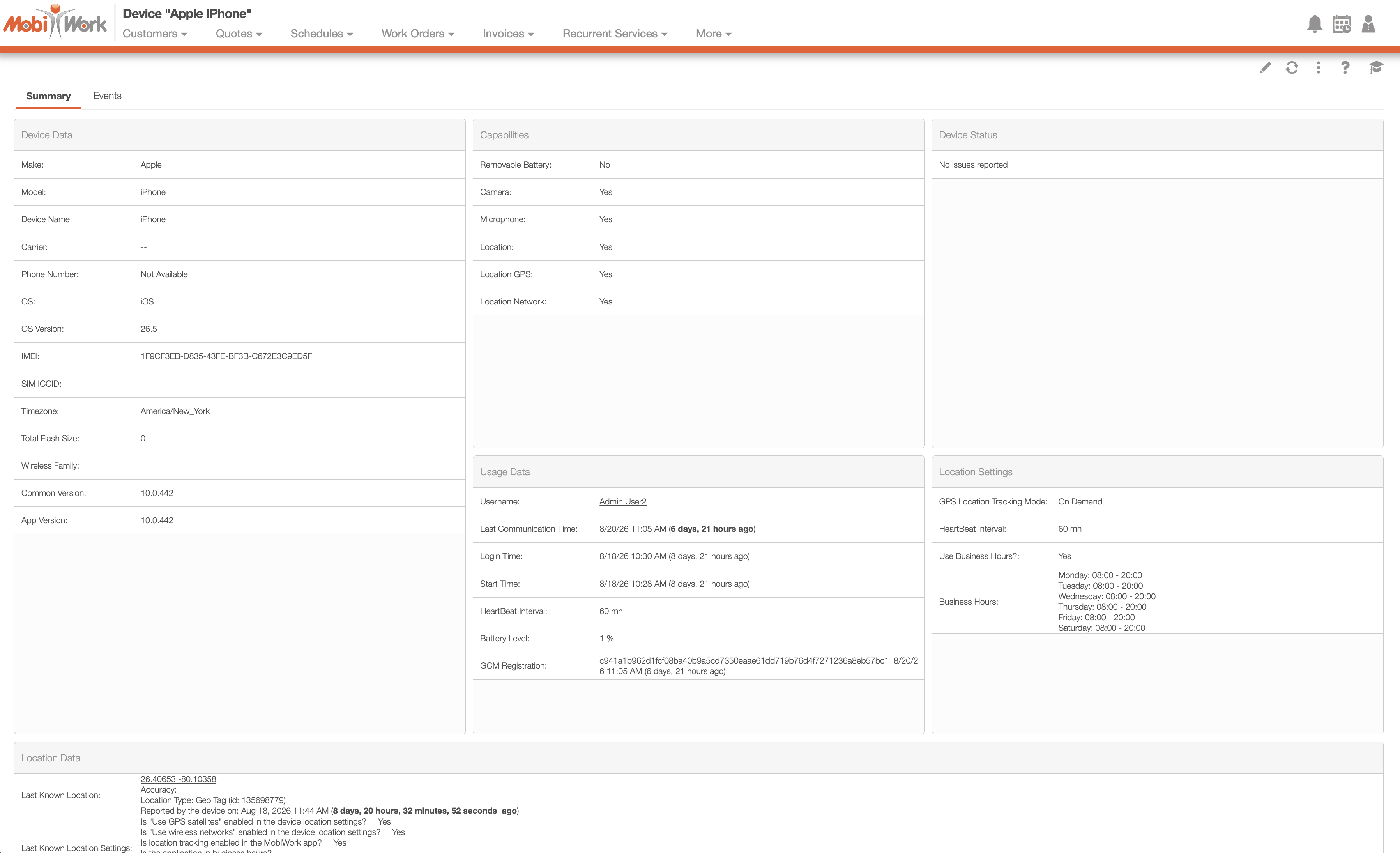
All of the essential information available in the original interface remains accessible in the updated design. Device information, usage data, location settings, and location details are now organized within a sleek, intuitive layout that makes it easier to navigate and quickly find the information you need.