Location Navigation Review Steps
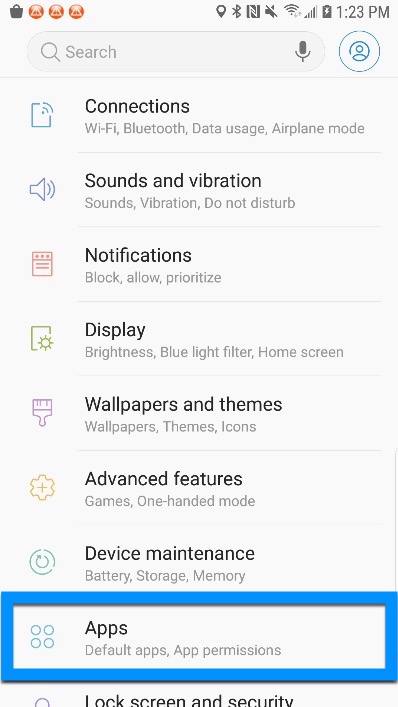
- Open your Device Settings.
- Navigate down to Apps (or Application Manager).
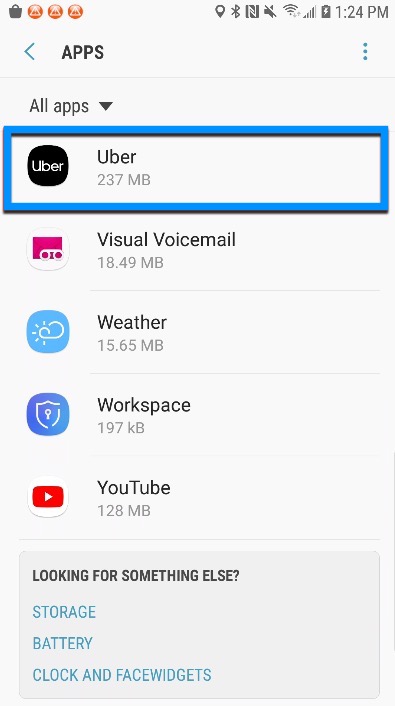
- Find the Uber application and select it.
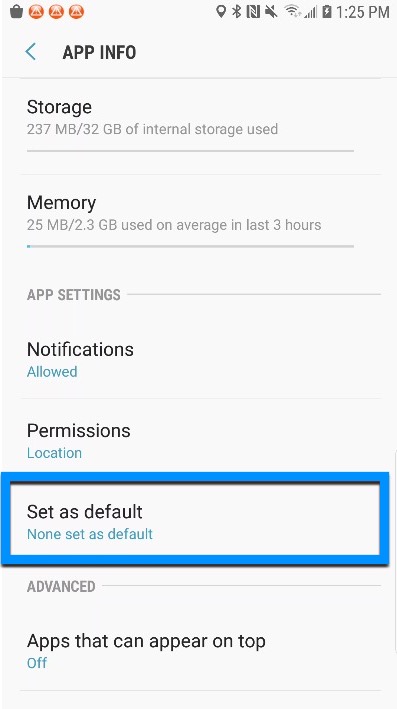
- Scroll down to App Settings > Set as default.
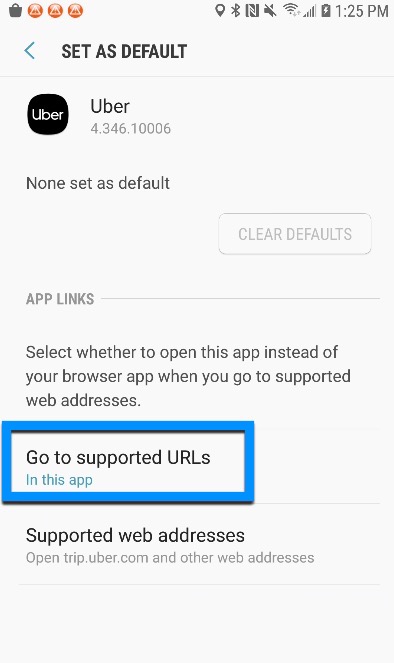
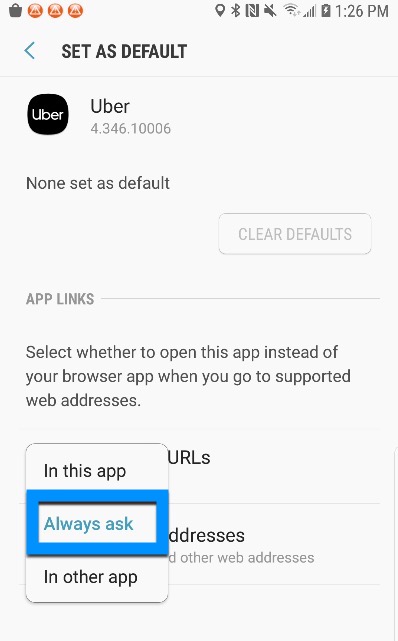
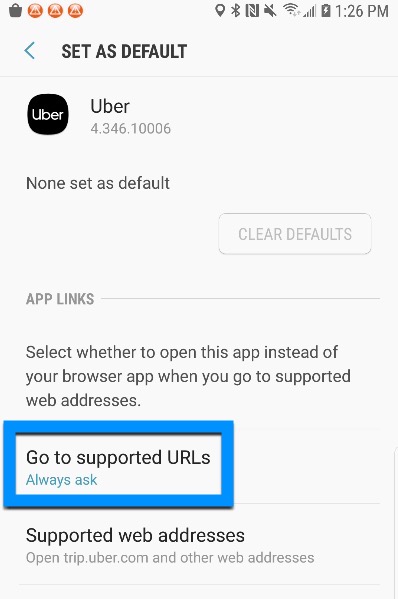
- Tap on Go to supported URLs.
- Change the selection to Always ask.