Overview

When selecting to view a Customer Address from either a Customer Profile or Work Order View, MobiWork will open up the Uber application.

This action occurs because of a setting within the Uber application itself.

Setting Uber App Permissions
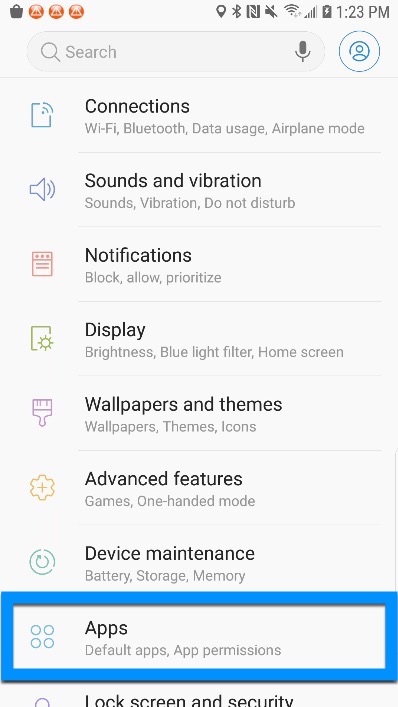
  1. Open your Device Settings.
  2. Navigate down to Apps (or Application Manager).
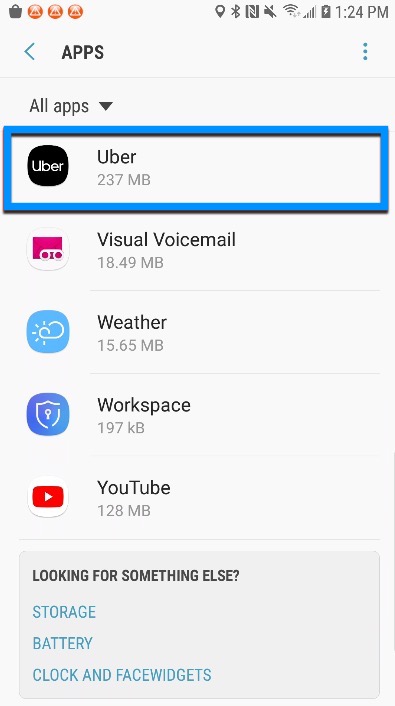
  3. online-help.platform.faq.location_uber.body4
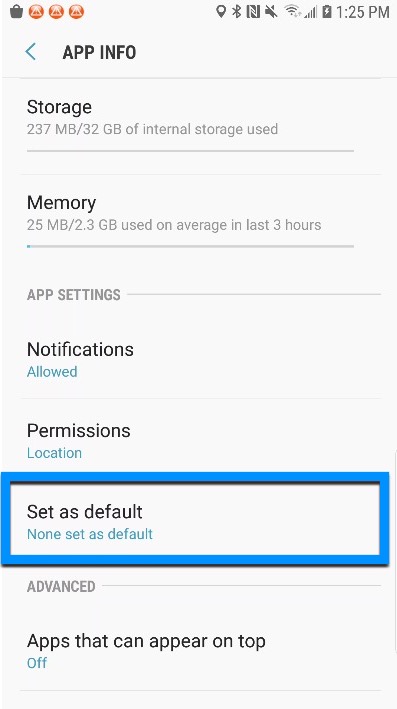
  4. Scroll down to App Settings > Set as default.
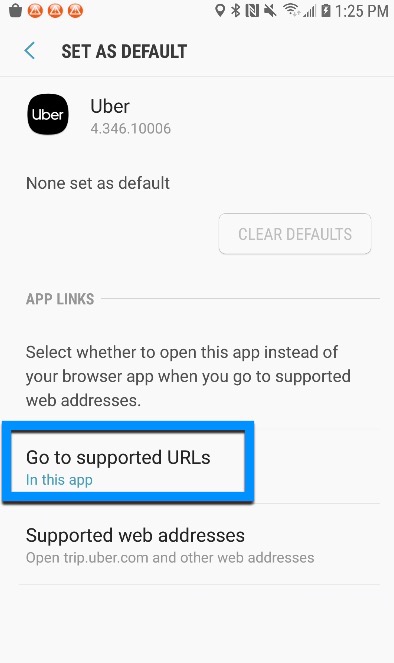
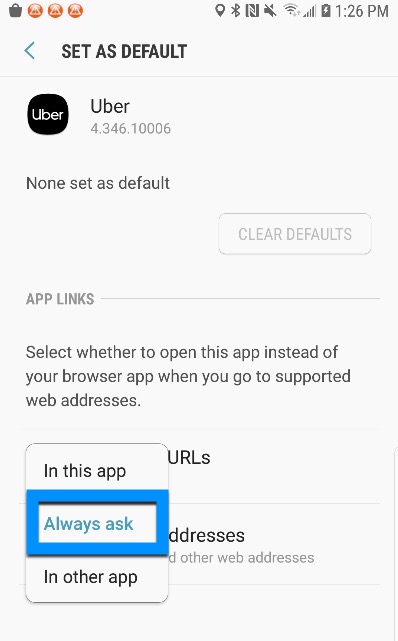
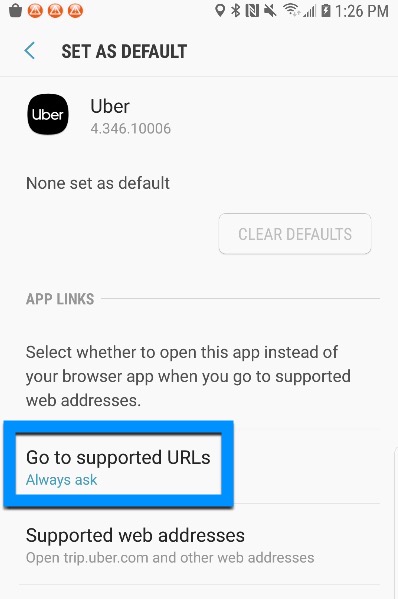
  5. Tap on Go to supported URLs.
  6. Change the selection to Always ask.