Apple iOS Review Steps
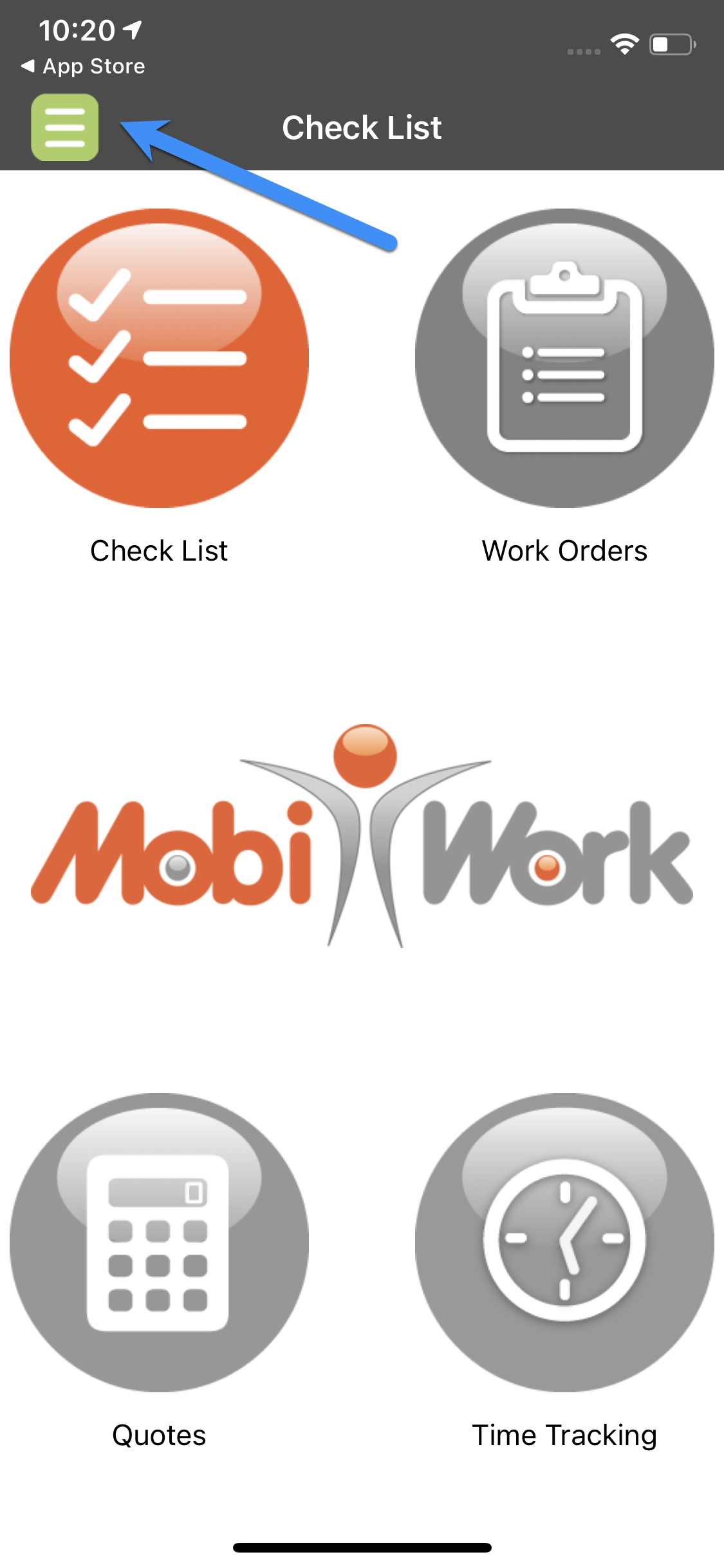
- From the home screen, select to open the features list panel using the three-horizontal lines icon located in the top left corner of the device.
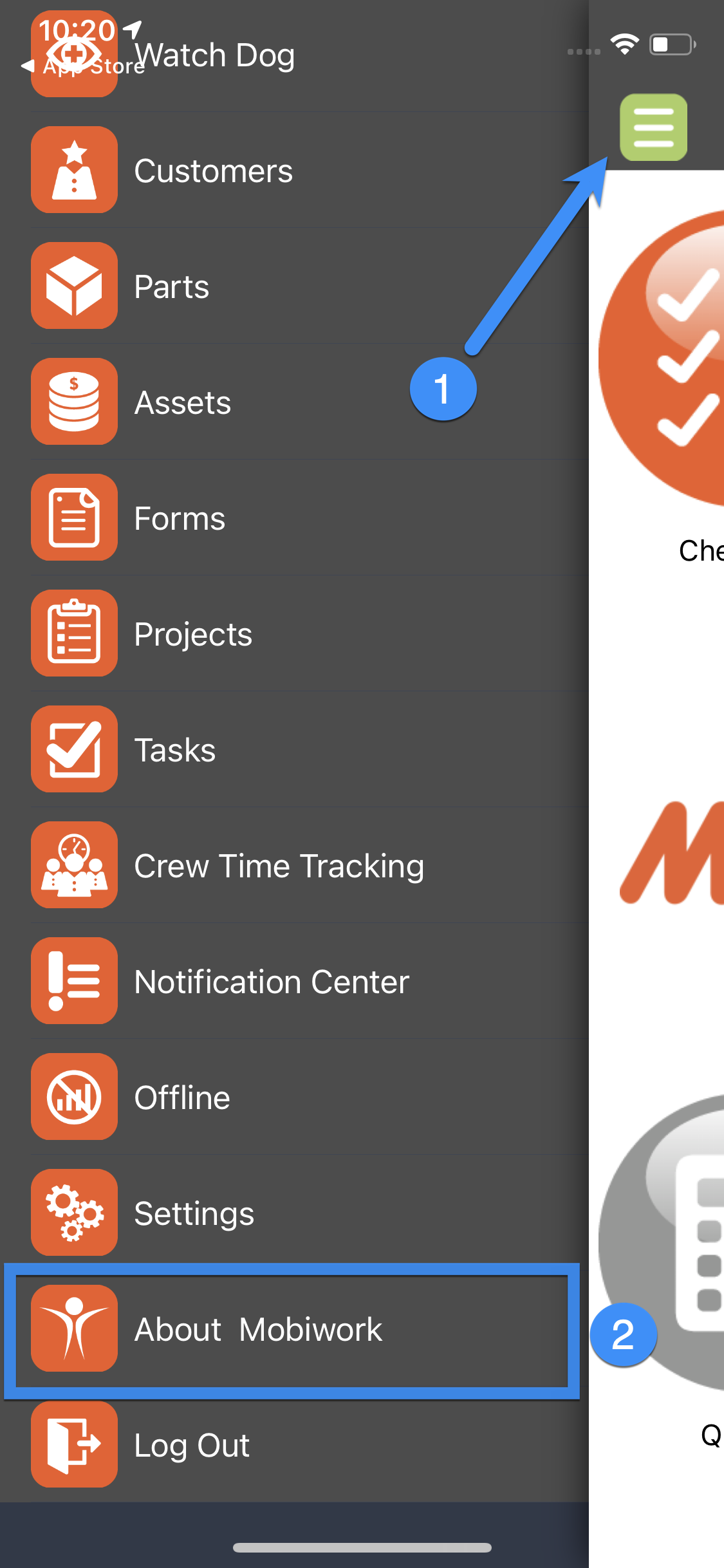
- In the list provided, choose About MobiWork.
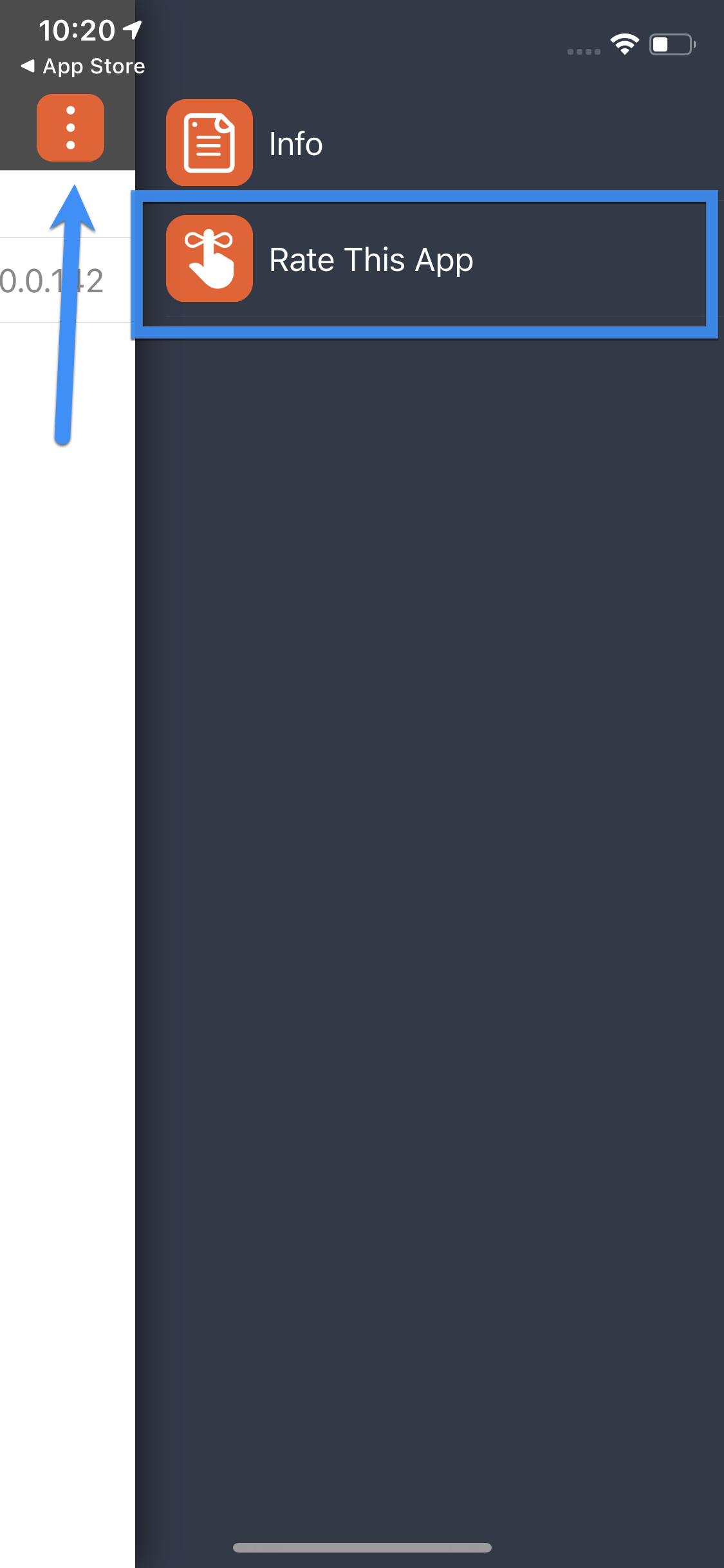
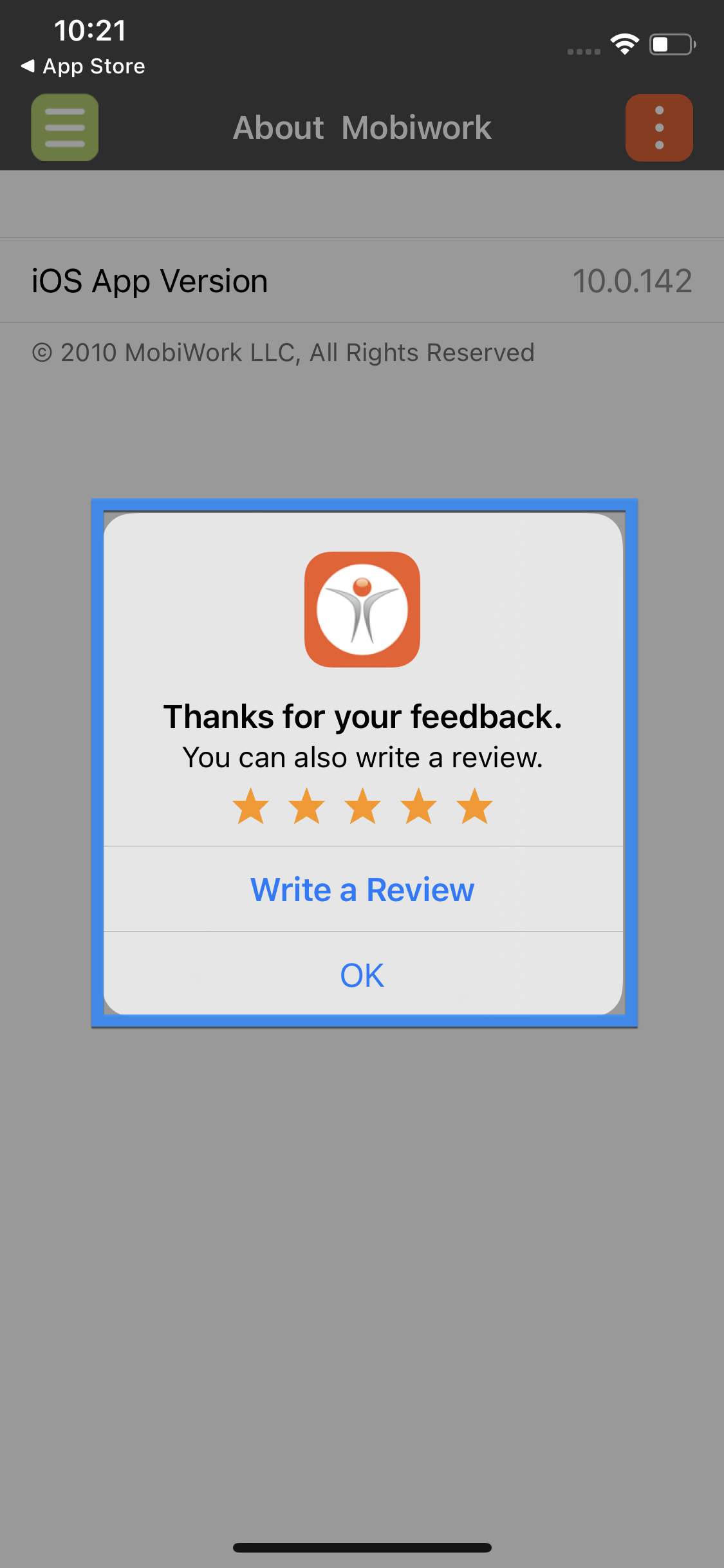
- In the top right corner, select the three-vertical dots icon to open the option to Rate This App.
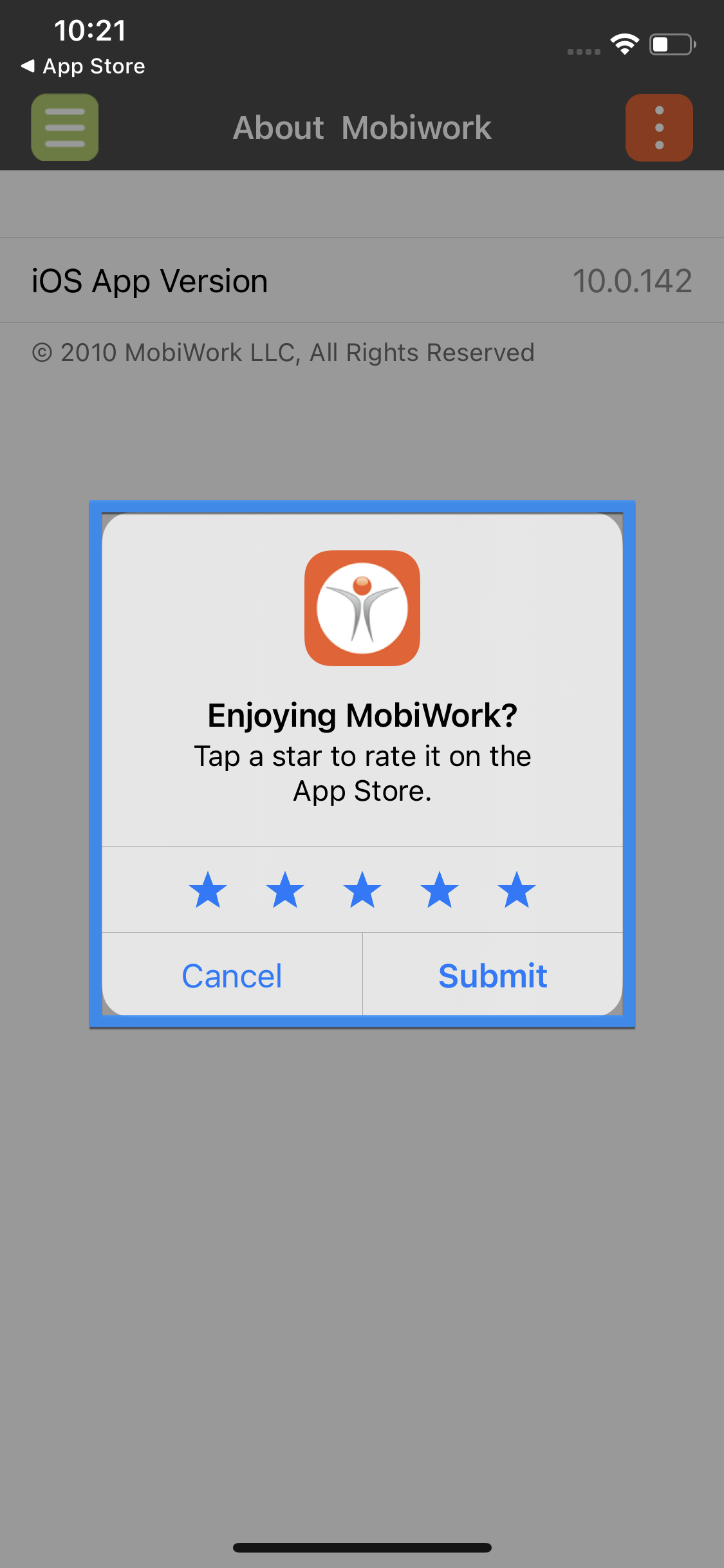
- The device will show a new dialog box to allow the user to rate the application (out of 5 stars).
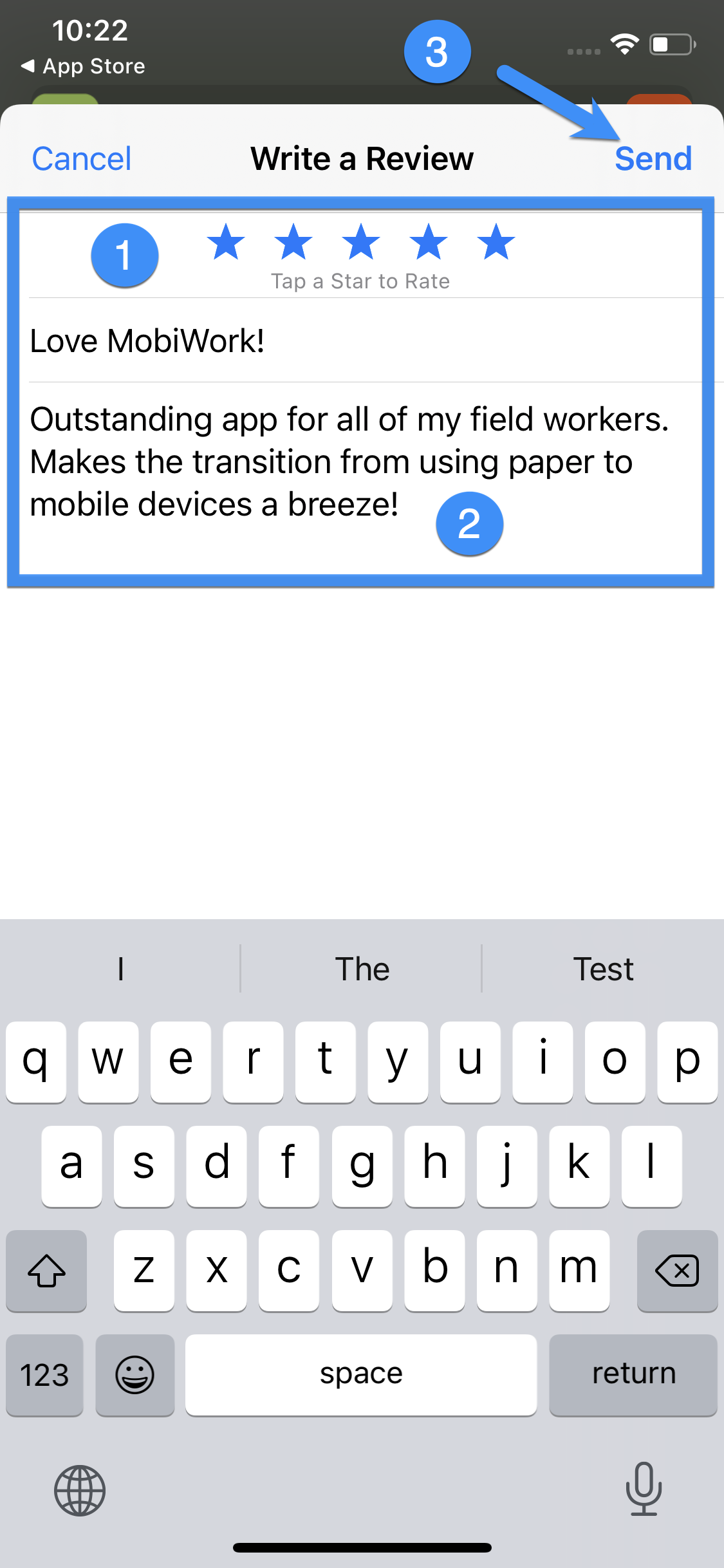
- Once the user selects Submit, they will have the ability to add text to their star selection by tapping Write a Review.
- Once you are finished, tap Send to add your review.