Import Product Inventory From Web
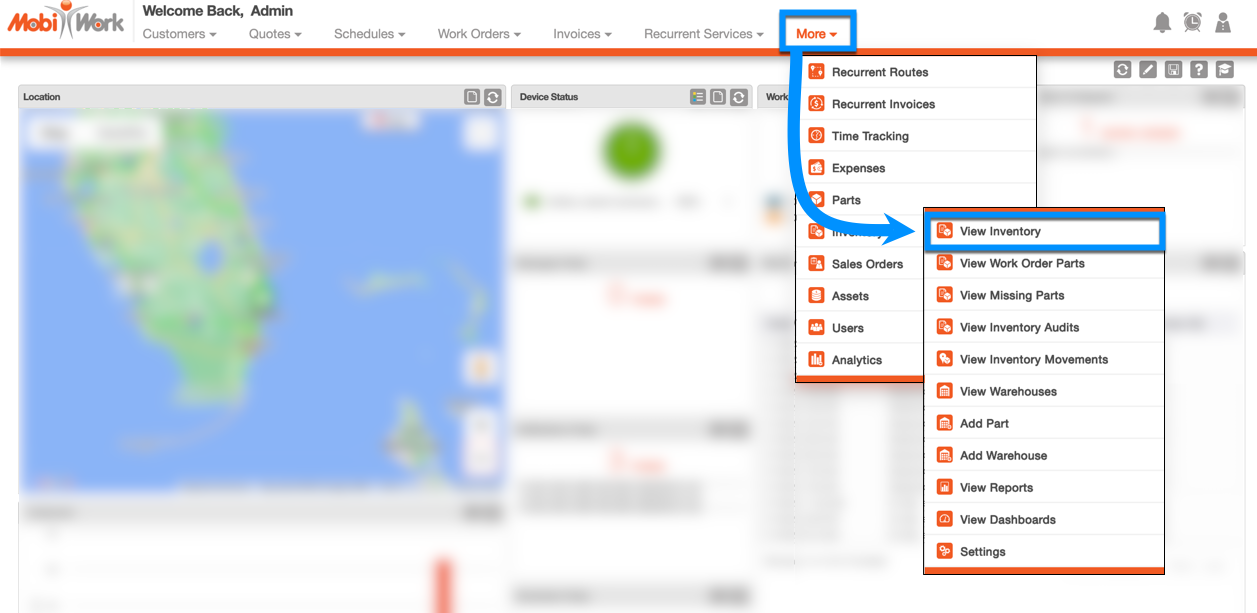
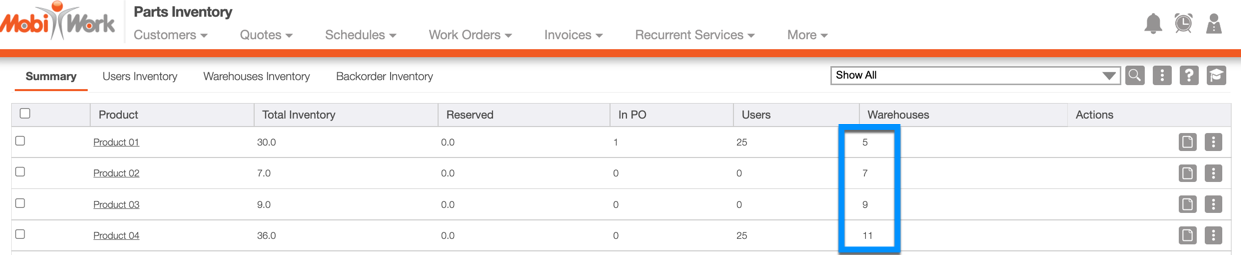
- Hover over the Inventory feature from your MobiWork menu, and click on the "View Inventory" option:
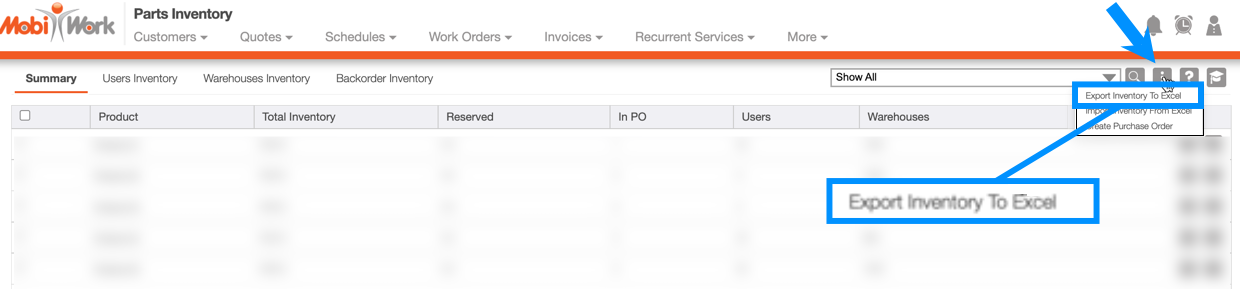
- Click on the More Actions button, and from the drop-down select the "Export Inventory to Excel:"
- This will download the generic Product Inventory Excel template; make any changes as needed directly to the Excel document:
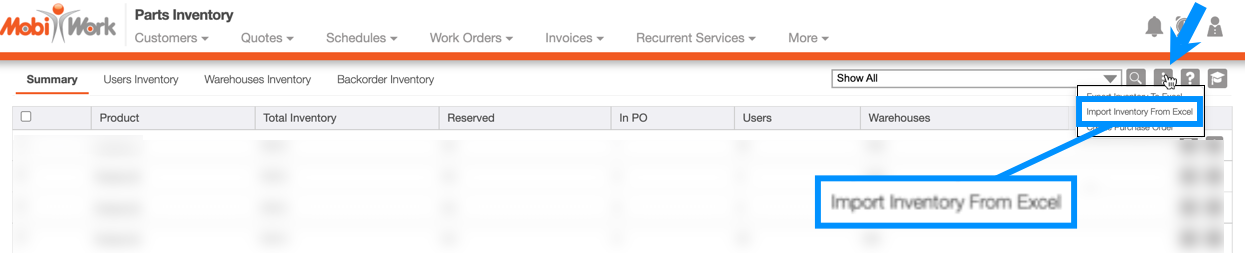
- After you save the changes to your Excel document, import the updated Excel file using the "Import Inventory From Excel" option from the More Actions drop-down:
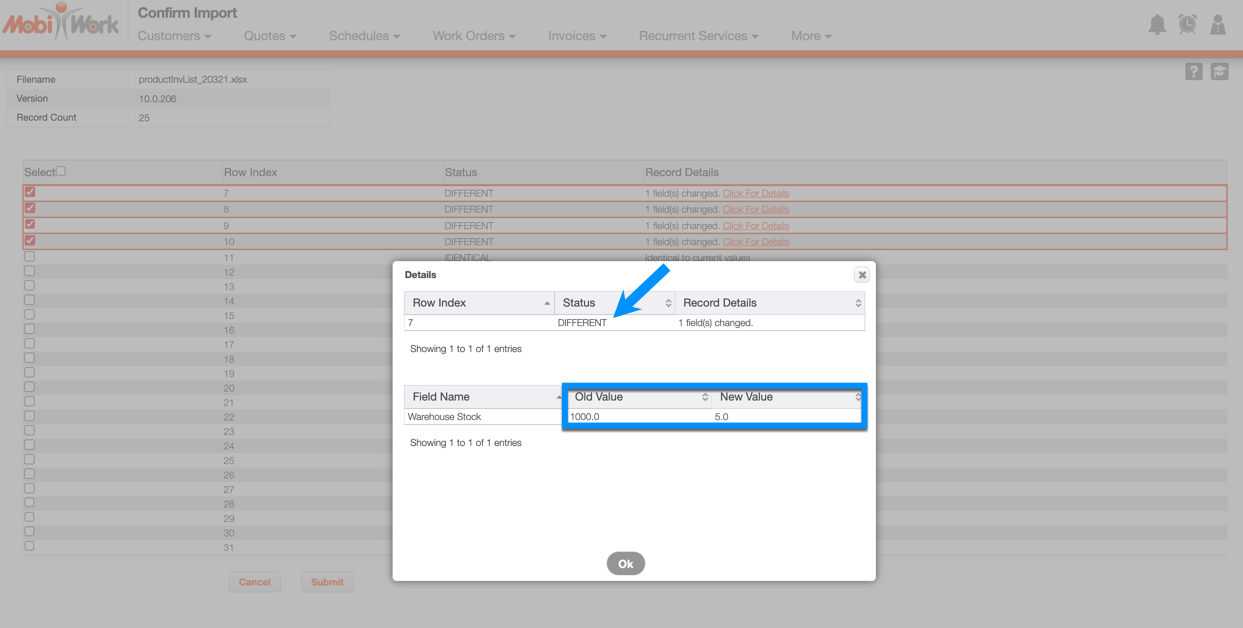
- On the Import Validation screen, you can click on the Click for Details link for each Product to view the changes made:
- After Submit is selected, the Product Inventory will be updated: