
Recurrent Service Tags
In the "View Recurrent Service" pop-up window, the "Summary" panel includes a field for tags:
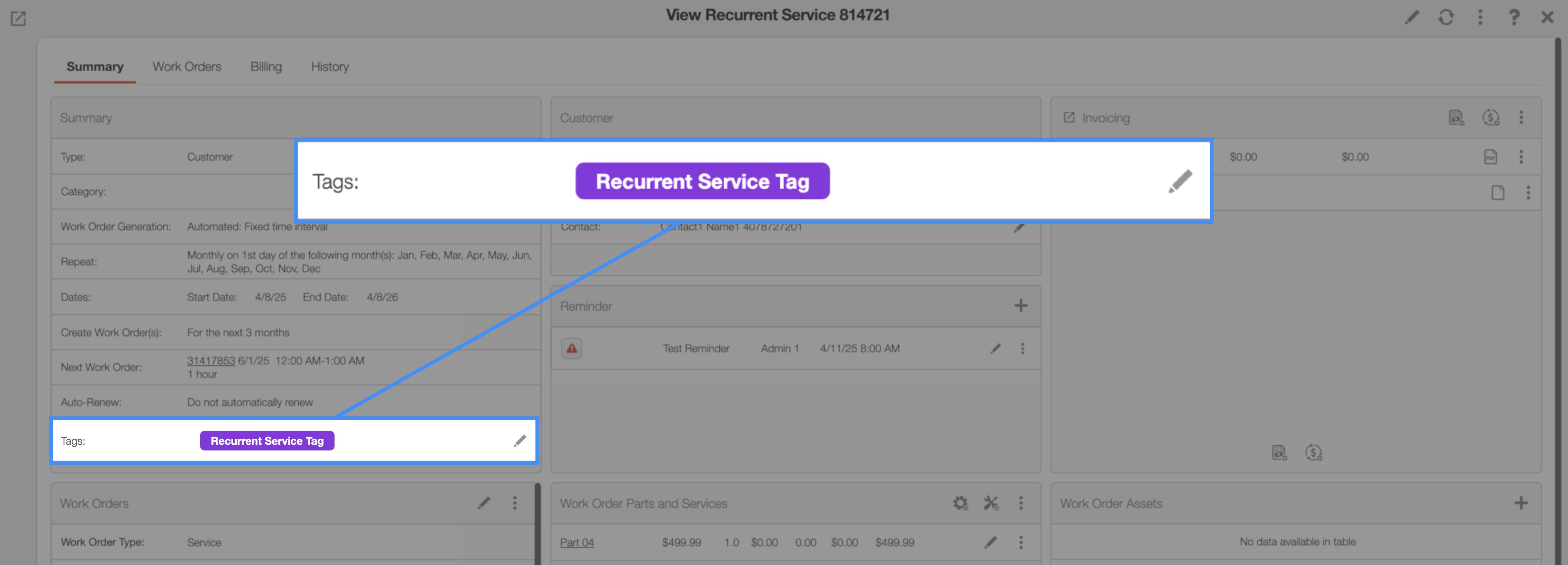
These tags apply to the entire recurrent service and act as visual markers for custom statuses or categories. They help improve organization by making it easier to identify, filter, and manage specific recurrent services at a glance.
Work Order Tags
In the "View Recurrent Service" pop-up window, you will find a "Work Orders" panel that includes a field for work order tags:
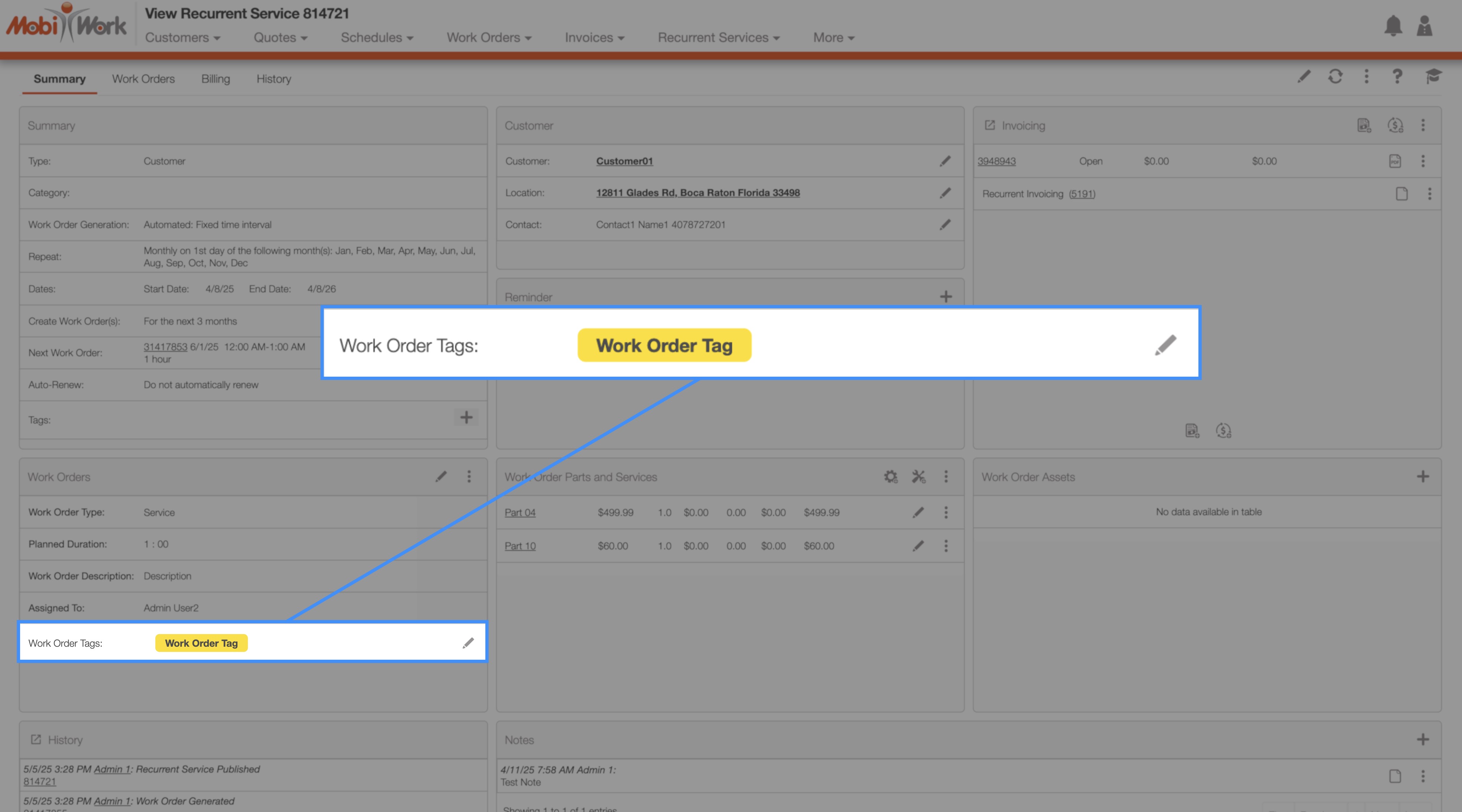
These tags are applied to individual work orders and serve as visual indicators of custom statuses or categories. They enhance organizational clarity by making it easy to identify and filter specific work orders at a glance.