
Daily Weekend Handling
Weekend handling allows you to control how MobiWork manages generated work orders that fall on a weekend. By selecting a weekend handling option, you can determine whether weekend work orders remain scheduled for their original dates or are automatically moved to a weekday.
This feature helps you maintain consistent scheduling and ensure that recurrent services are handled according to your operational requirements.
To set up weekend handling for daily recurrent services, first access the Add Recurrent Service or Edit Recurrent Service pop-up window:
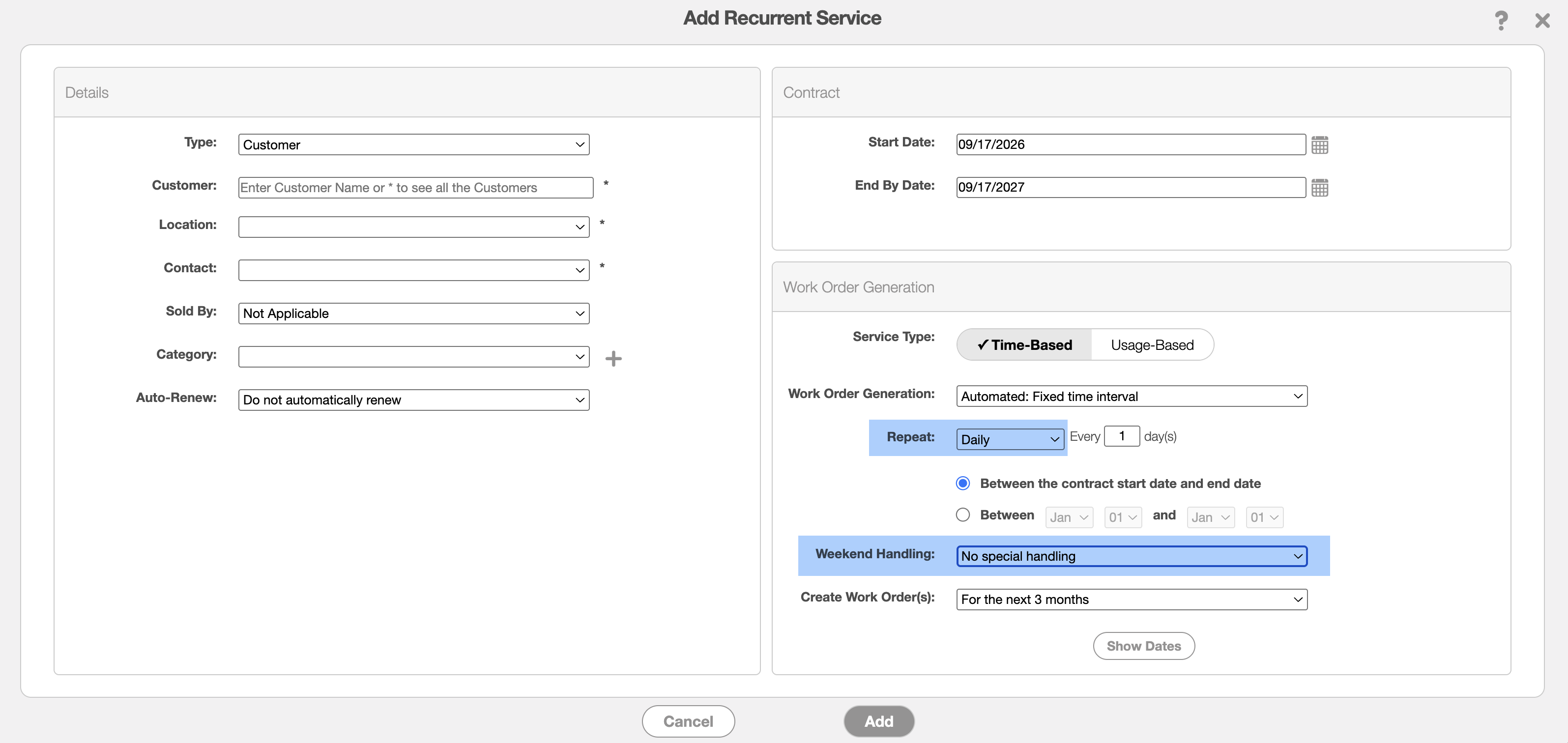
Then, select "Daily" option from the "Repeat" drop-down. From the "Weekend Handling" drop-down, select the desired option.
Once the selection has been chosen, you can save your changes.