Not only can you leave reviews about MobiWork directly from your mobile device, but you can also leave a review on Google.
This step-by-step tutorial will help get your Google review published so that it's seen by other buyers like you.
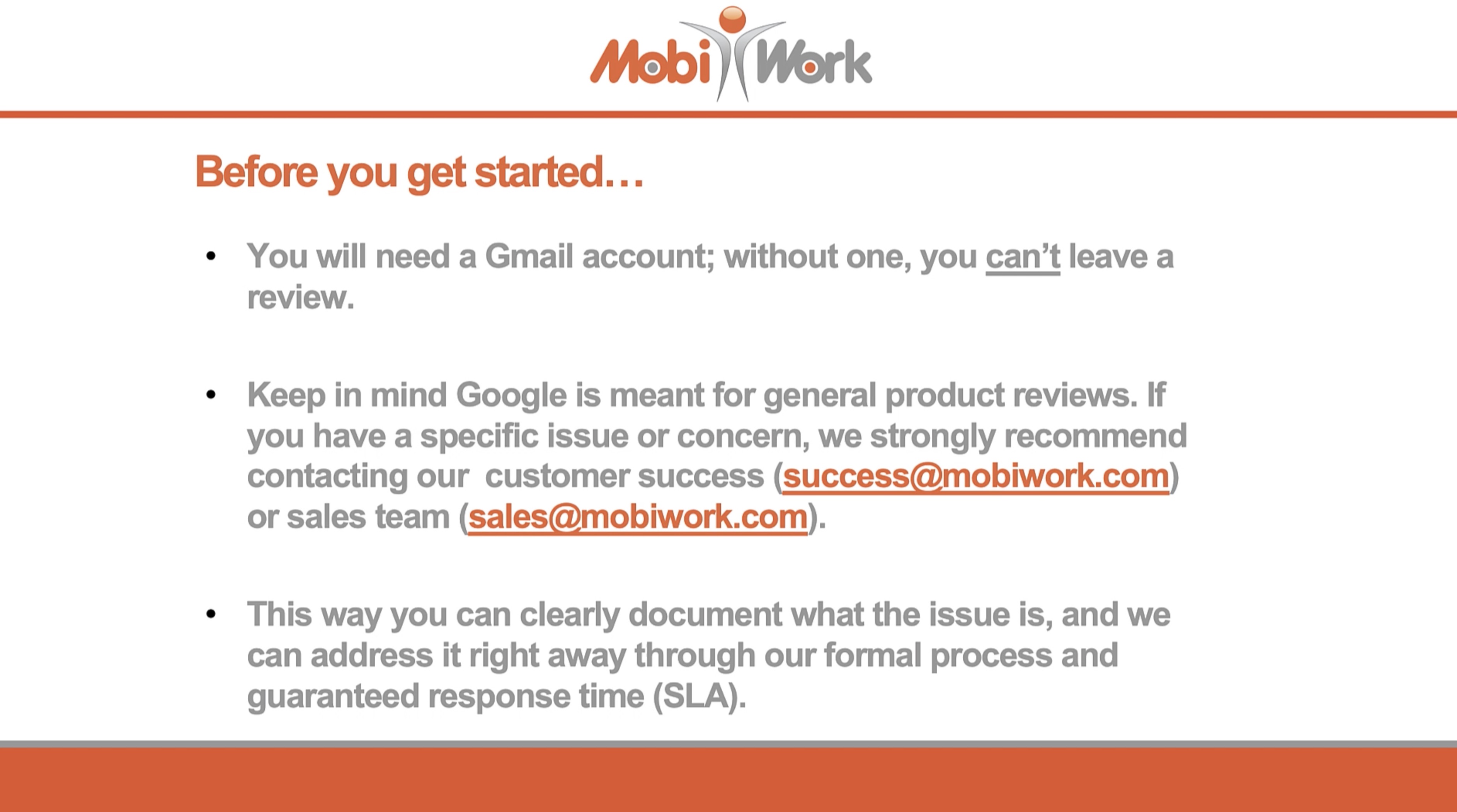
Before we get started, please review the message below:
Overview Video
Step by Step
STEP 1: Navigate to MobiWork through Google
There are several ways that you can navigate to MobiWork's Google profile:
- You can type in MobiWork LLC. in the Google search engine
You can click on the following link: Google: MobiWork
- Or you can scan the QR code below:

STEP 2: Click on the Google Reviews
Once you are on the Google search results, there are two ways you can access the Google Consumer Review page:
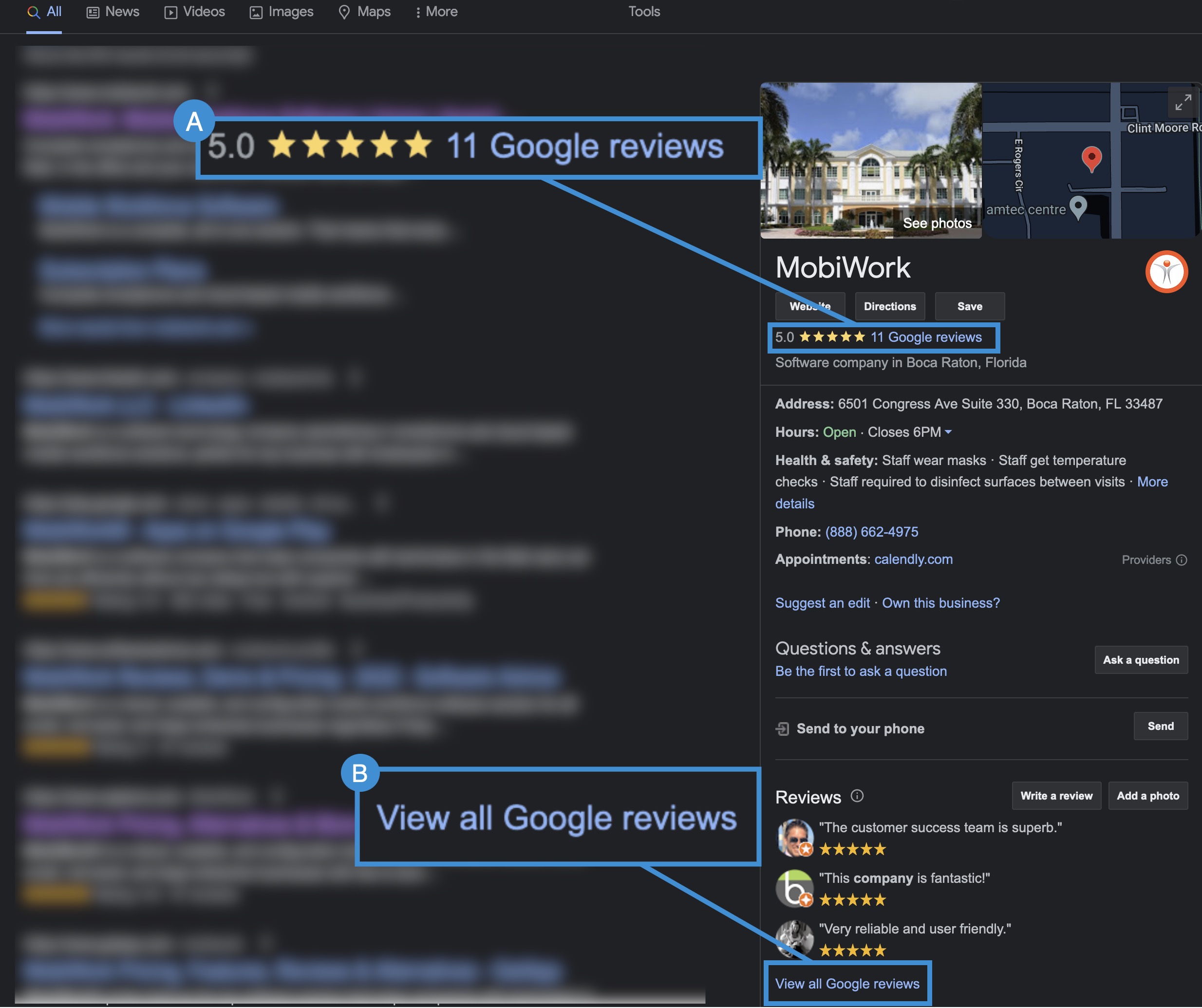
You can click on the Google Reviews hyperlink under the image and map-view.
Or you can click on the View all Google Reviews hyperlink under the most recent views.
Regardless of the method that you choose, the Review Window will appear:
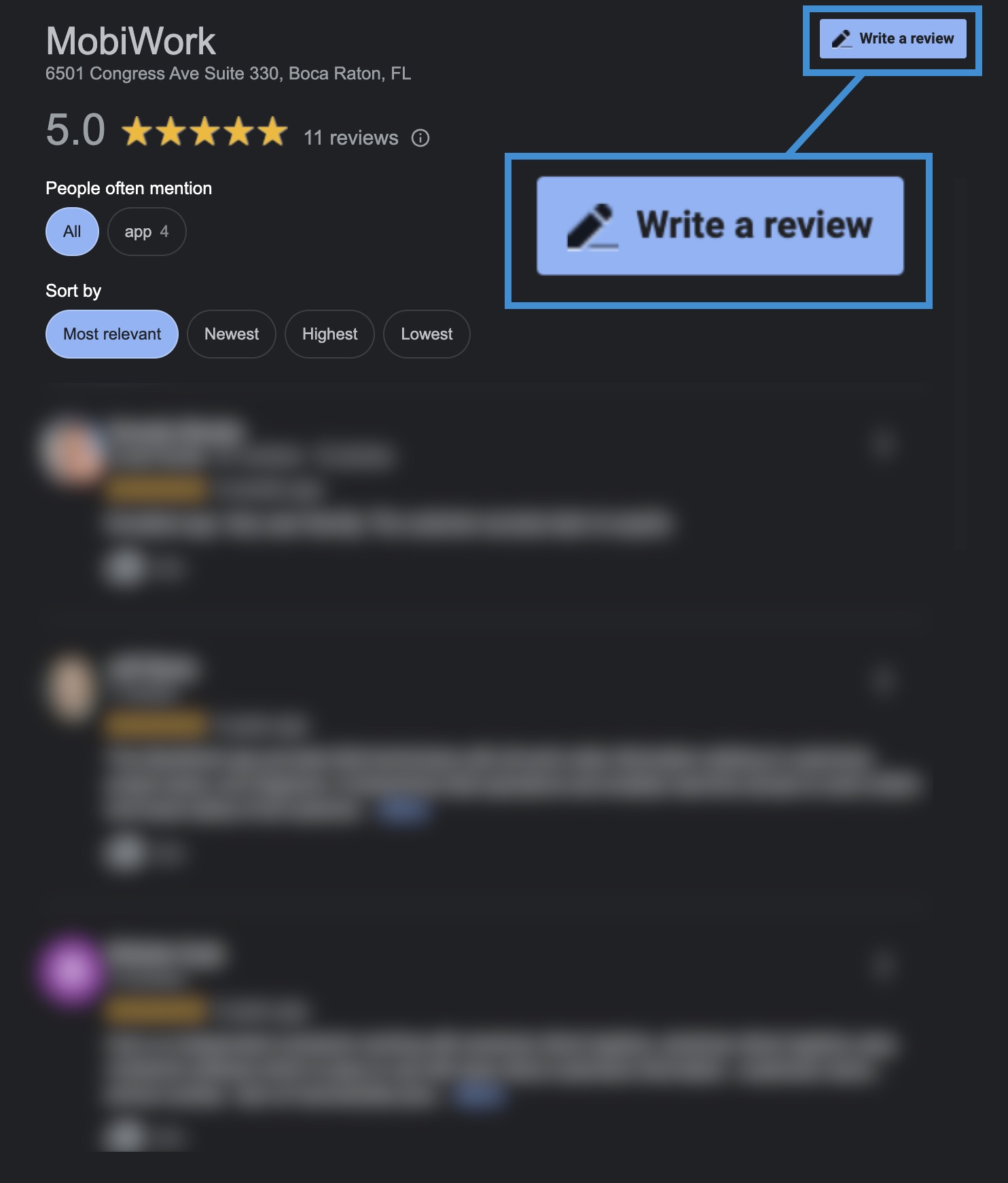
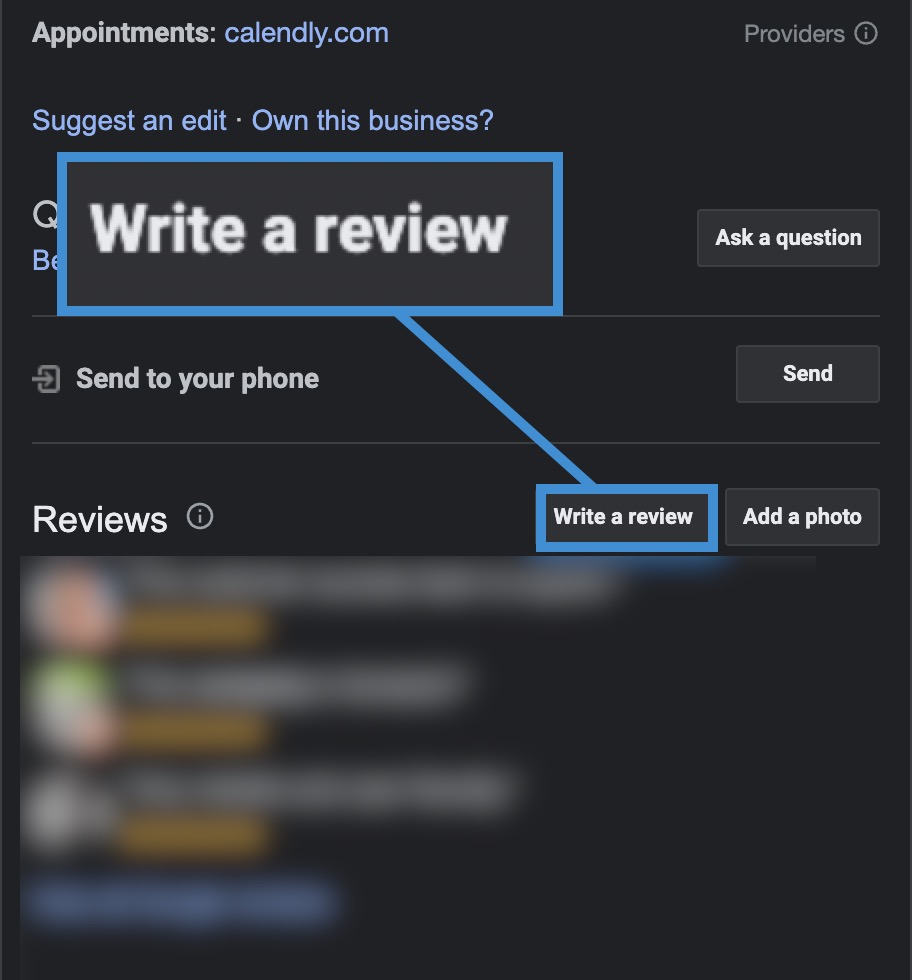
Click on the Write a Review button in the upper right-hand corner.
You can also directly access the Write a Review button from the Google Search page; this button will be level to the Reviews header:
STEP 3: Rate MobiWork With a Star Rating
Select the number of stars you would like to give (with 5 being the best and 1 being the worst):
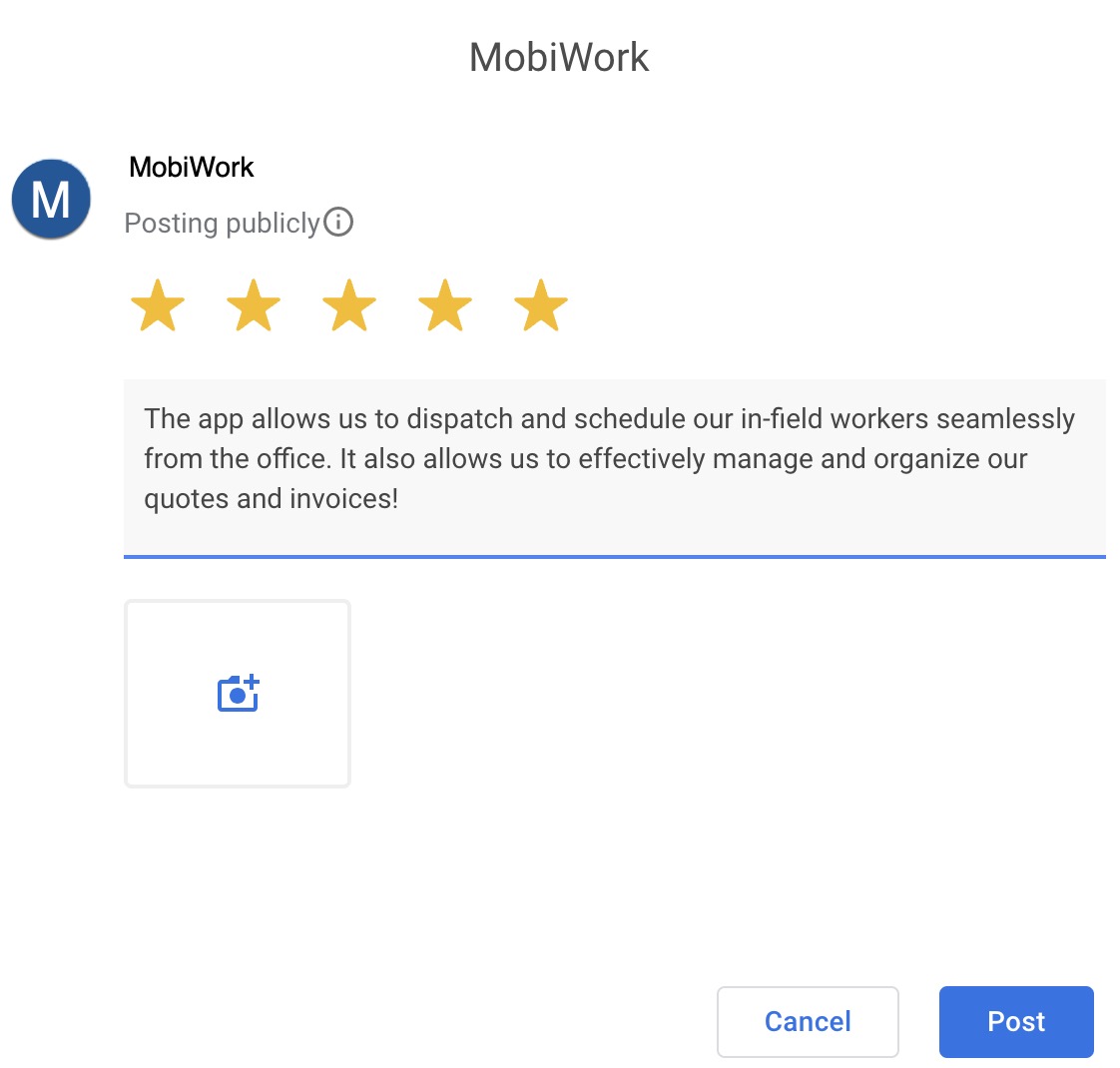
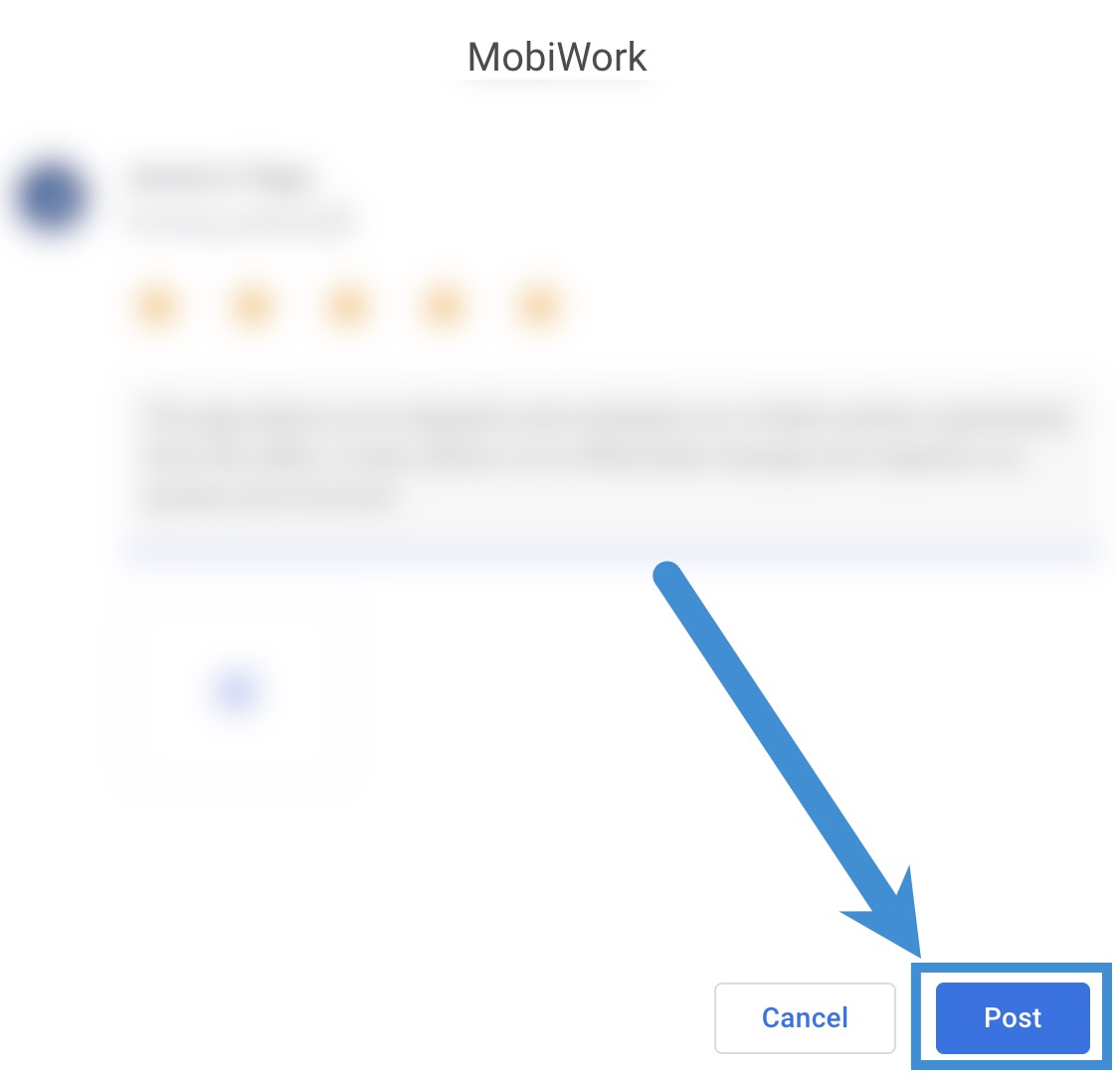
Describe your experiences with MobiWork in the text box. When you are done, click the Post button, towards the bottom right of the review pop-up window, to submit your review: