
How to Access the Page
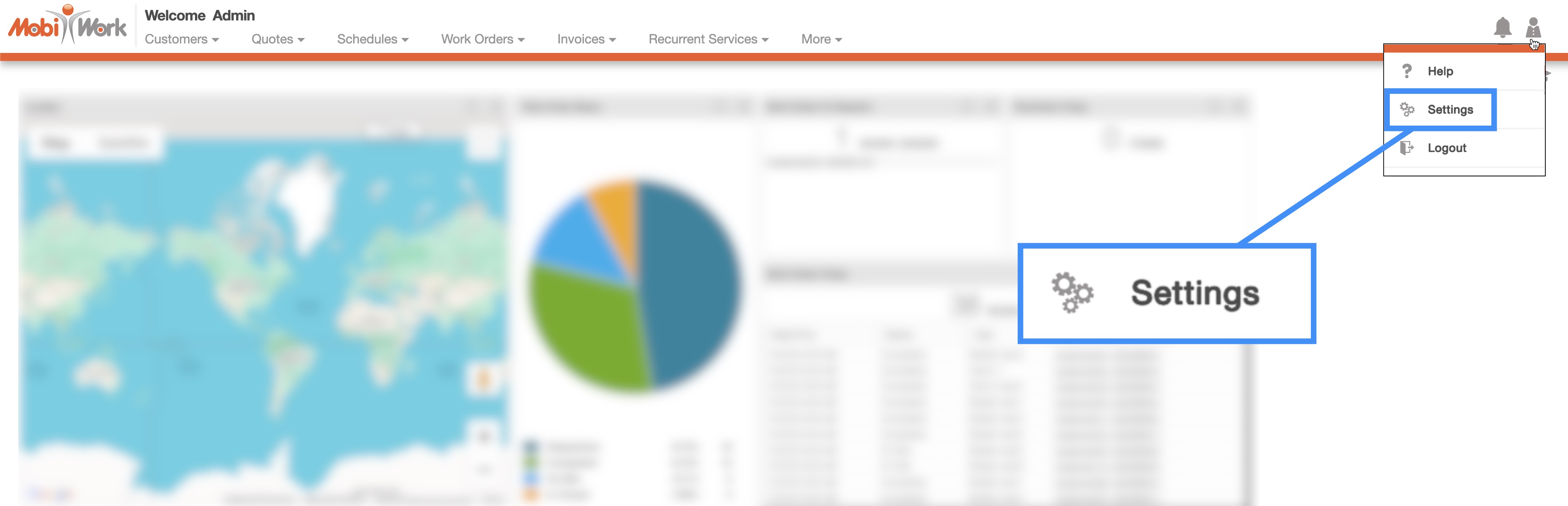
You can access the MobiWork Settings feature page by hovering over the User icon from your MobiWork menu; from the drop-down that appears click on the "Settings" option:
Click on the "Dashboards" tab to view the dashboard settings for your MobiWork account.
Dashboard Tab Layout
The "Dashboards" tab displays the dashboard settings for your MobiWork account. By default the "Summary" dashboard will be displayed on this tab.
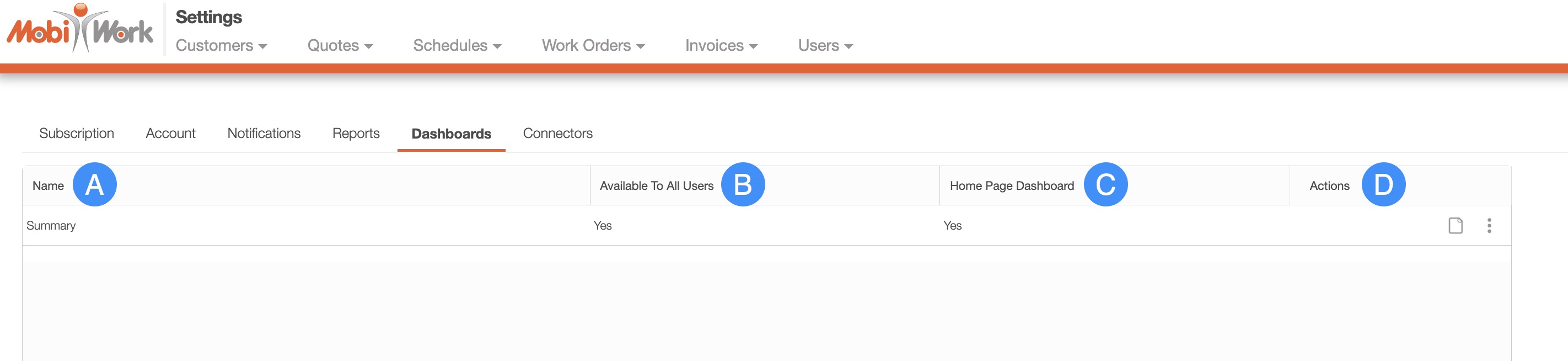
You can access the following information about your dashboards from this tab:
The name of the dashboard.
Which users the dashboard is available for.
If the dashboard is set as your home dashboard
And the "Actions" column, which will allow you to perform additional actions on the selected dashboard.