How to Access the Page
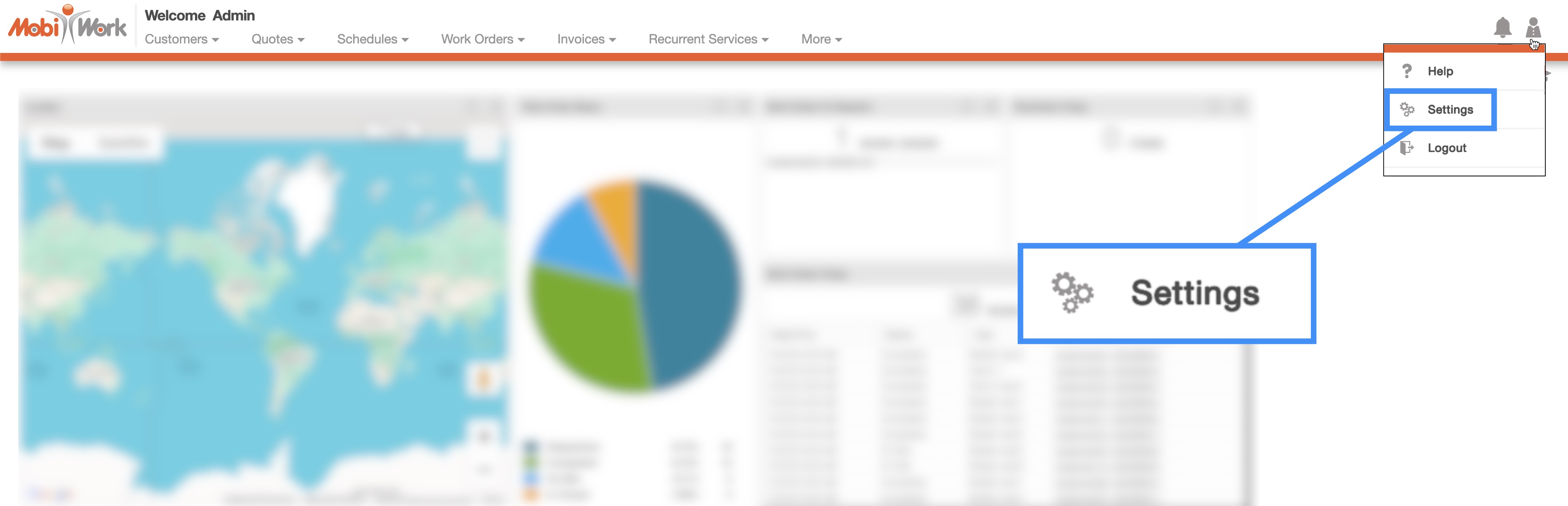
You can access the MobiWork Settings feature page by hovering over the User icon from your MobiWork menu; from the drop-down that appears click on the "Settings" option:
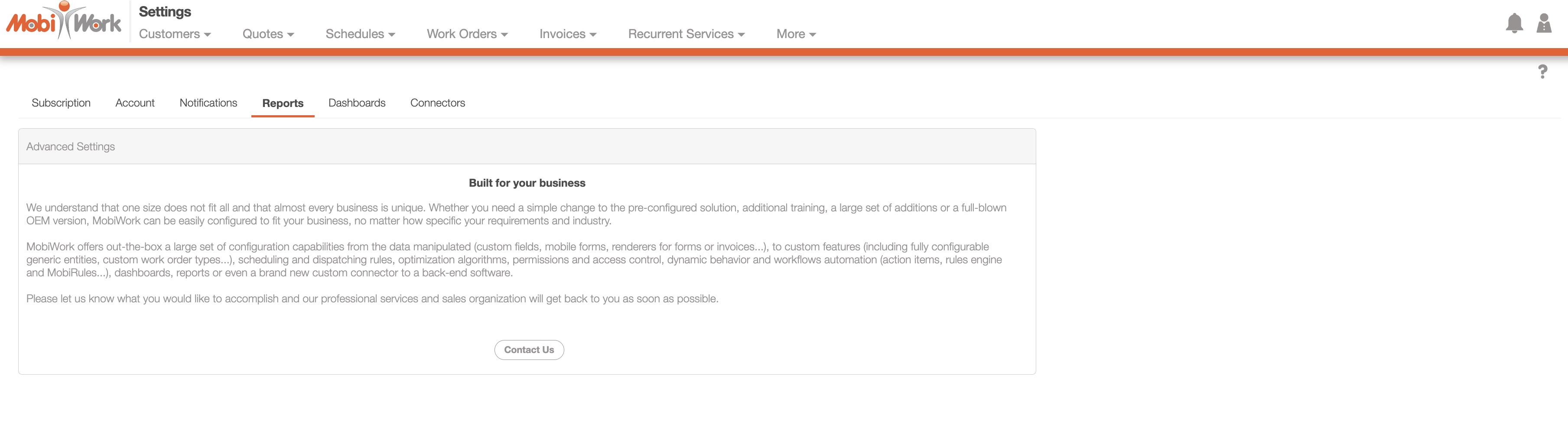
Click on the "Reports" tab to view the reports settings for your MobiWork account.
Report Management
If you would like to add additional reports or edit existing reports, please contact us at support@mobiwork.com: