
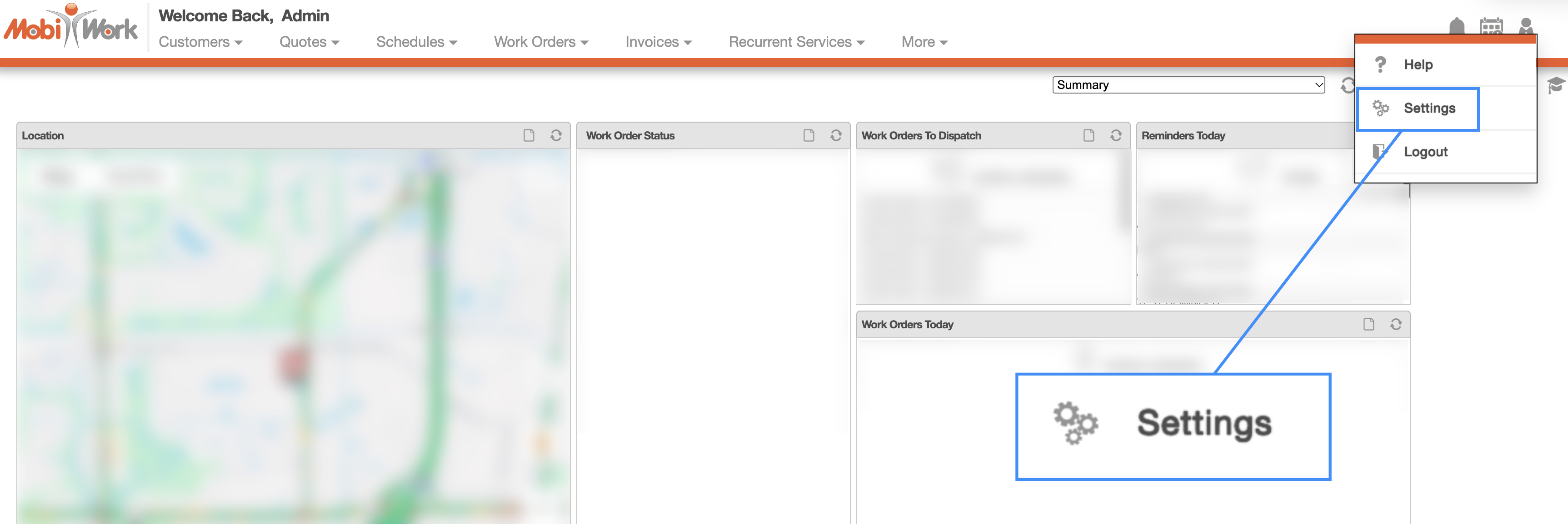
You can access the MobiWork Settings feature page by hovering over the User icon from your MobiWork menu; from the drop-down that appears click on the "Settings" option:
The "Subscription" tab will display the subscription details of your MobiWork account. These details include your MobiWork Client ID, the type of subscription plan you are enrolled in, and the MobiWork solution type that you are using:
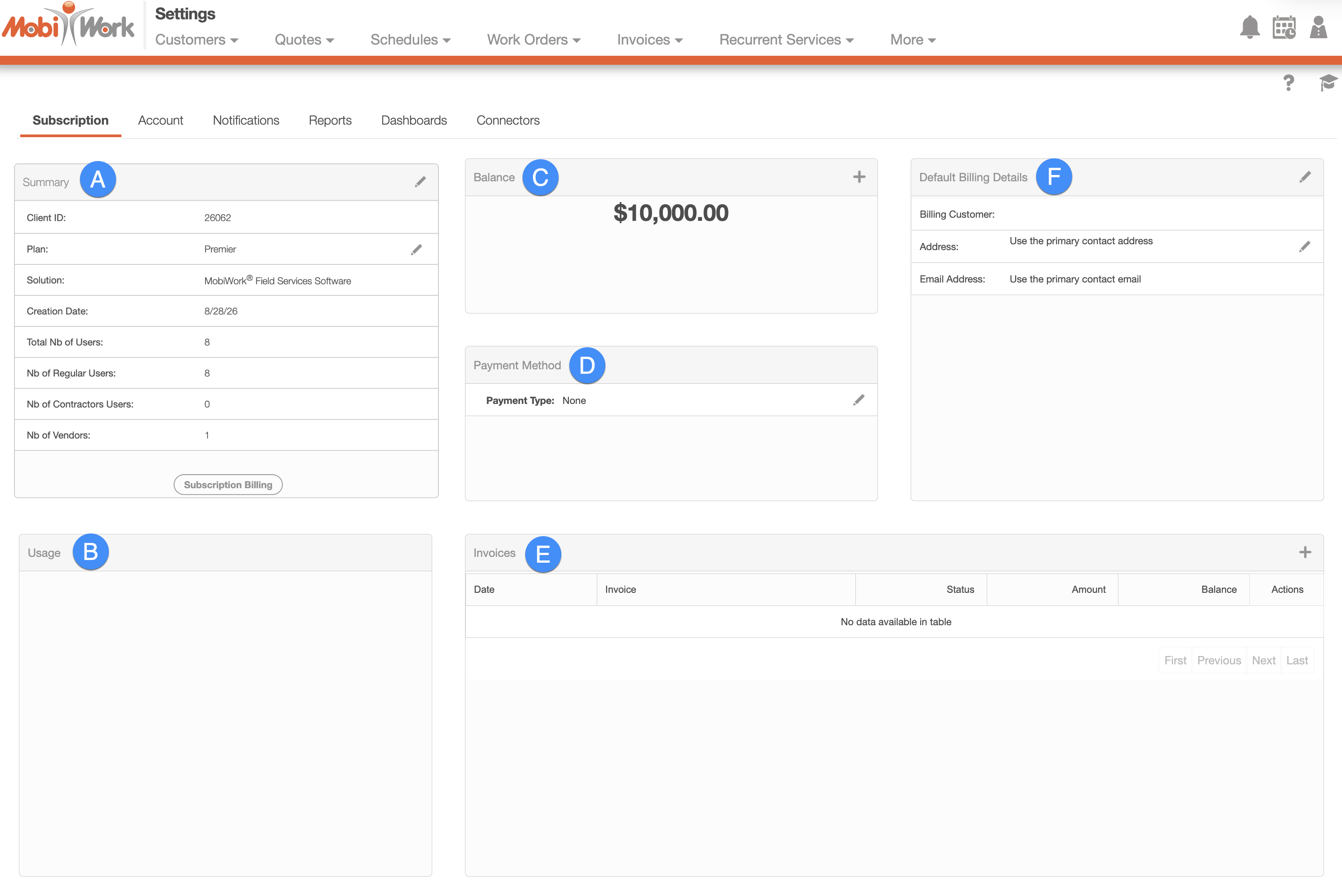
You can access the following panels from the "Subscription" tab:
All of your account information, including your current MobiWork subscription plan and account details, the date your account was initially created, the number and types of users associated with your subscription, and more can be found in the "Summary" panel:
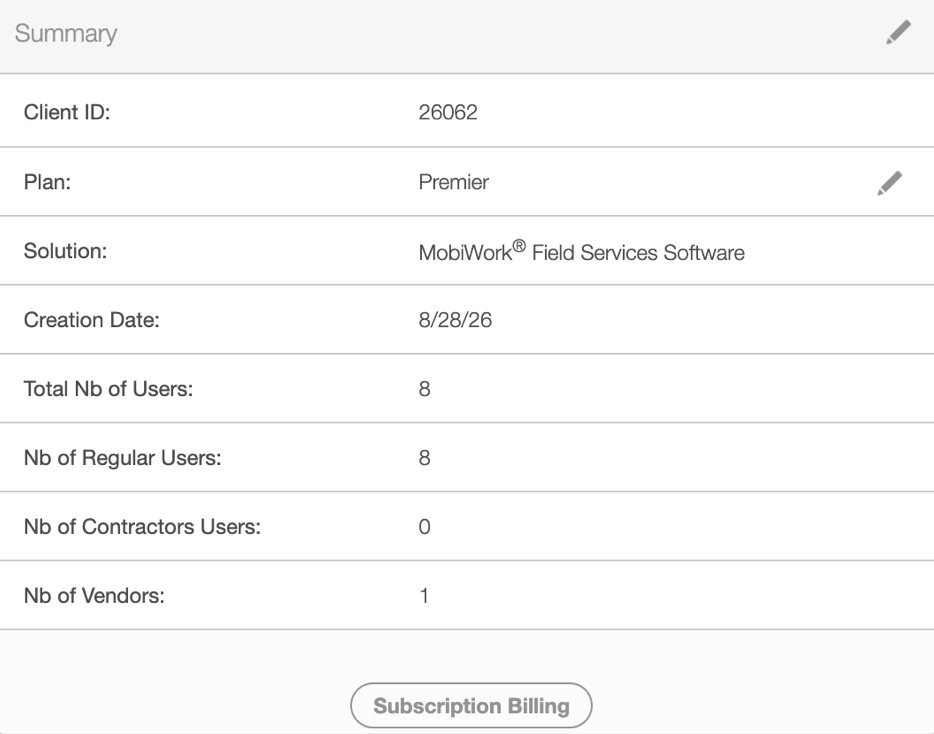
To add or update your billing information, click on the Subscription Billing button.
Once a credit card is associated with your MobiWork account, you will be able to access the rest of the MobiWork setting's panels.
All of the fields found in the "Summary" panel are defined below:
| Name: | Description: |
|---|---|
| "Client ID" | The unique identifier assigned to your subscription account. This ID can be used to identify and reference your account within the system. |
| "Plan" | Indicates your subscription plan; this plan is chosen from when you initially created your account and determines the features, functionality, and services available to you. There are three different plans to choose from: Starter, Advanced, and Premier. If you would like to upgrade your account, please Contact Us. |
| "Solution" | The MobiWork solution or product configuration associated with your account; this solution is chosen from when you initially created your account. The solution determines if your account is optimized for pools, HVAC, field services and more. |
| "Creation Date" | The date on which your account was created in MobiWork. |
| "Total Nb of Users" | The total number of users associated with your MobiWork account; this number includes active users and contractors. |
| "Nb of Users" | The number of users associated with the subscription account. |
| "Nb of Contractors" | The number of contractors associated with the subscription account. Contractors can be included in the account to support field operations without being classified as regular users. |
| "Nb of Vendors" | The number of vendors associated with the subscription account. Vendors represent external companies or suppliers that are managed or referenced within the client's MobiWork account. |
The "Usage" panel will detail the usage of your MobiWork account:
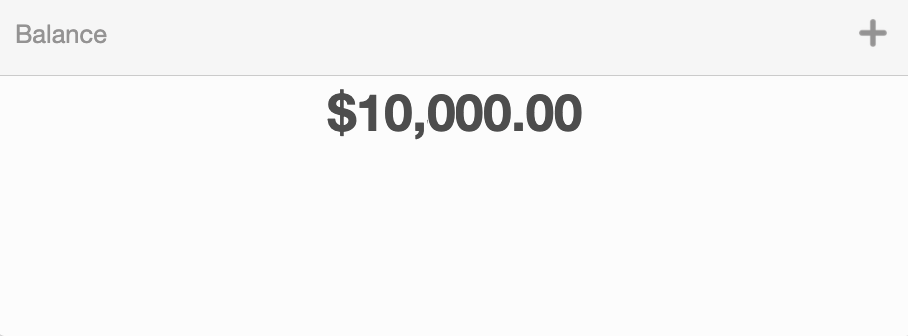
The "Balance" panel will detail the outstanding balance for our services on your account:
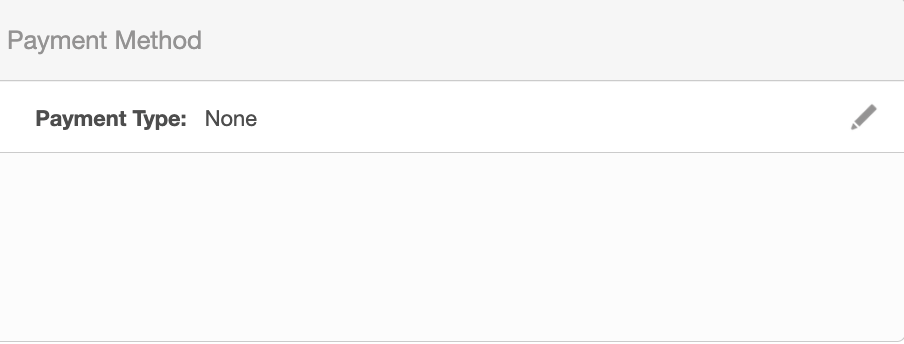
The "Payment Method" panel will indicate your preferred method of paying for your MobiWork account:
The "Invoices" panel will display the invoices that require your attention and payment from MobiWork:
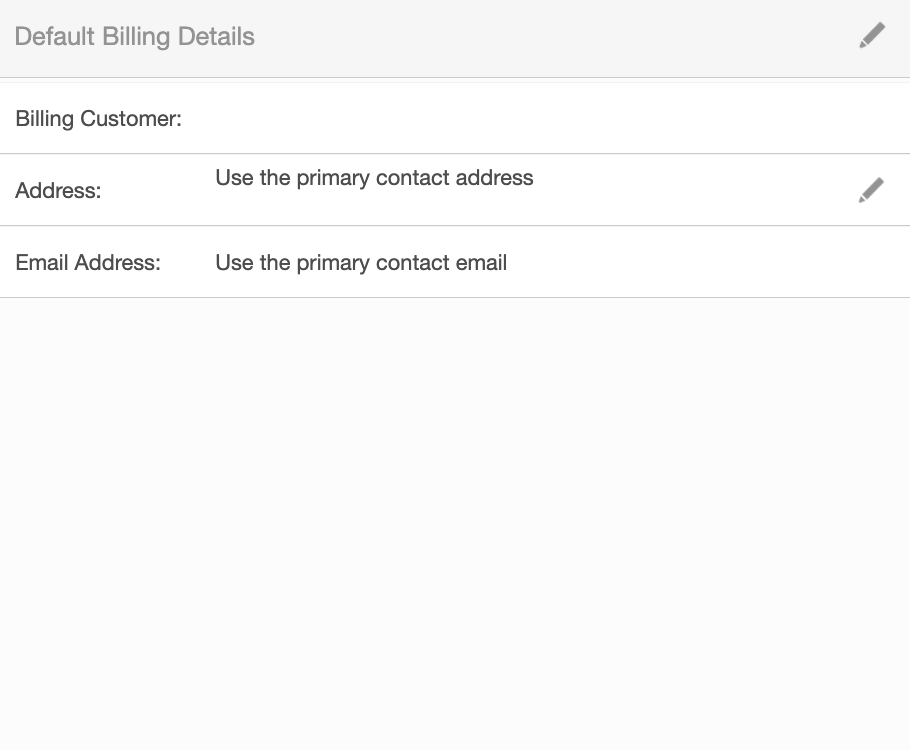
The "Default Billing Details" panel will have your billing account details; this includes the billing address information and billing email associated with the account holder:
