
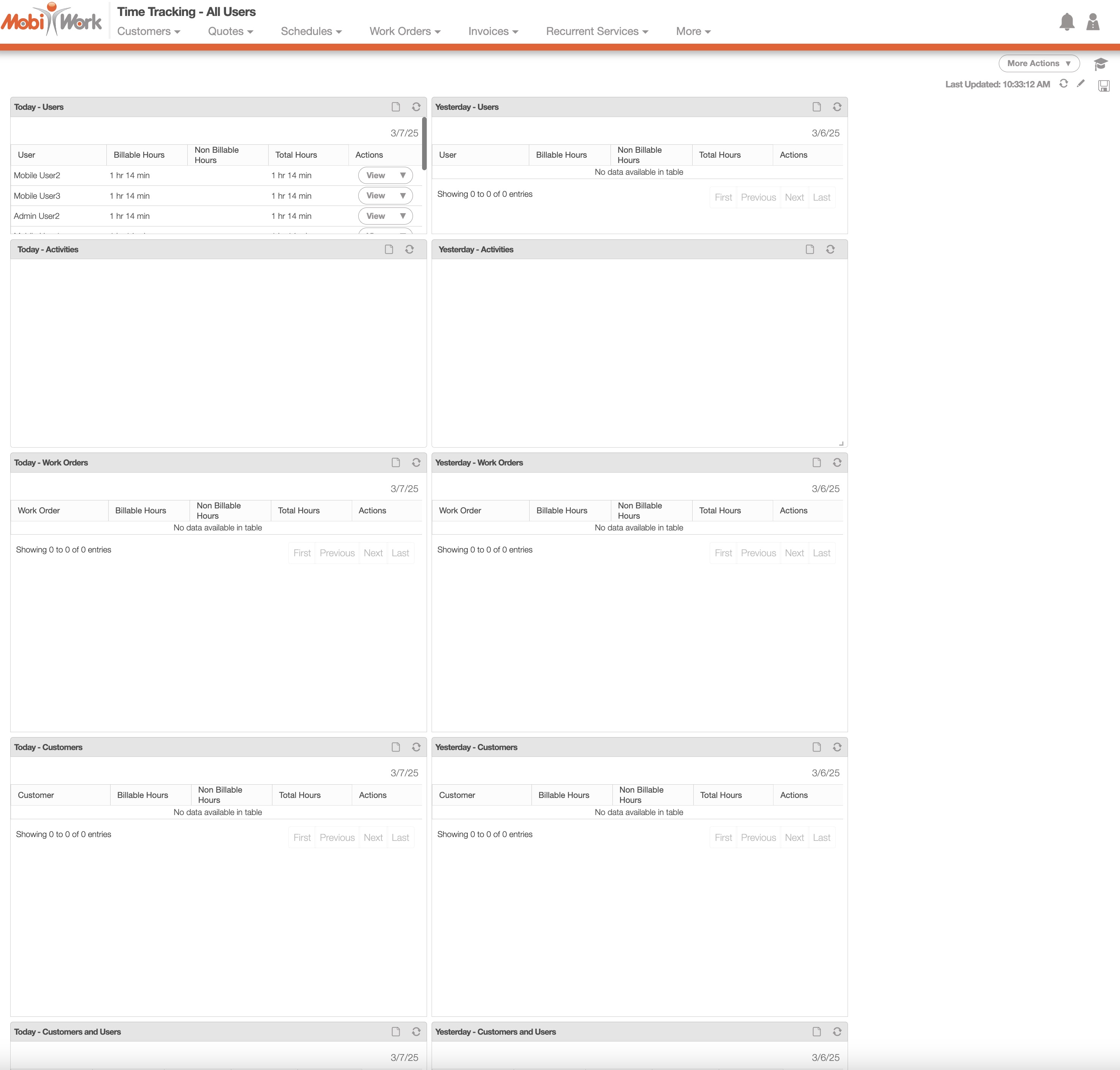
The "Time Tracking - All Users" dashboard provides a comprehensive view of time tracking across all users, work orders, and customers, offering valuable insights into workforce activity and productivity:
The "Time Tracking - My Time Tracking" dashboard offers a detailed overview of your time tracking across all activities, work orders and customers.
It features multiple panels that highlight your time data, including "My Time - This Week" and "My Time - Today", allowing you to easily monitor and manage your tracked time:
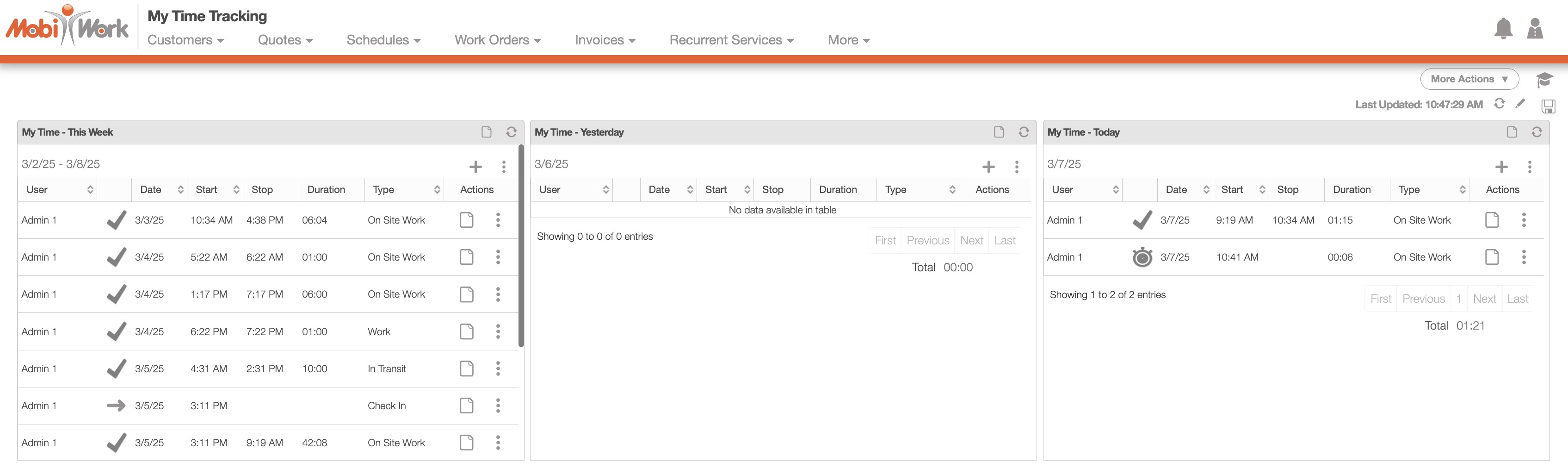
You can initiate a new activity by clicking the Plus Sign within these panels.
Additionally, the Individual Actions menu provides options to:
Check In
Check Out
Add Check-In / Check-Out
Start an activity
Add an activity (by specifying start and end times)
Add an activity (by setting a specific duration)