
Payroll: mark as daily vs weekly
MobiWork provides the ability to mark and track payroll daily instead of weekly. This feature is beneficial, as it allows managers to promptly approve and manage their users' time tracking instead of having to wait a week to approve it. To approve the daily time tracking for payroll, simply mark the desired entry as "Approved:"
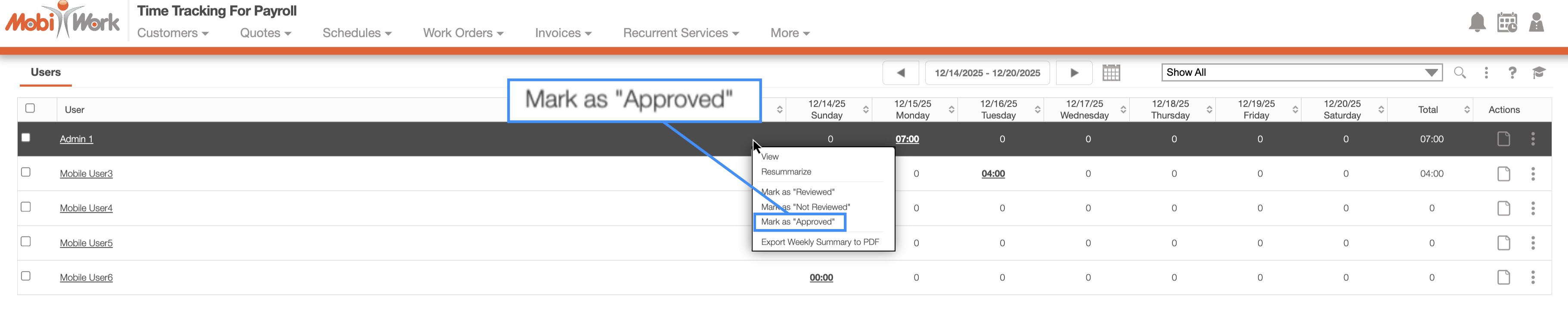
You can access this menu either by right-clicking on the selected entry or using the Individual Actions. You can also approve it directly from the Payroll Details pop-up window.