
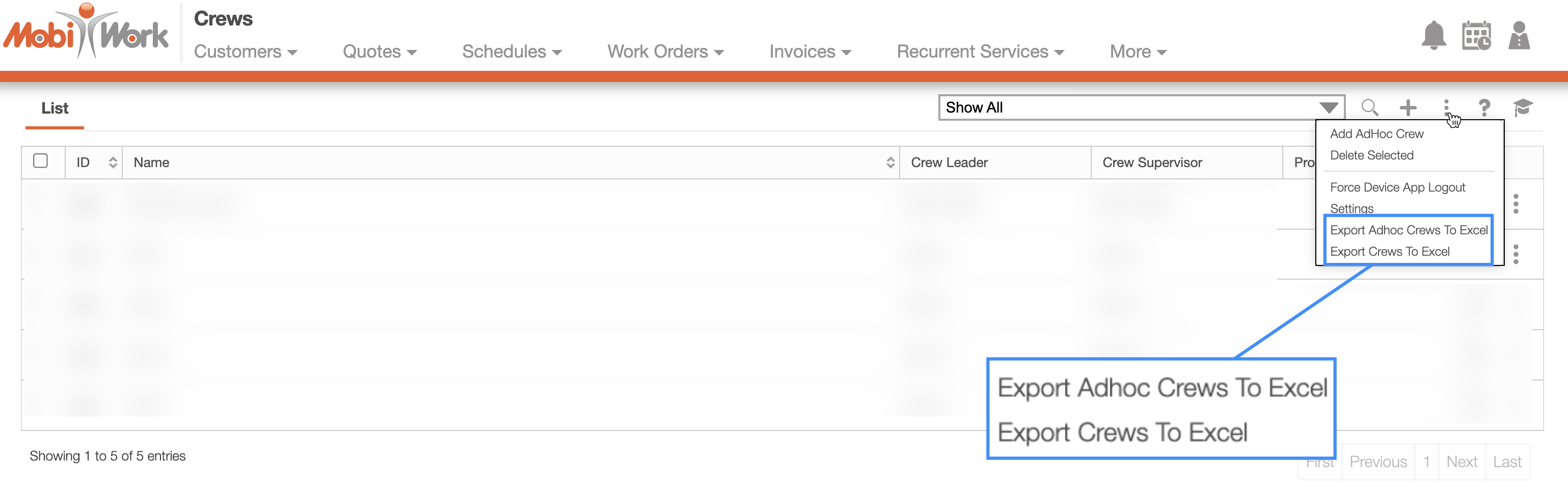
To export your crews you will first need to access the Crew feature page. From the More Actions drop-down select the desired export action:
Please see the Crews List section for more information on how to access this page.
You can export crews to Excel; to export your crews, first select the desired crews and then choose either the "Export ad hoc crews to Excel" or the "Export Crews To Excel" option.
Depending on the option you choose, you can export your ad hoc crews to Excel or your standard crews to Excel:
Once you have the exported file, you can review the Excel document:

Note: Please note that if you would like to export all your crews into Excel you can click on the topmost checkbox (Multiple Selection Area). Likewise, if you do not select any entries ALL crews will be exported.