
Alternate quote sections allow you to present multiple options within a quote. In other words, when creating a quote, you can divide items into sections and mark the selected section as an Alternate group. This is especially beneficial when using the Good / Better / Best application in a quote and letting the customer choose an option from the selected group.
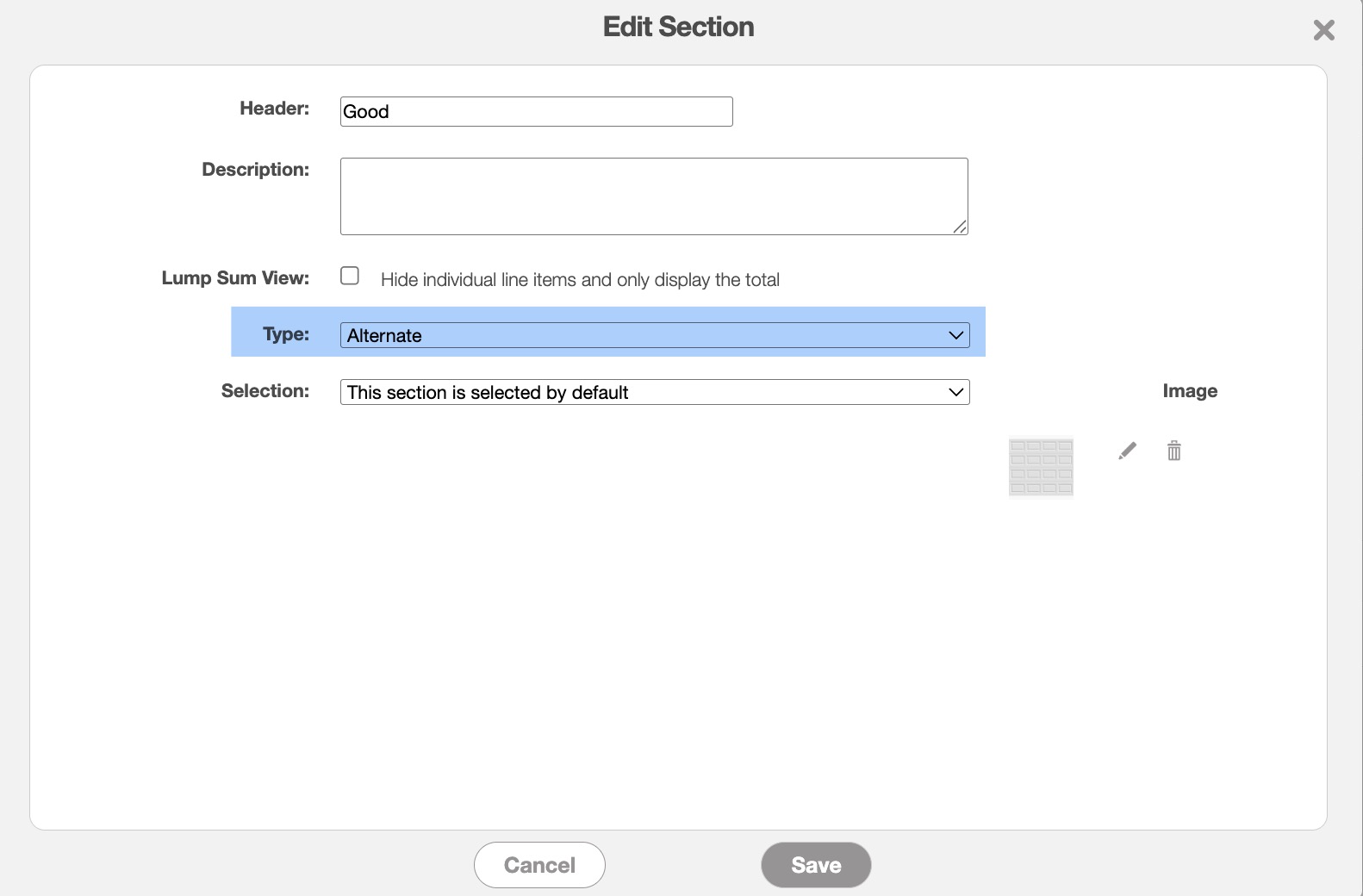
To set up multiple alternate sections in a quote access either the Add Section or Edit Section pop-up windows. You can access these actions from the View Quote pop-up window:
As shown in the example below, the customer can then select different options from the selected section that they would like to use in their final quote:
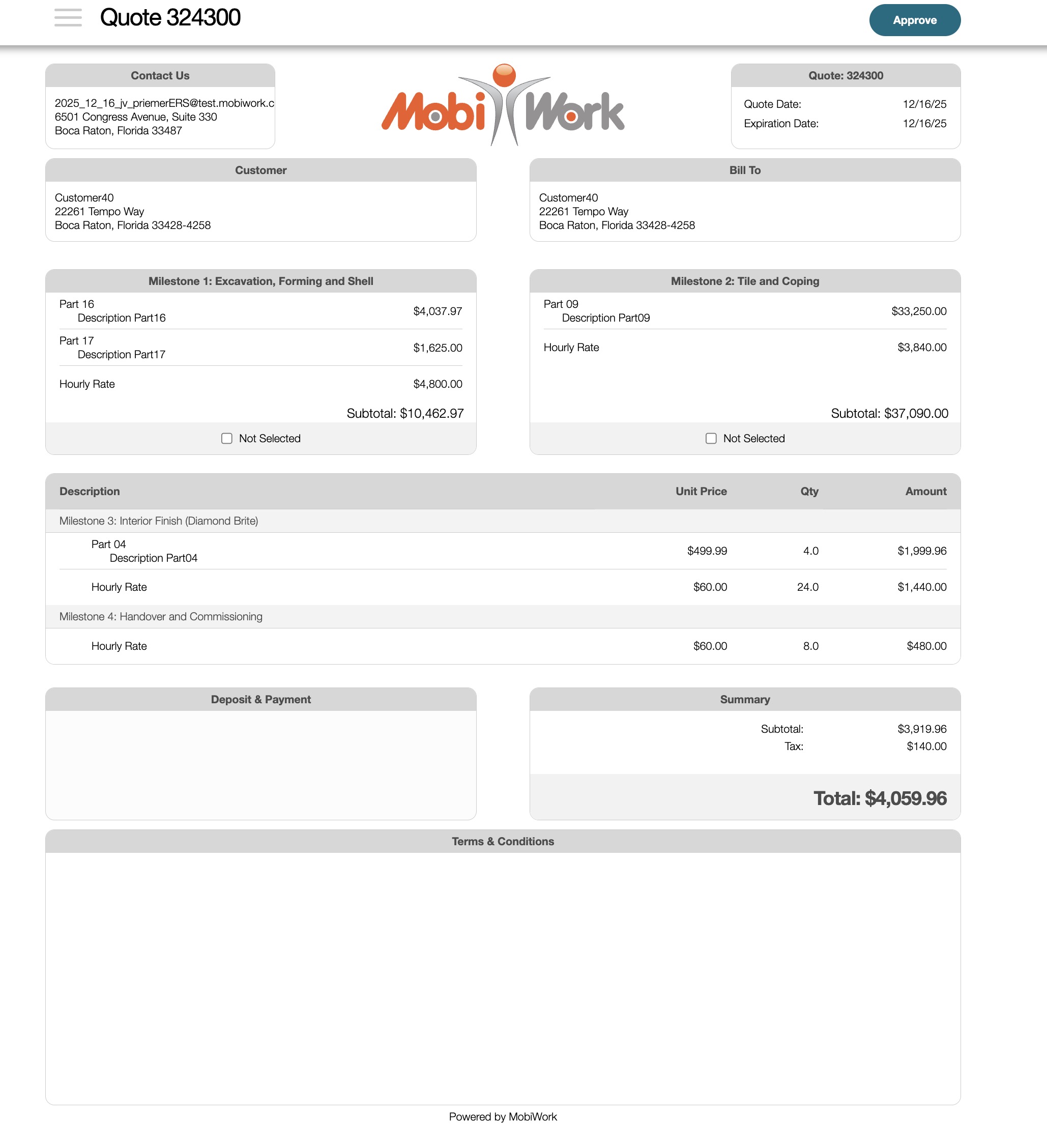
Each group represents a distinct decision set. If you have an additional set of choices, such as extended warranty options, you must create a separate Alternate section for that group, allowing the customer to make a selection independently. The customer will still be able to make selections across multiple groups or sections in the quote, thus granting them full flexibility.