
If you would like to search for a specific quote in your MobiWork app, there are several different ways you can do so.
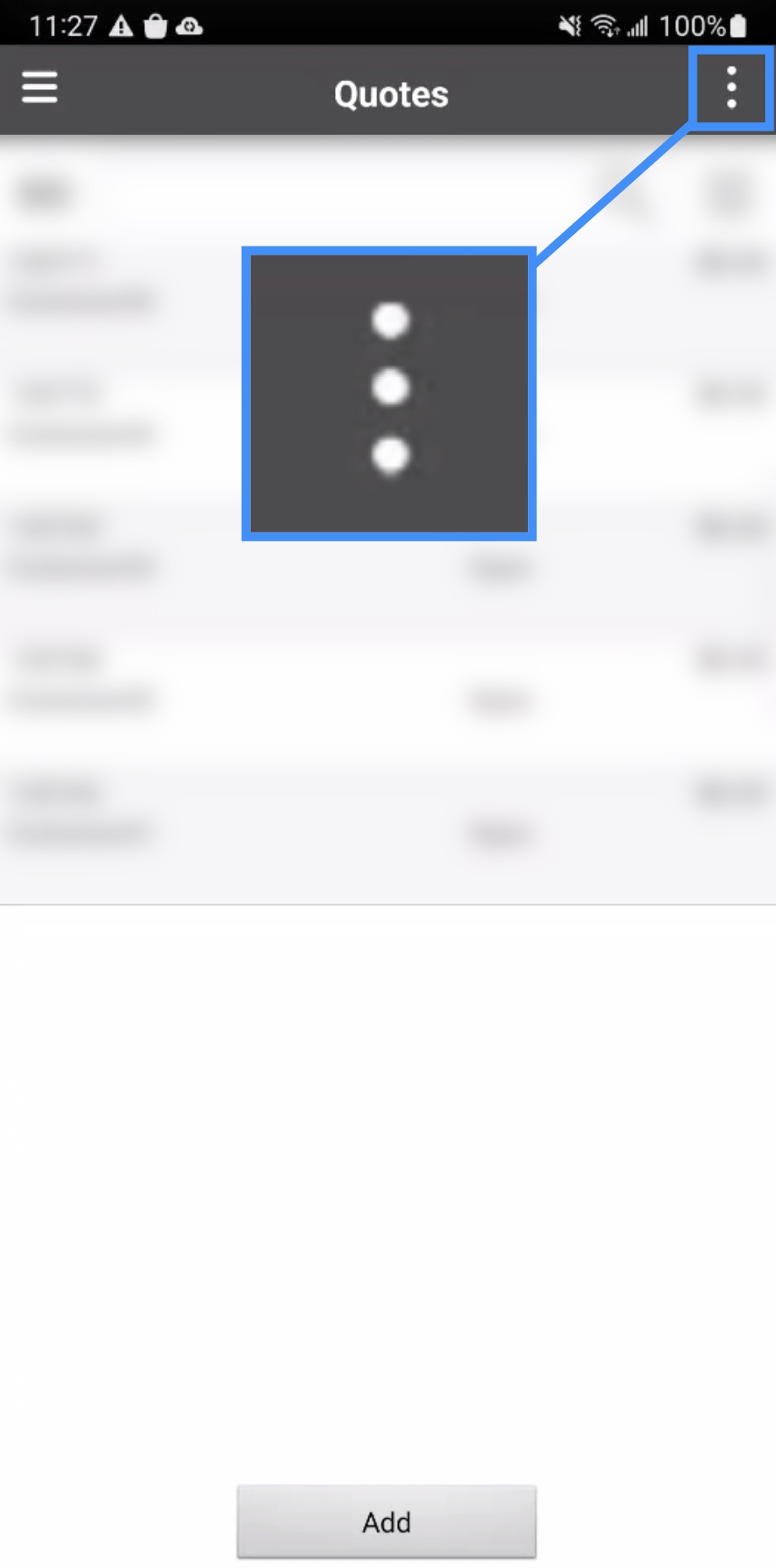
To search for a quote, you will first need to access the Quotes page. Once you are on this page, press the Actions Panel tile:
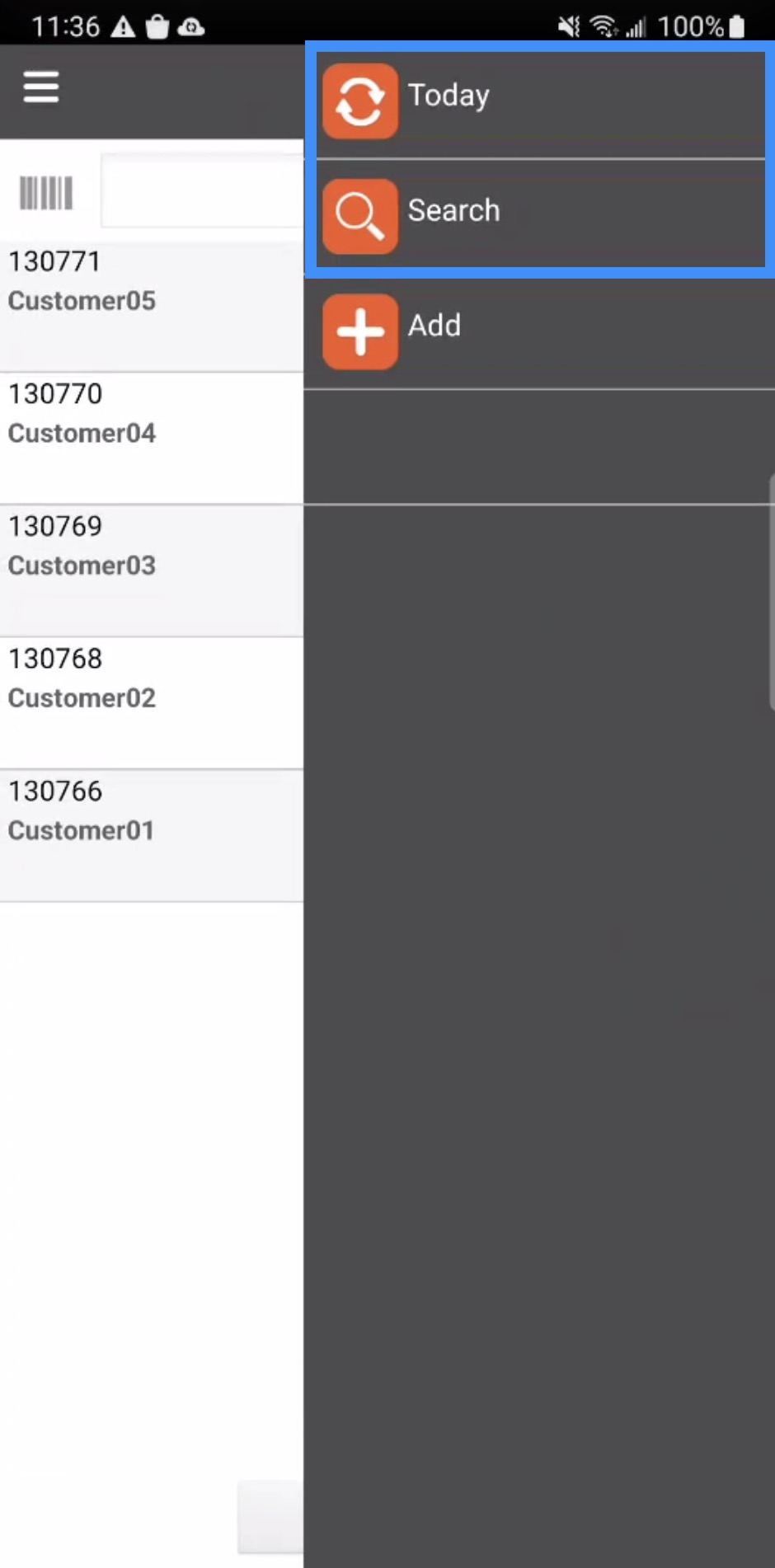
From the Actions Panel, you can select either the "Today" or "Search" option to locate a specific quote:
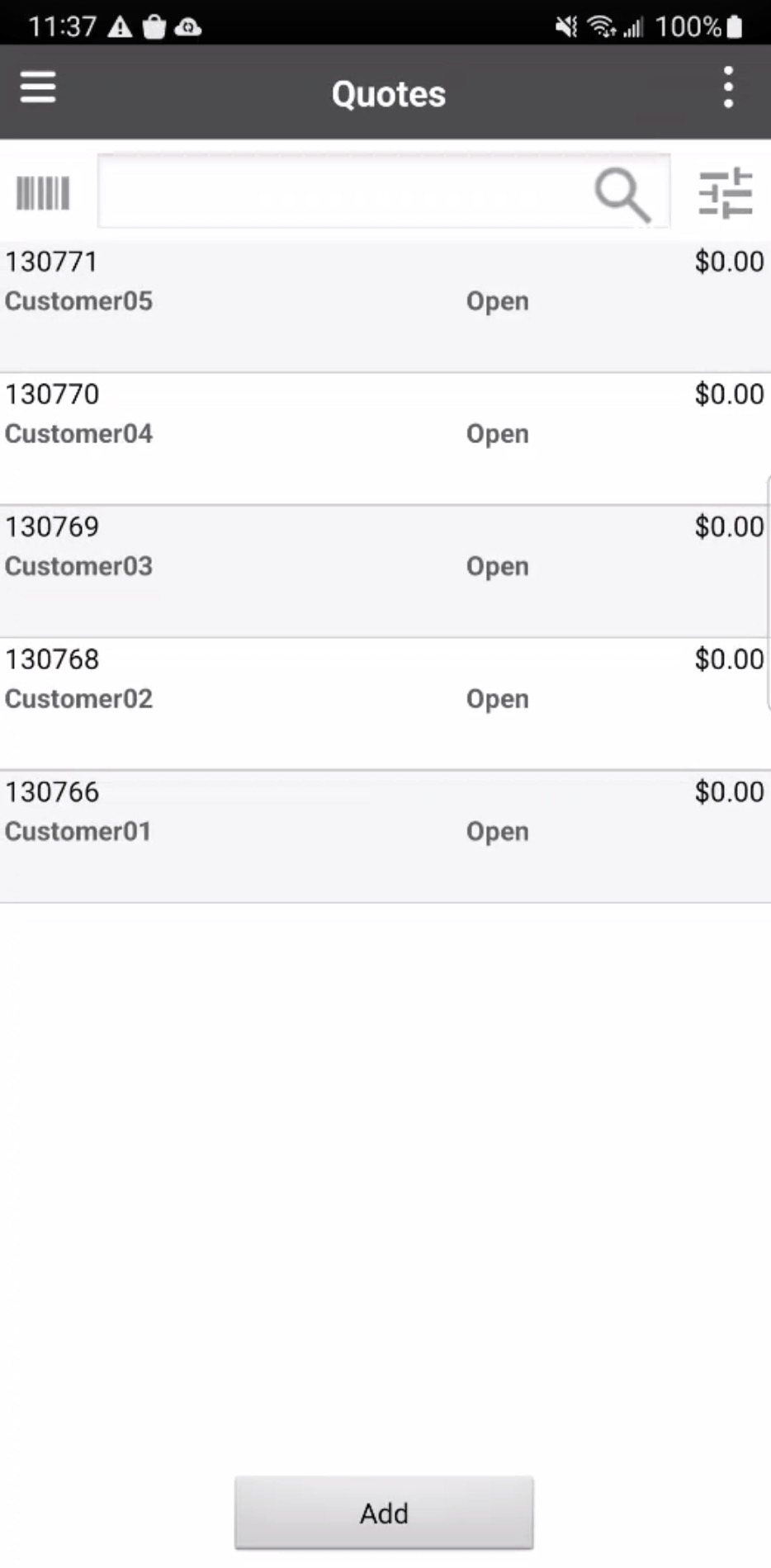
The "Today" search will display all the quotes that were generated that day:
From the Search page, you will be able to input data in order to locate a specific quote:
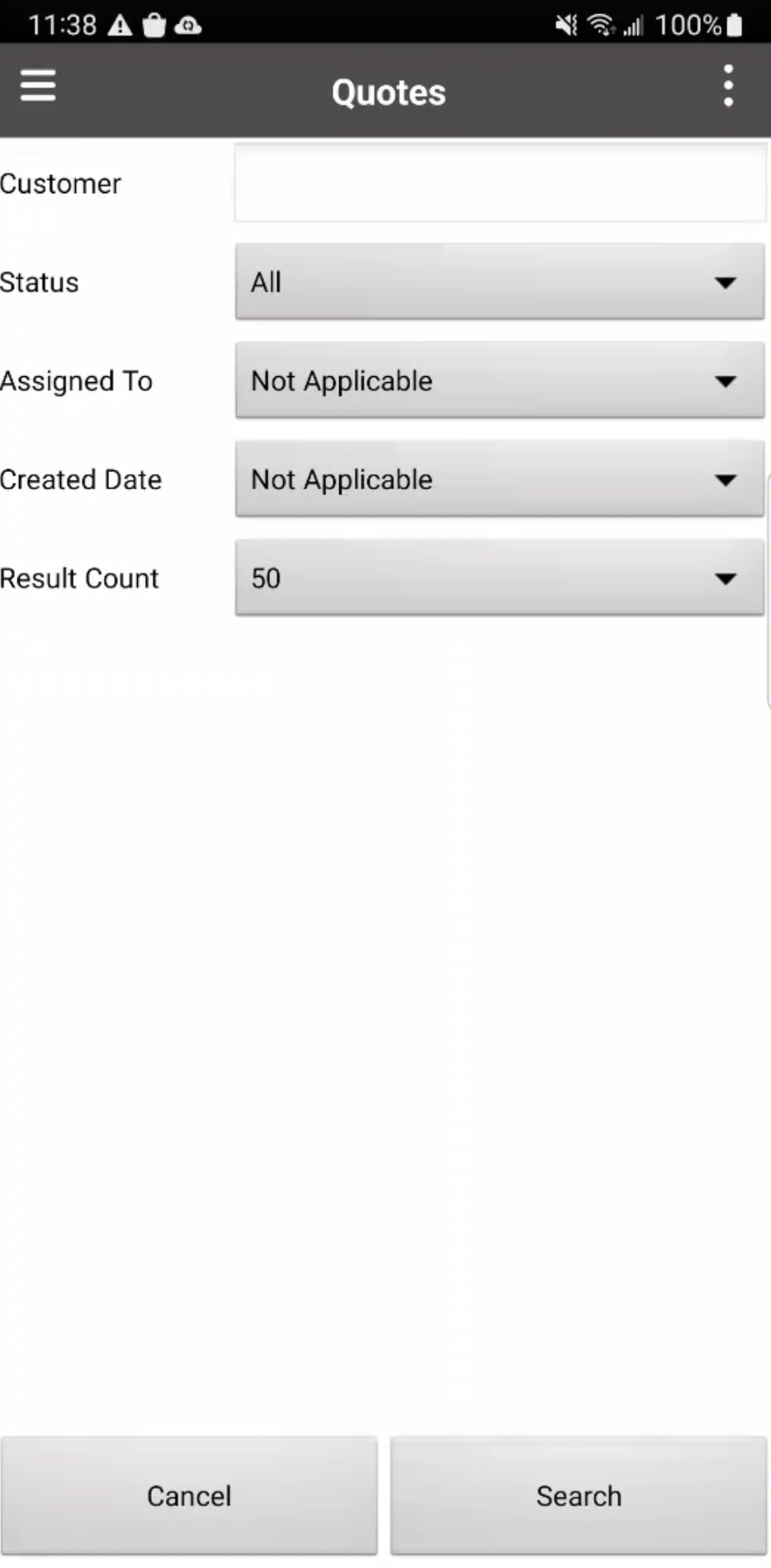
On the Search page, input the following information:
The customer's name
The quote's status
The user assigned to the quote
The date that the quote was created
And the number of results that you would like to appear
Once you are satisfied with information entered, press the Search tile to initiate the search.