Overview

This section will go over some commonly asked questions regarding quote approval.

Quote Status After Approval

When a quote is sent to a customer, it has the "Waiting for Approval" status. Once it is approved by the customer, the quote's status will automatically be updated to "Customer Approved."

Once approved, you can create an invoice or project directly from the quote. Please note that a contract, work order, or recurrent service is not created at this point.

Expired Quote

If the quote date is expired, as shown by the "Expiration Date" field, then the customer will no longer be able to access the Approve button on the quote review and approval page; and thus, the customer will no longer be able to approve the quote.

Quote Approval After Expiration

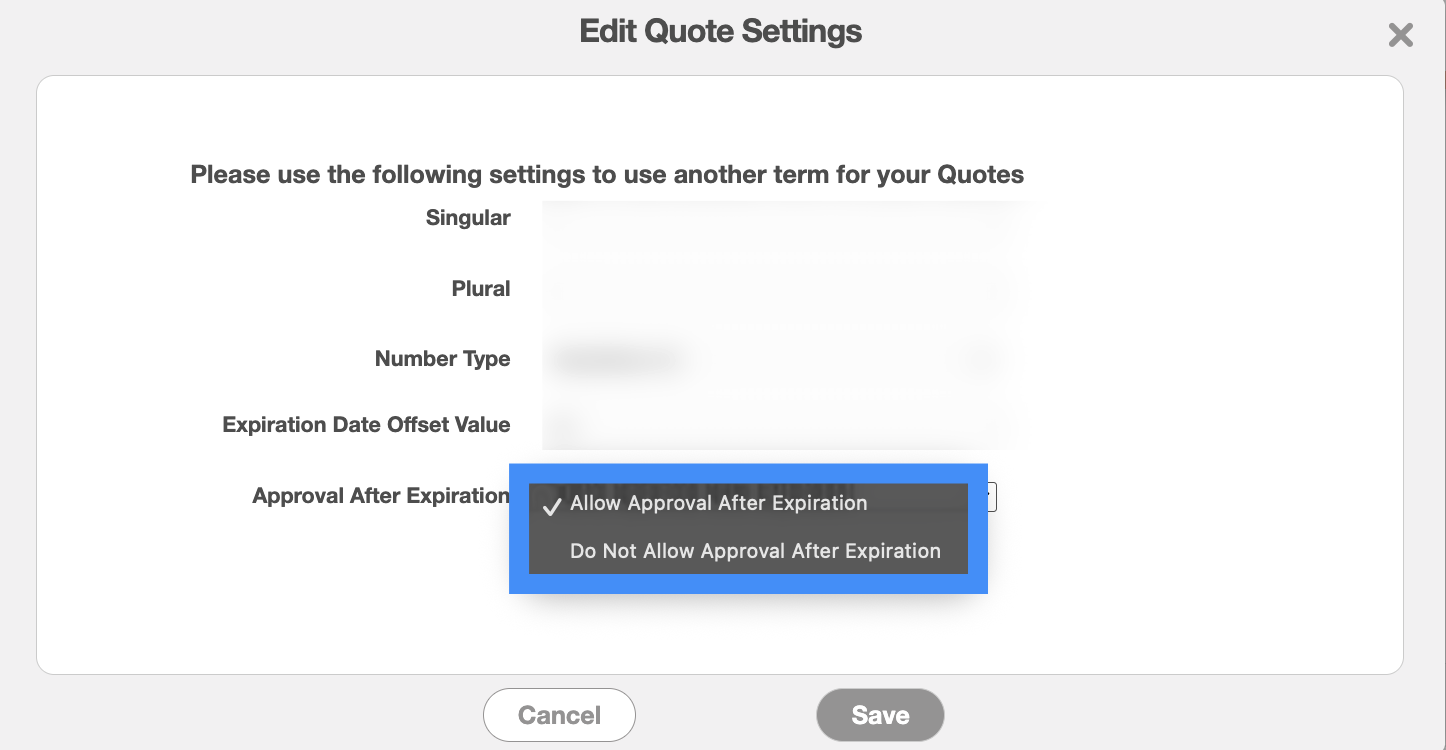
On the Quote Settings page you will be able to adjust the settings so that way a quote can still be approved after the expiration date.

The "Approval After Expiration" will allow your customers to approve quotes even after the expiration date has passed. You can choose to either allow your customers to approve the quotes after the expiration date, or deny them the ability to approve them once the date has passed: