Deleting a Prepayment
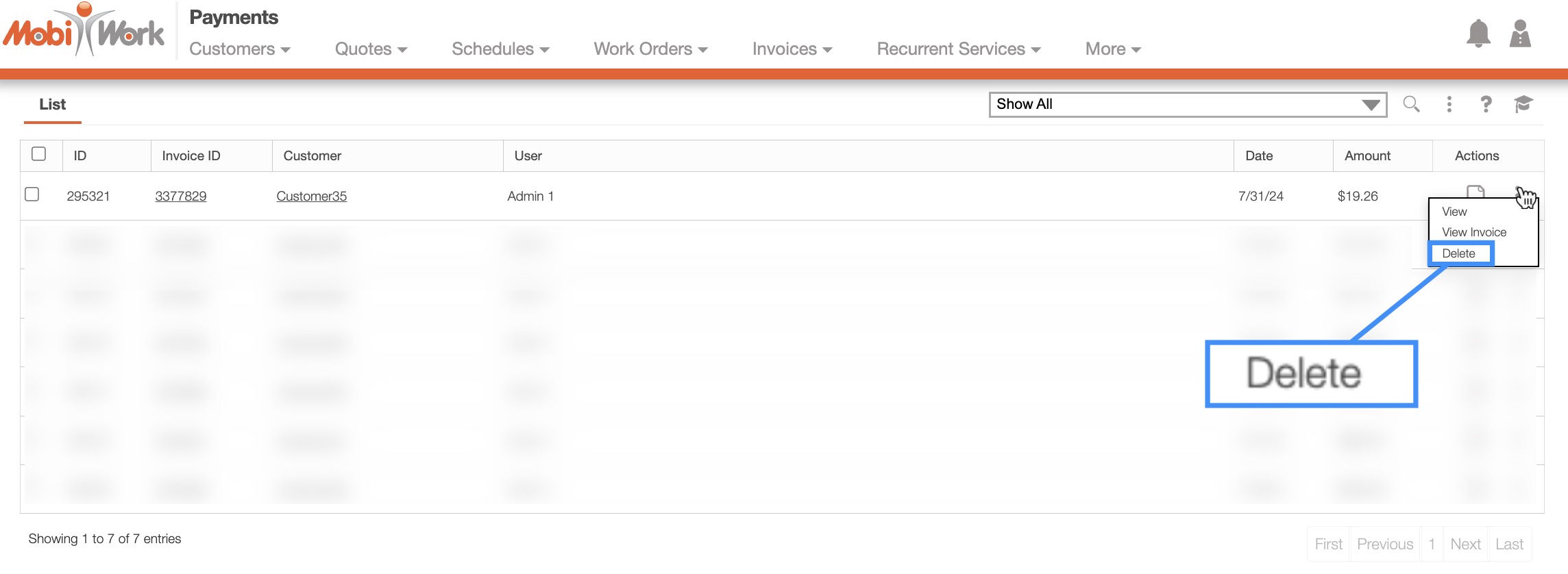
To delete a prepayment from MobiWork, first access the Payment List page. For more information on how to access this page, please see the Payment List page.
Once you are on this page, locate the desired prepayment. Once located, you can select either the right-click actions or the Individual Actions button; from the drop-down of either of these actions, select the "Delete" option.