
How to Access the Feature
online-help.platform.features.estimates.mobile.starter_subscription.mobile_estimates_checkout_access.paragraph
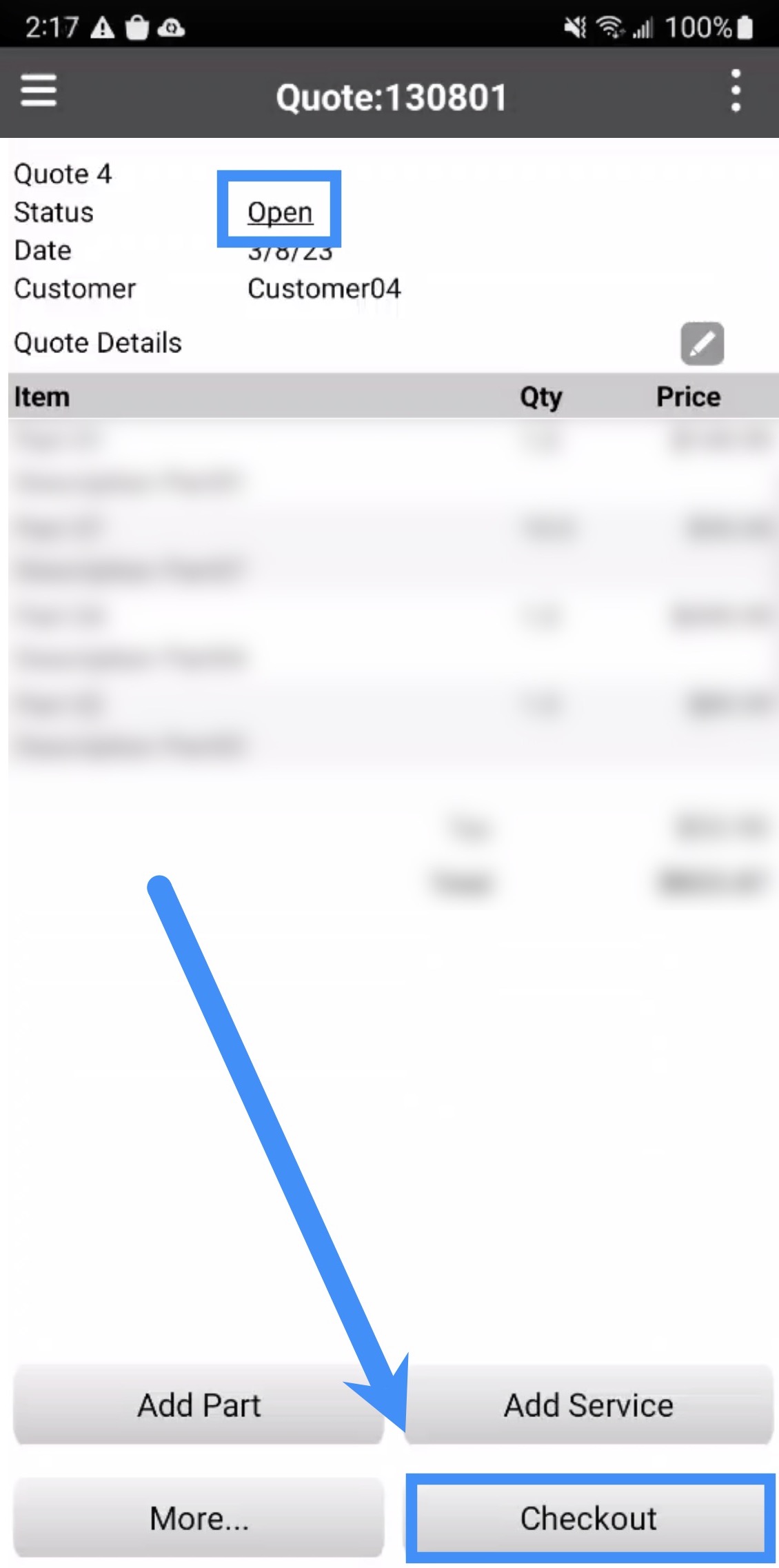
Note: Please note that you can only check out a quote with an "Open" status and if the quote has not been checkout before. If the quote has already been checked out, you cannot check it out again.
Quote Checkout
To check out a quote, you will need to press the Check Out tile on the Quote page. Please note that you can only check out a quote that has an "Open" status:
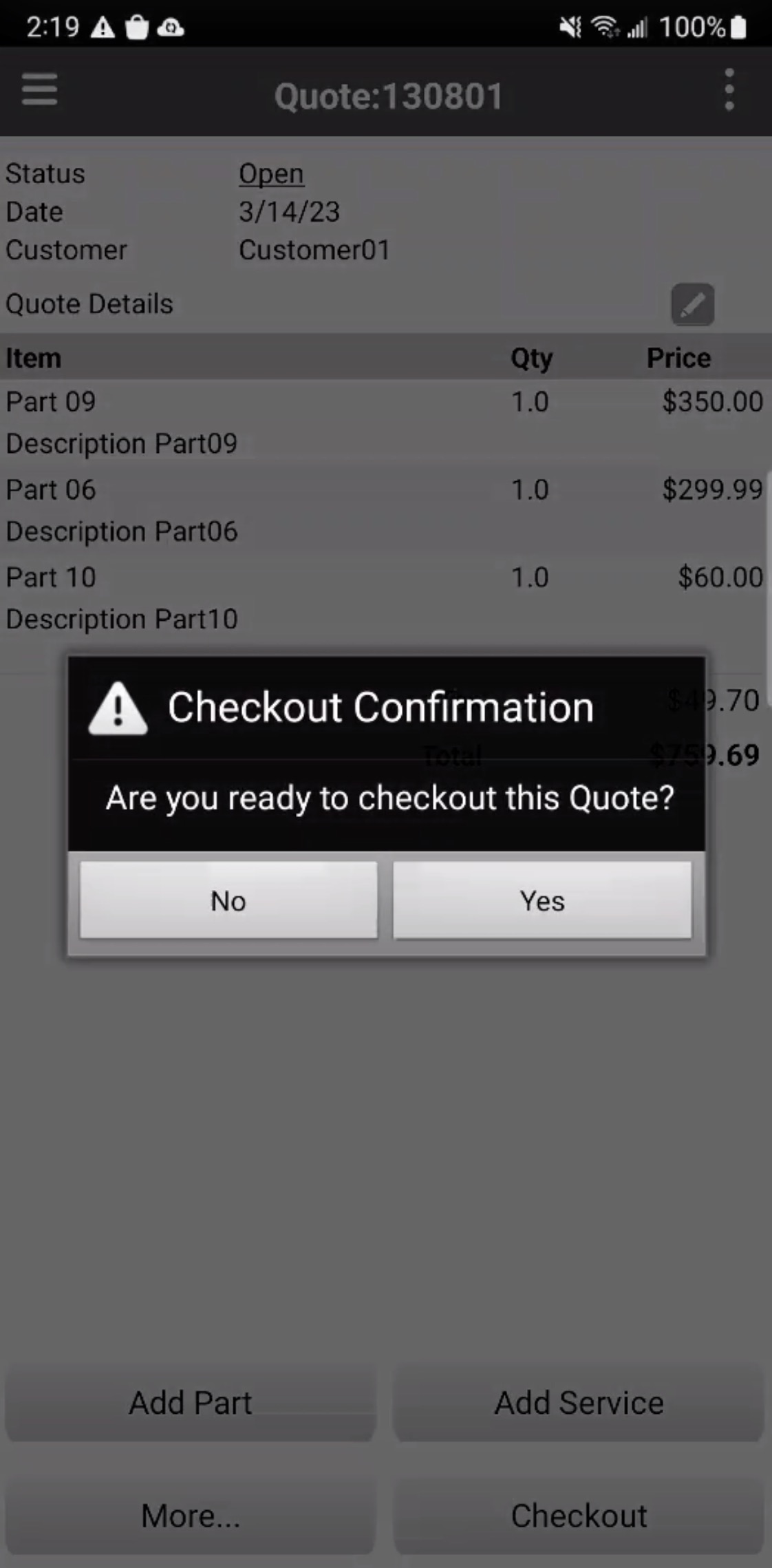
Once you press the Check Out tile, a confirmation window will appear asking you to confirm if the quote should be checked out:
online-help.platform.features.estimates.mobile.starter_subscription.mobile_estimates_checkout.paragraph3