
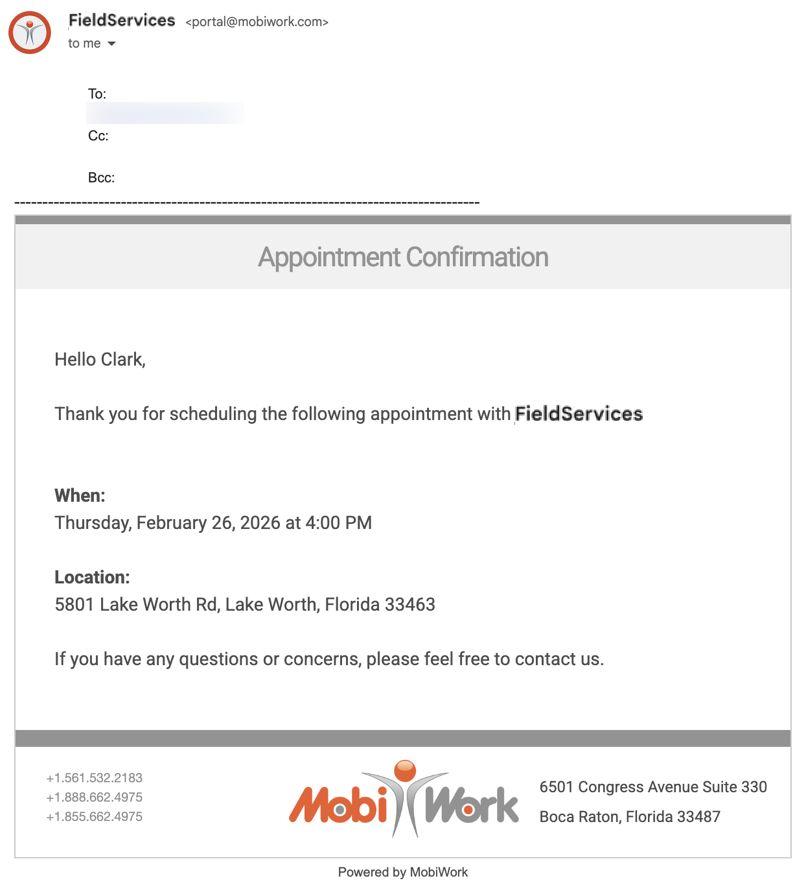
MobiWork has a preconfigured MobiRule that will allow you to send an automated "Appointment Confirmation" message to your customer. This message will send once the work order is assigned and dispatched to a technician or user with the specified date and time:
For more information about assigning and dispatching work orders, please see the Dispatching Overview section.
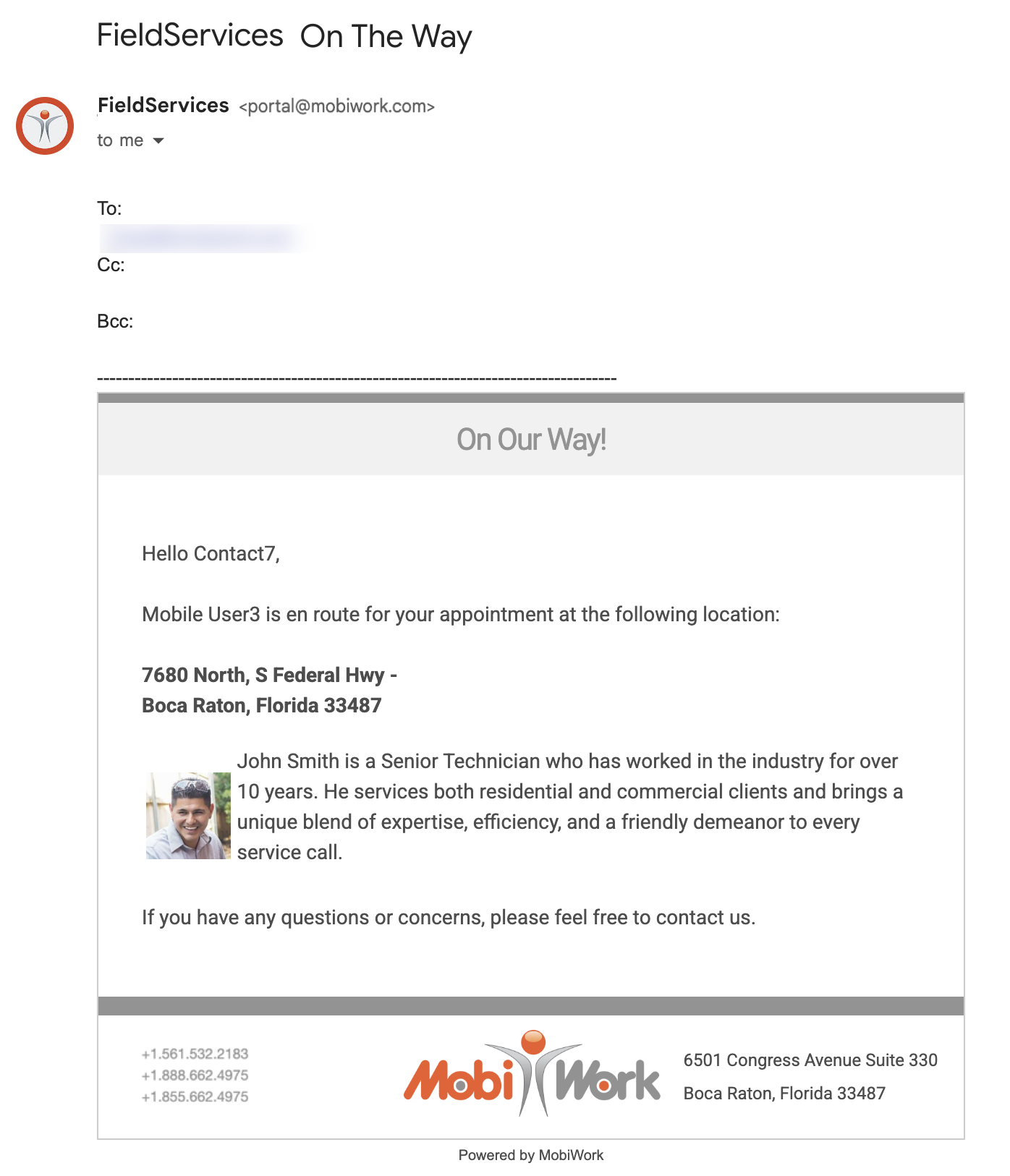
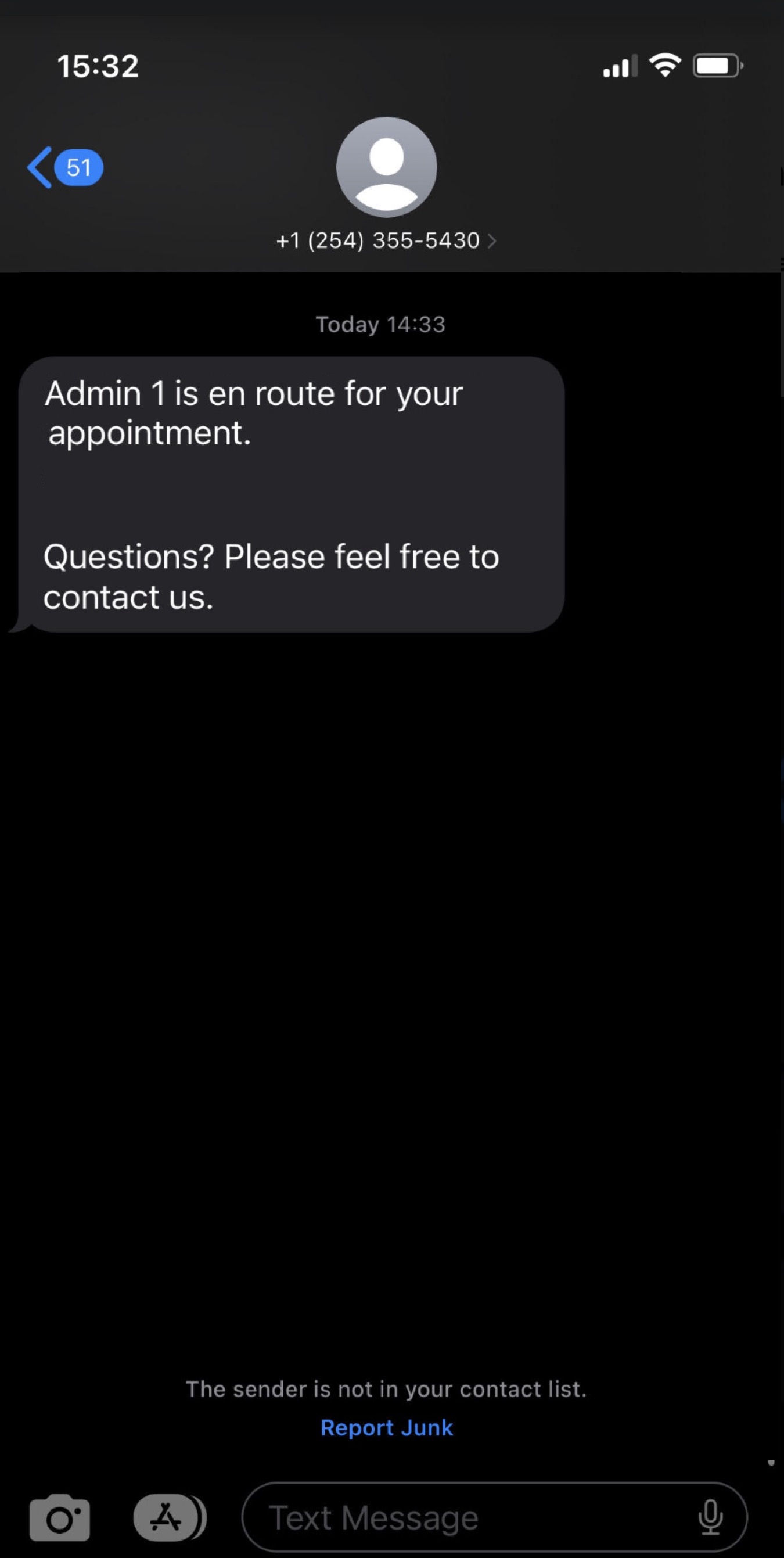
MobiWork has a preconfigured MobiRule that will allow you to send an automated "On My Way" or "In Transit" message to your customer. This message will send once your company representative is en route.
Once the "In Transit" Action Item is selected on the device, the automatic en route notification will be sent to the customer.
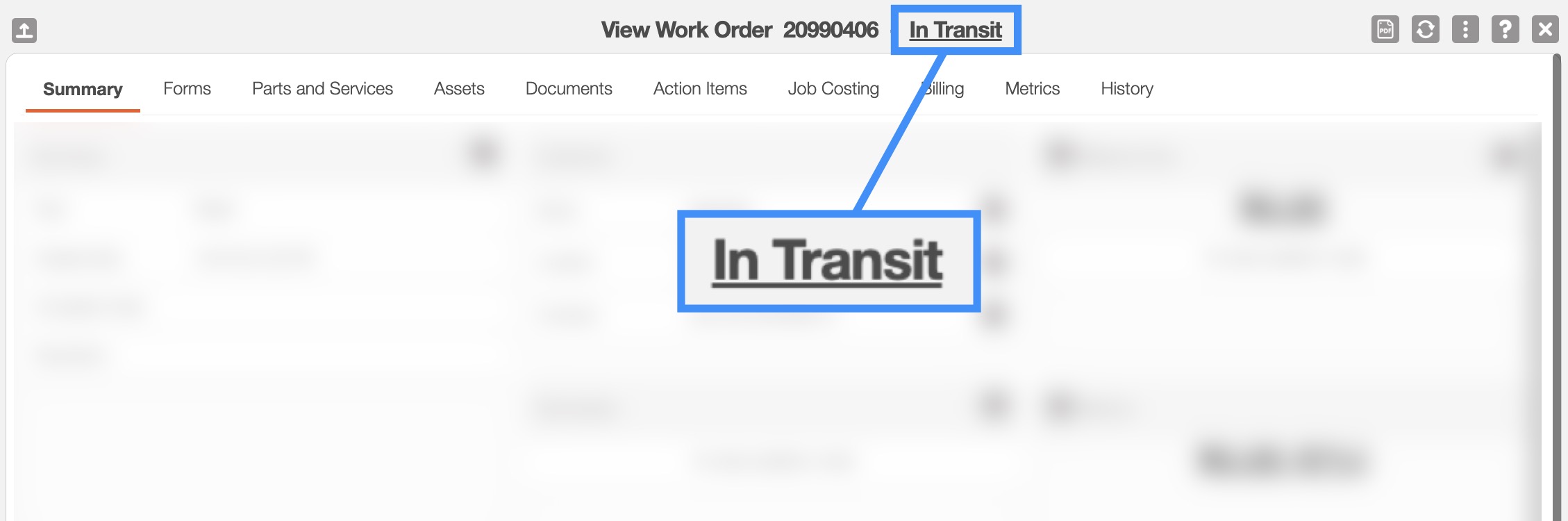
This notification will also trigger from the web if the work order status is changed to "In Transit." For more information on how to change your work order status, please see the View Work Order page:
This notification can be viewed as an email:
Or as a text message:
The "On Site" notification informs your customers that your company's representative is now at the work order location.
Once the "On Site" Action Item is selected on the device, the automatic on site notification will be sent to the customer:
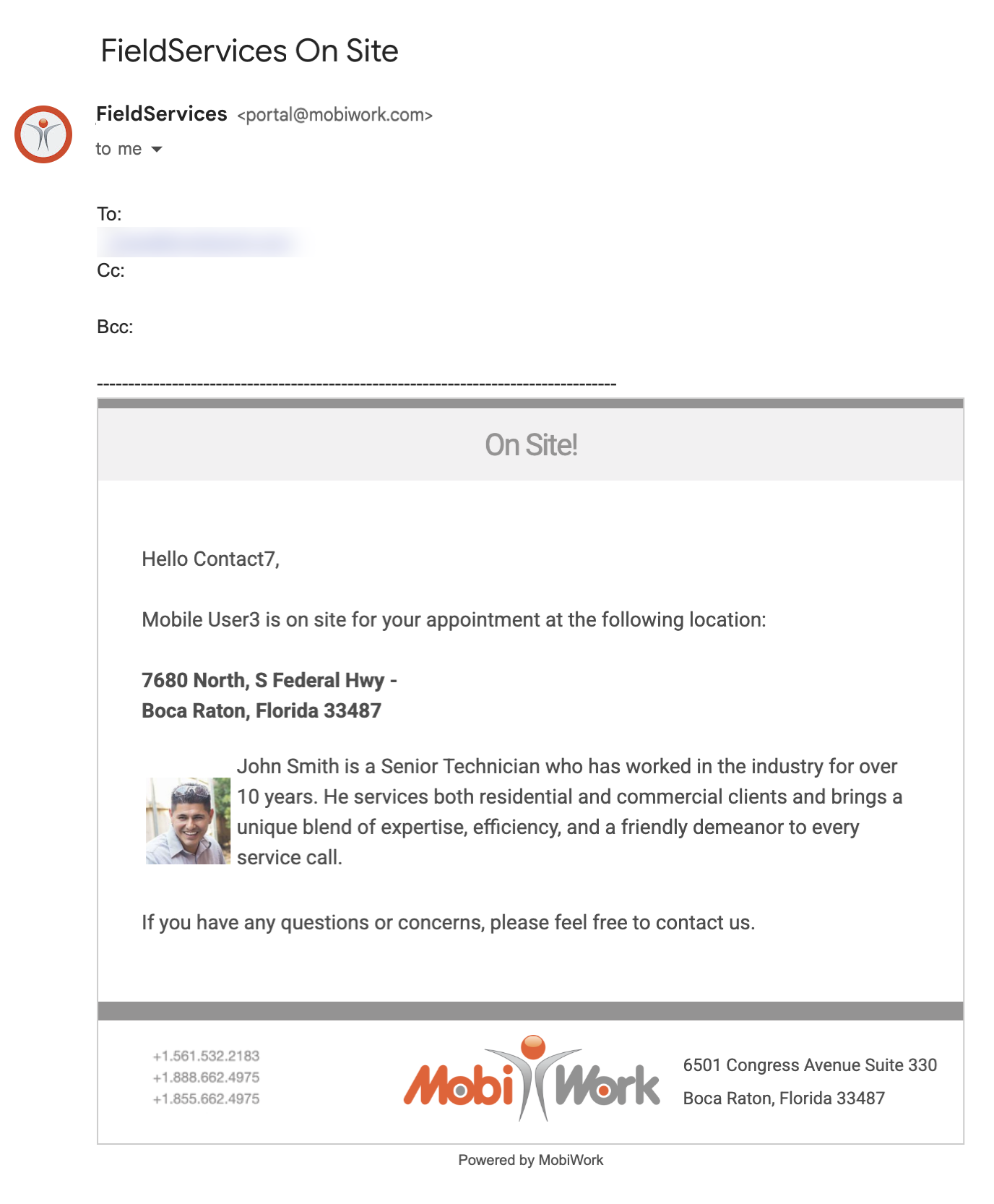
For more information about how to locate and select the "On Site" Action Item, please see the Complete a Work Order page.
Once the work order is marked as "Complete" or "Closed," the customer will automatically receive a notification confirming that the work has been completed:
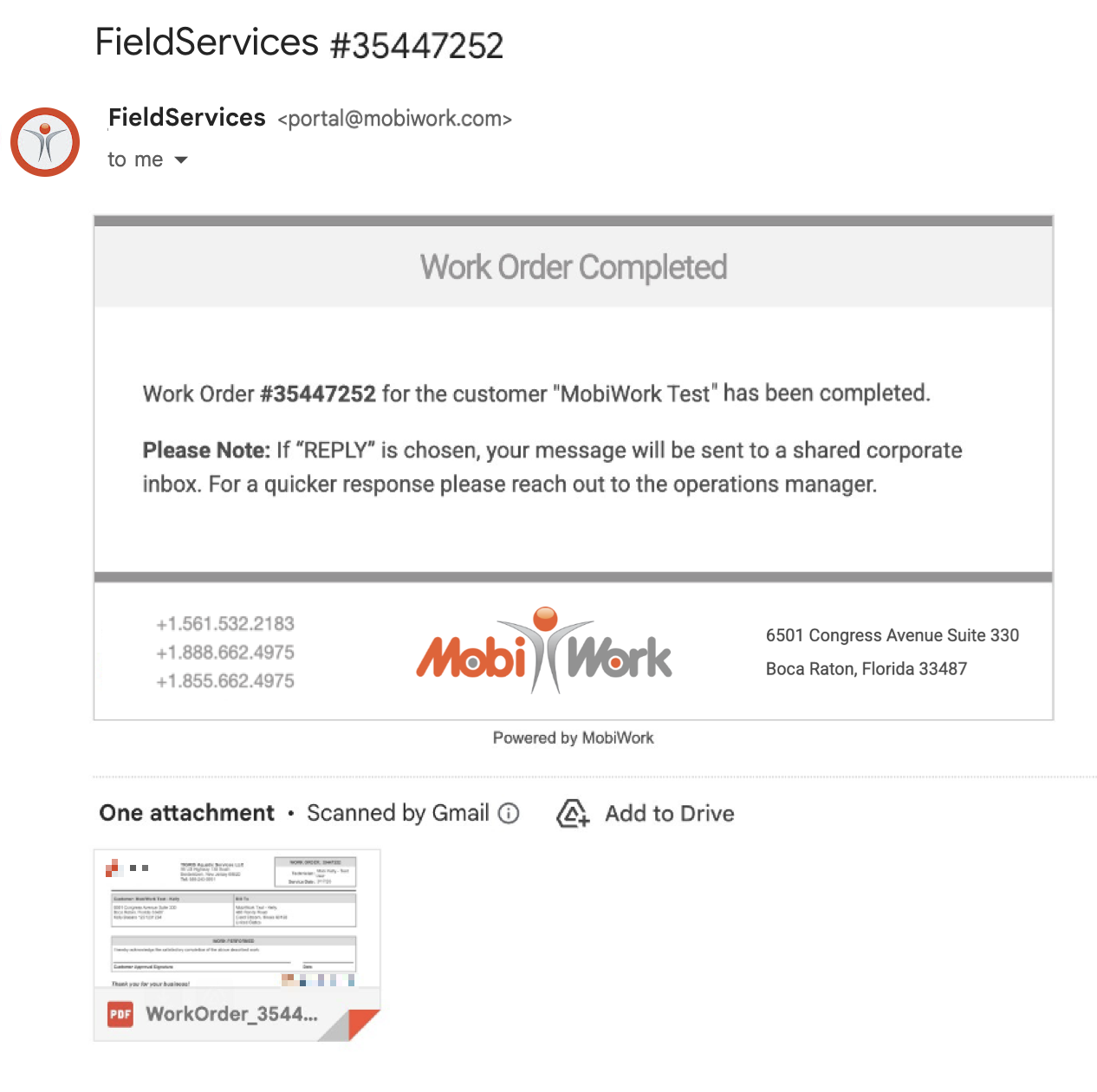
To complete the work order on the device, your user or technician should simply select the "Complete Work Order" Action Item. A PDF copy of the completed work order form will also be included in the notification email for the customer's reference.
For more information about completing work orders, please see the Complete a Work Order page.