
Viewing All Work Orders on Mobile as a Global Admin
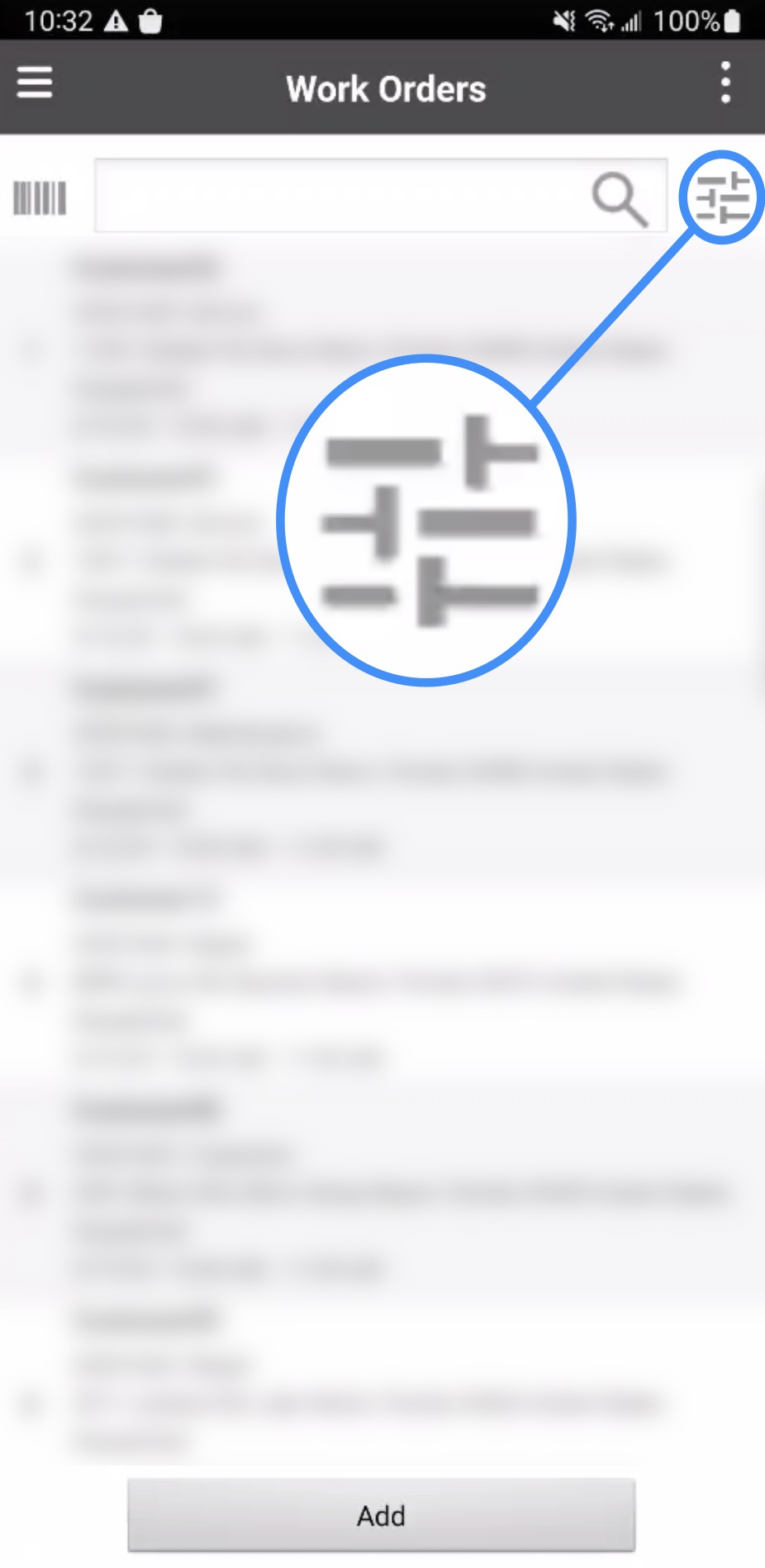
As a Global Admin, you can view all work orders assigned to your users. To view all of your company's work orders, first open the Work Order feature in your MobiWork app. On the Work Order List page, select the Filter button to access the Advanced Search page:
Ensure the date field is cleared and that "All" is selected:

Once completed, all work orders assigned to your users will be displayed.