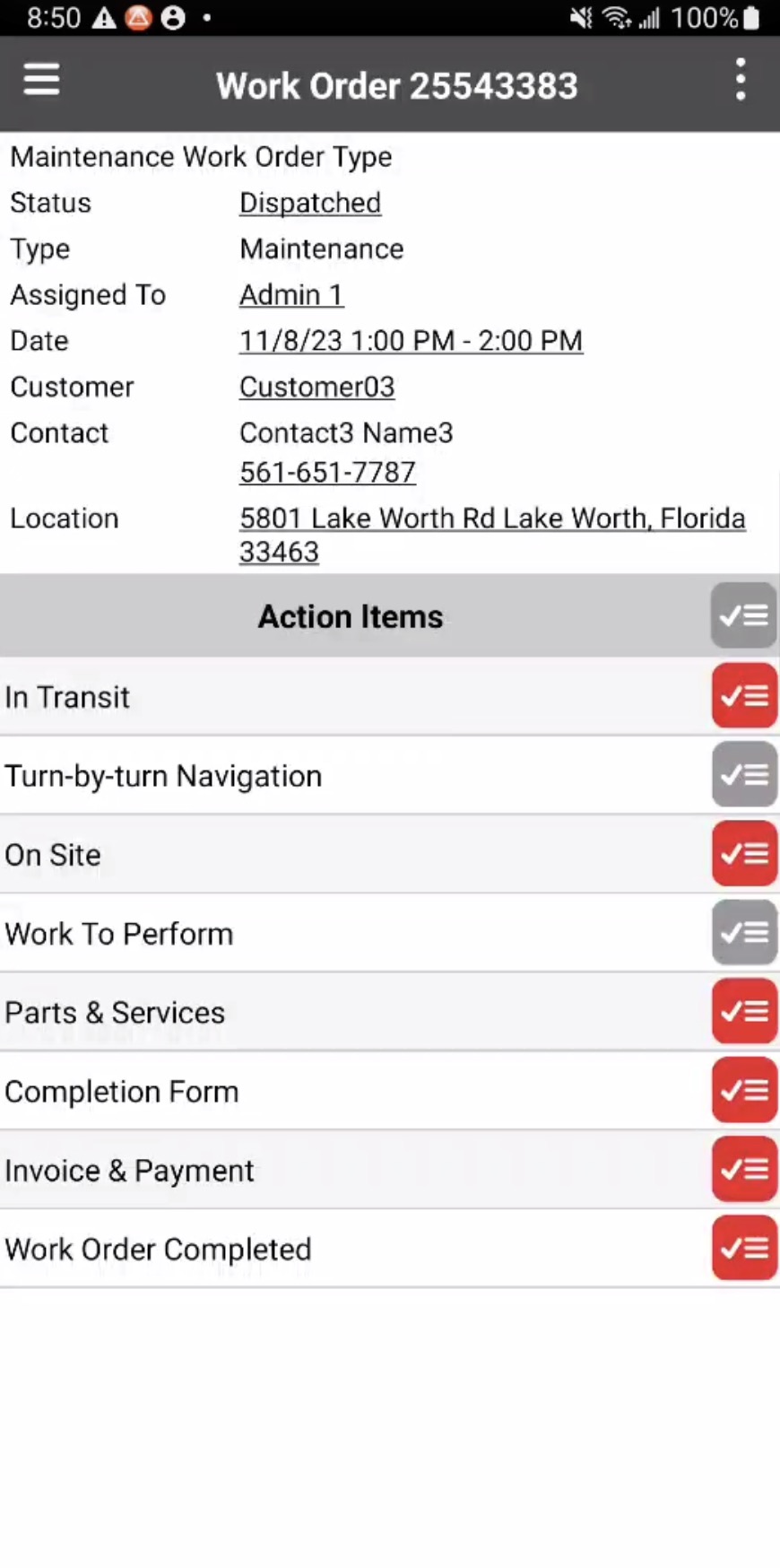
You can see the different work orders you have access to by adding a new work order. For more information on how to add a work order, please see the Add Work Order page.
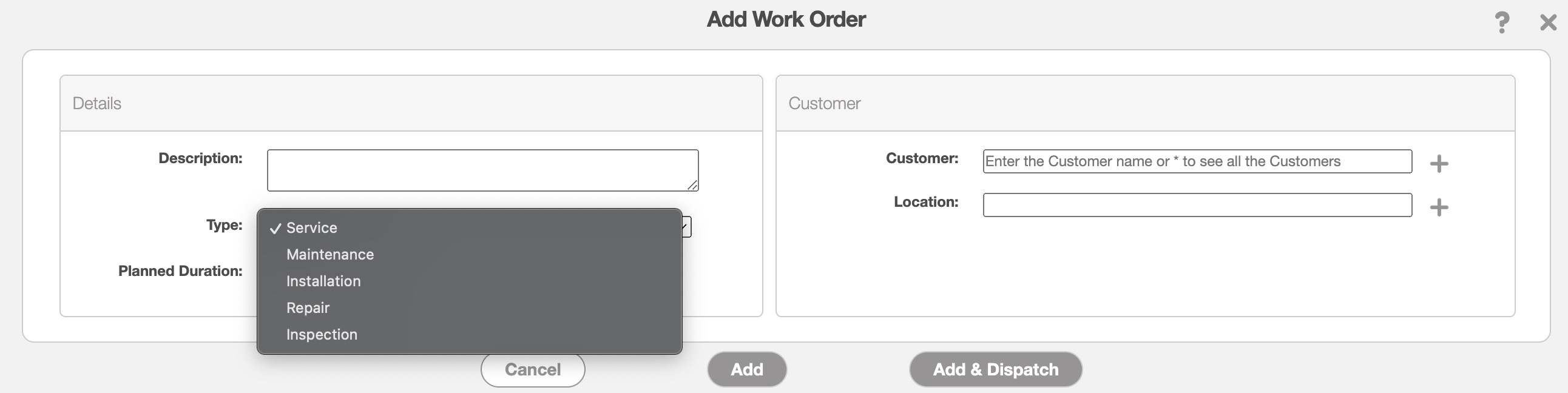
From the "Type" drop-down you will be able to see all the work order types that are associated with your MobiWork solution account. Select the desired type that corresponds with the work order that you are creating:
The work order types will offer different action items and different required items depending on the work performed. These action items will be visible in the mobile app interface.
In the Field Services Solution, you will have the following work order types:
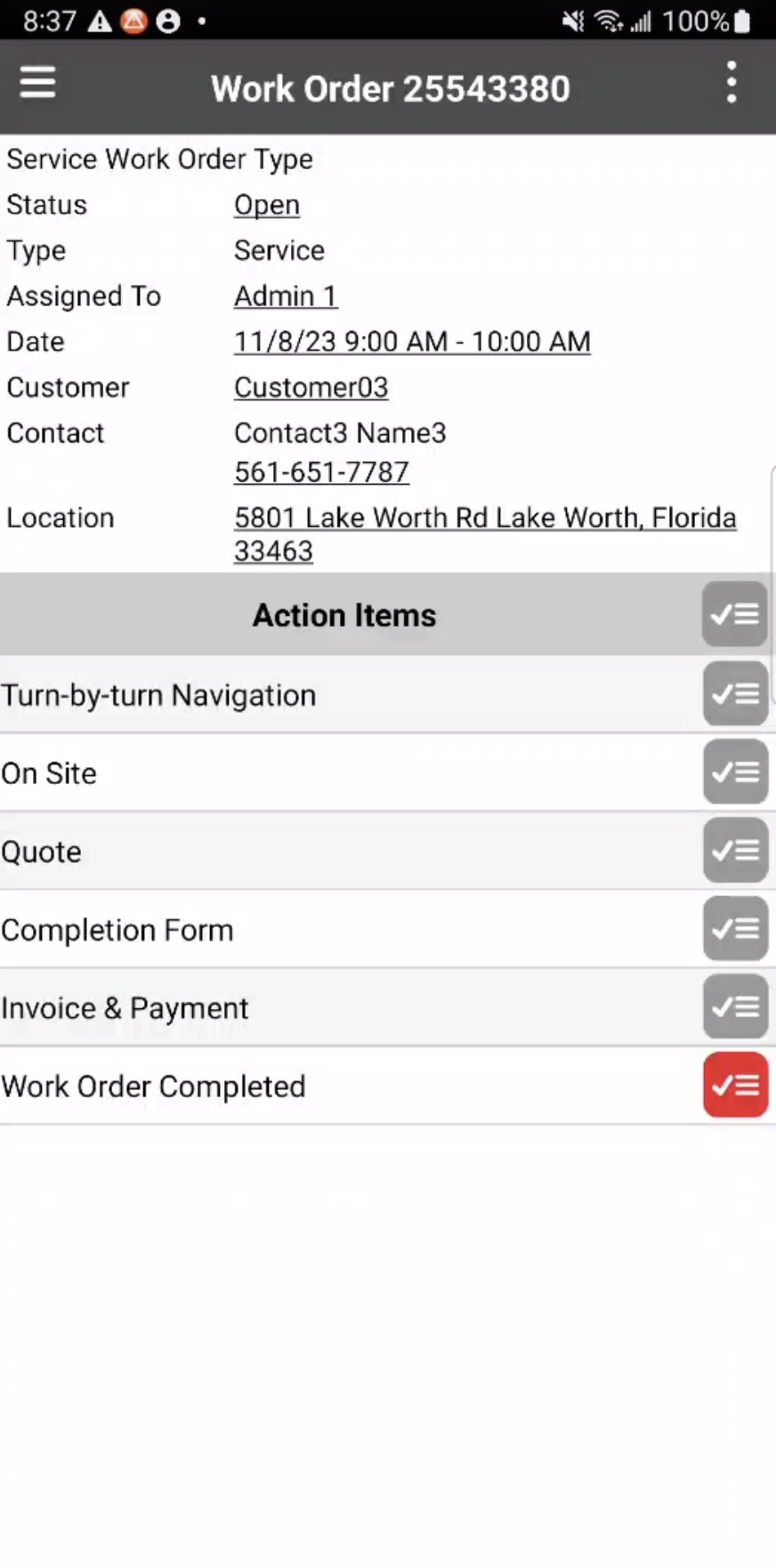
Service- A general work order to be used if the work order does not fall under the other work order types. From this work order type, you can create a quote and the invoice/payment:
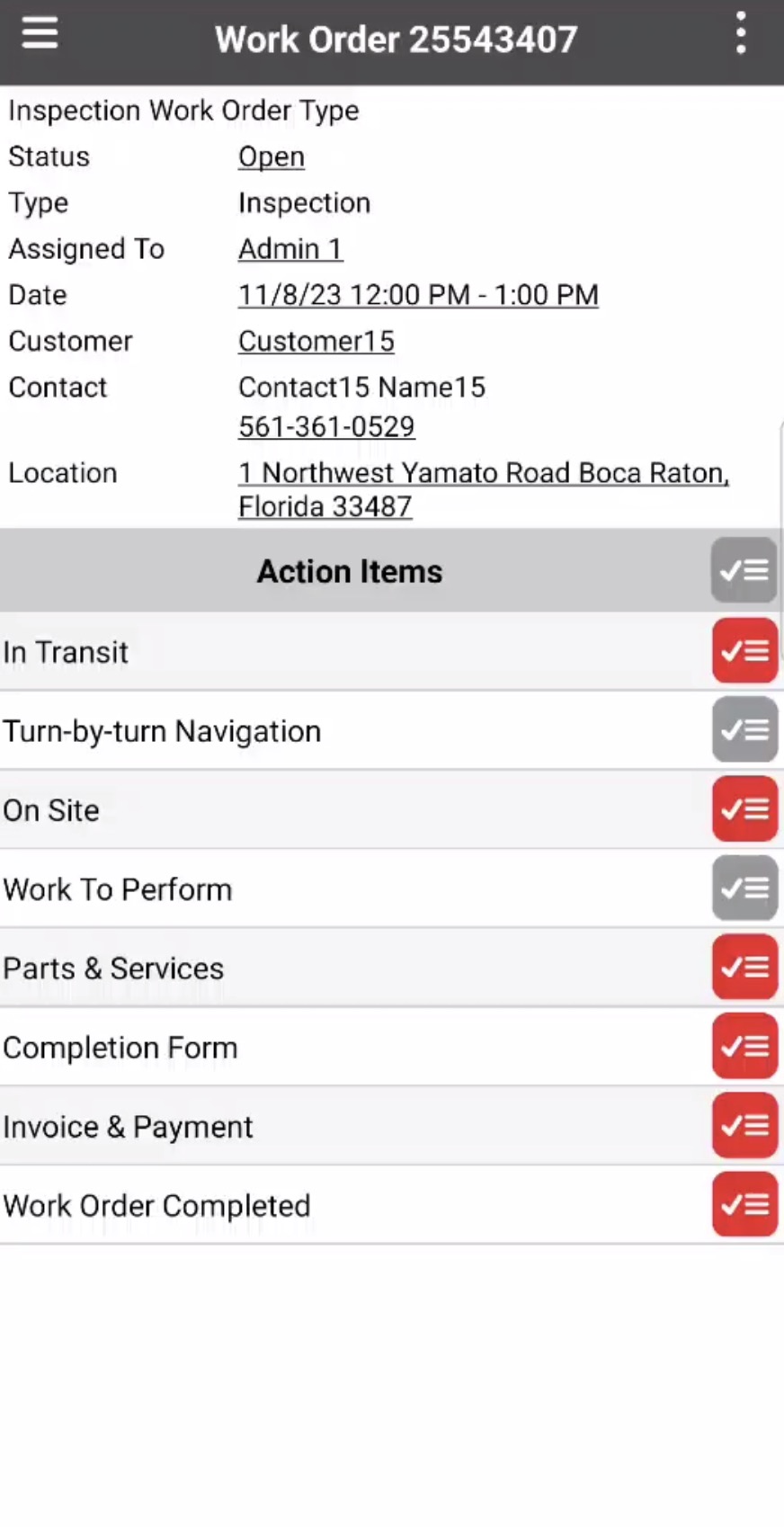
Inspection- A work order where the user is on-site to inspect a device or machine:
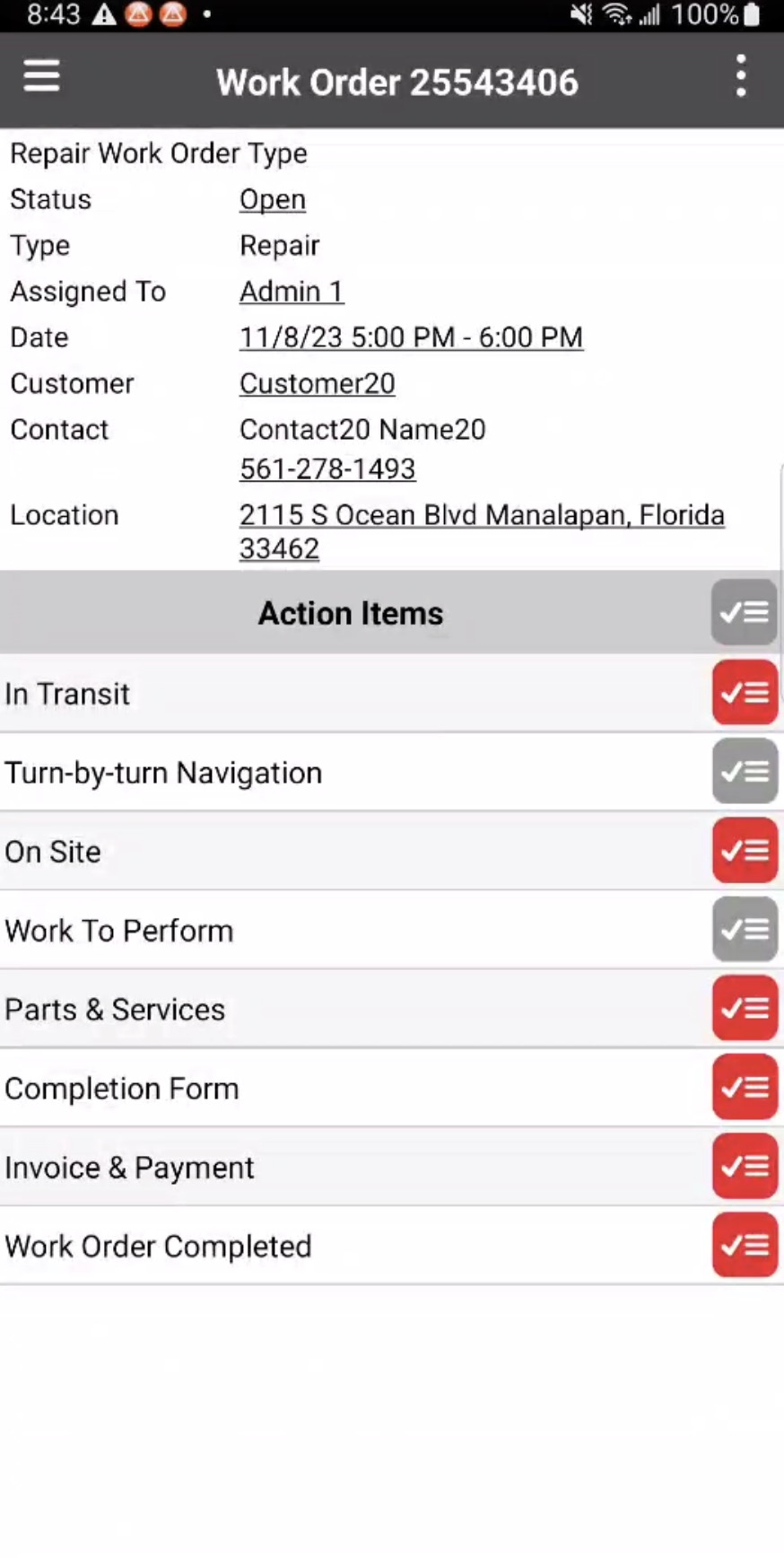
Repair- A work order where the user is on-site to repair a device or machine:
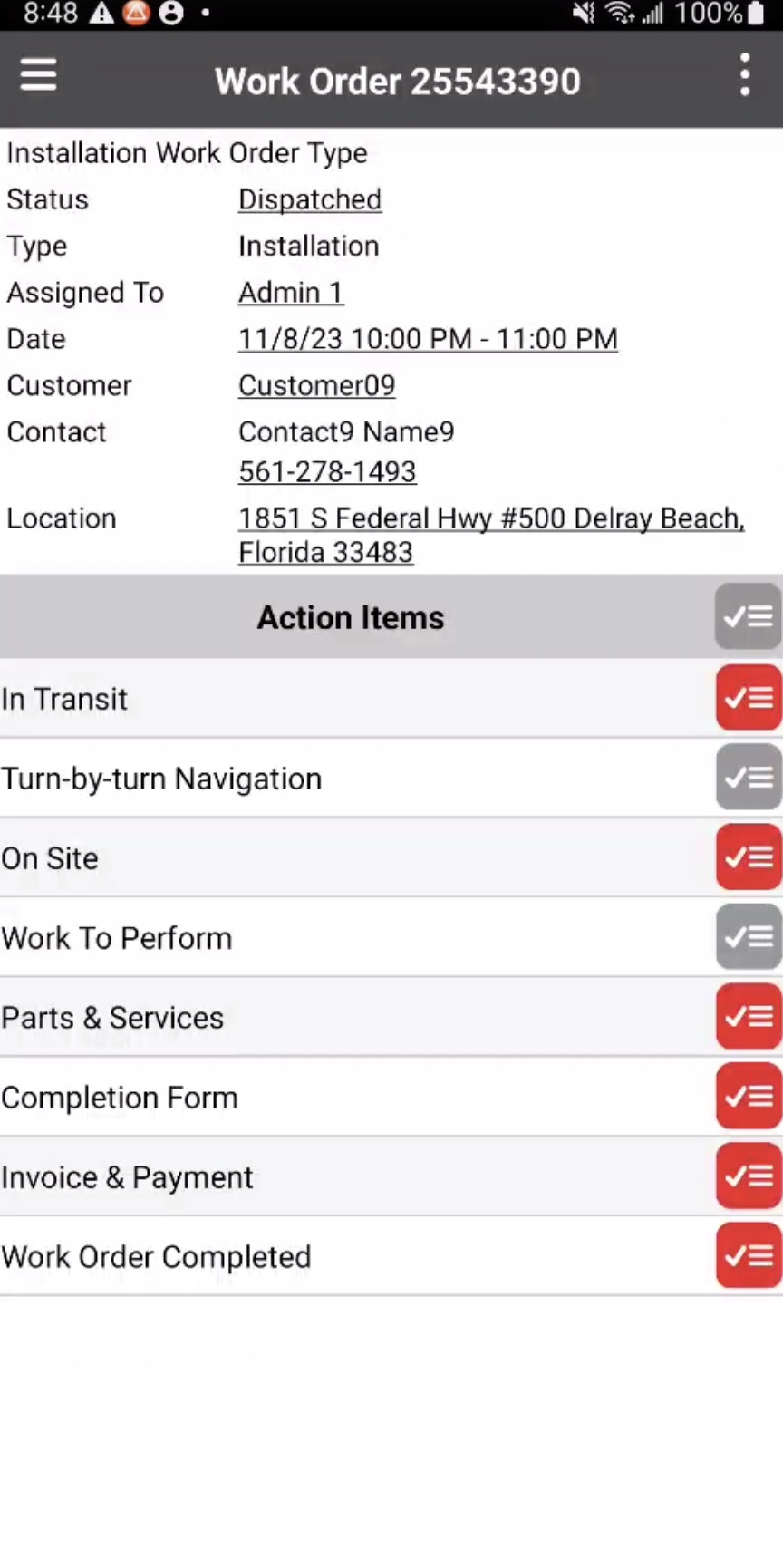
Installation- A work order where the user is on-site to install a device or machine:
Maintenance- A work order where the user is on-site to do routine maintenance on a device or machine: