
Overview
The Inbound REST API is not activated by default. In order to activate the API, you must add the corresponding Connector in your account:
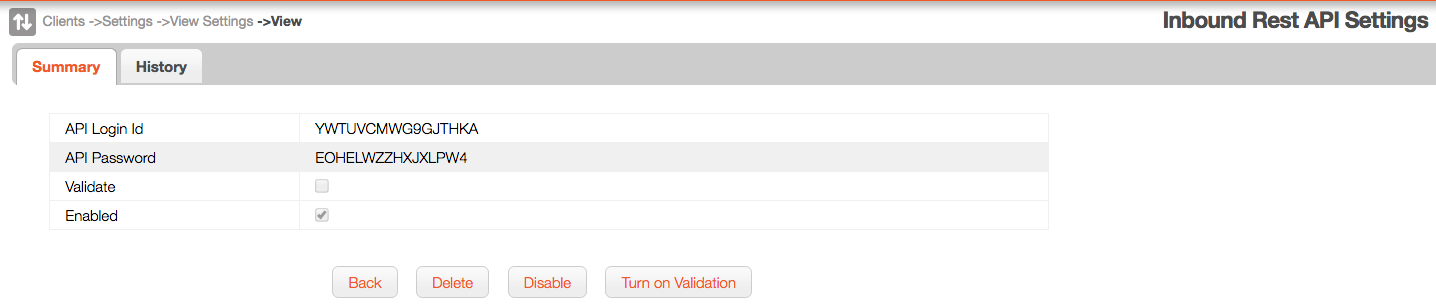
The API Login ID and API Password info you receive is used to talk to the API.
MobiWork creates a specific user (not counted for billing and with no web or device access) to provide an audit trail and keep track of the actions performed through the API.
The Inbound REST API is not activated by default. In order to activate the API, you must add the corresponding Connector in your account:
- Select the "Account -> Settings" menu entry
- Click on the "Connectors" tab
- Click on the "Add" dropdown
- Click on the "MobiWork Inbound Rest API"

The API Login ID and API Password info you receive is used to talk to the API.
MobiWork creates a specific user (not counted for billing and with no web or device access) to provide an audit trail and keep track of the actions performed through the API.