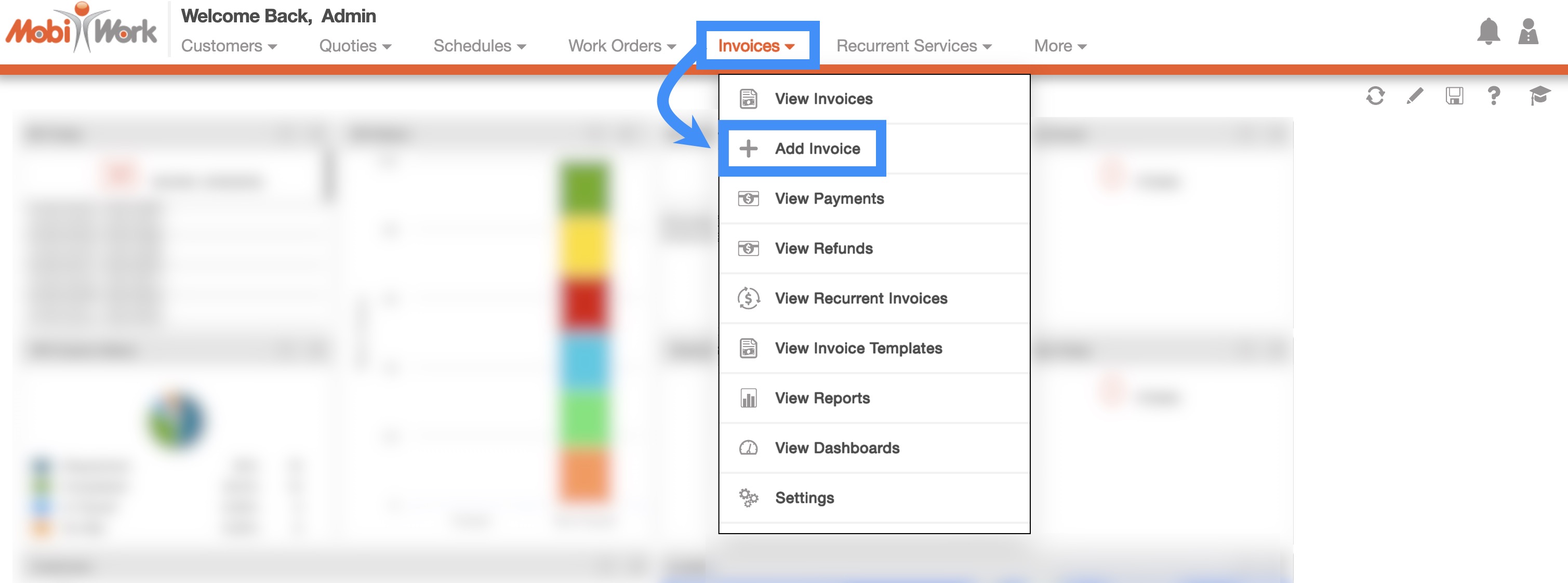
Add Invoice Drop-Down
The fastest and easiest way to add an invoice is by accessing the drop-down menu from the Invoice feature from your MobiWork menu:
- Hover over the Invoice feature from your MobiWork menu:
- Select the "Add Invoice" option from the drop-down.
- The Add Invoice pop-up window will then appear.