
Excel Border Lines Formatting
When importing an Excel document into MobiWork, the structure of the Excel layout must remain consistent in order for the file to be successfully imported. If data is written without the border, then MobiWork will be unable to read the file. The correct and incorrect border formatting is displayed below:
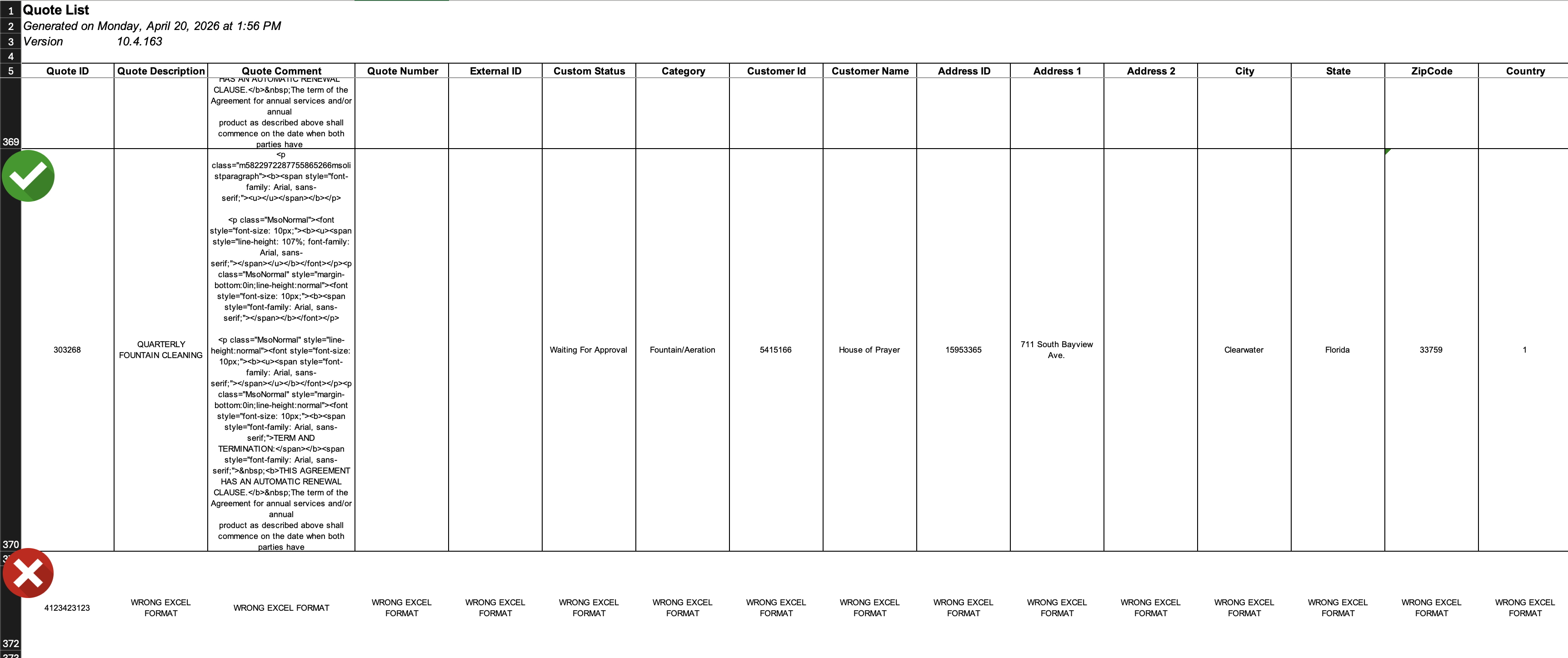
To ensure that the Excel file is successfully imported and that the data can be read, copy an existing row, remove the original details, and fill in the requisite data.