
To access the corresponding Entity View pop-window, first access the appropriate Entity List page.
On the Entity List page, locate the desired entity and click its ID or name to open the corresponding Entity View pop-up window.
The example below shows how to access the View Customer pop-up window:
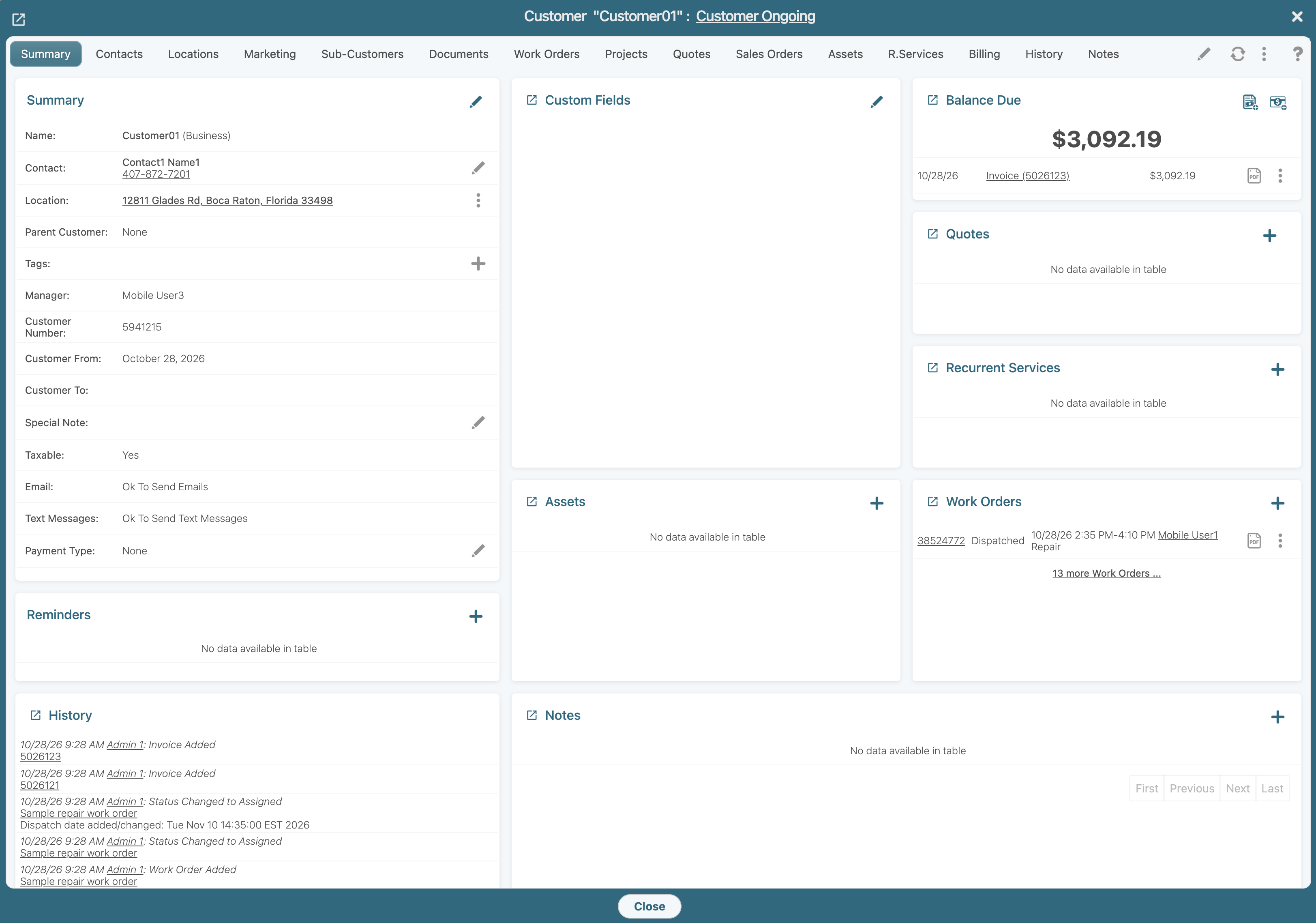
Each Entity View pop-up window contains a series of tabs that focuses on a specific category of information about the selected entity. The information displayed varies depending on the selected entity and the tab you are viewing:
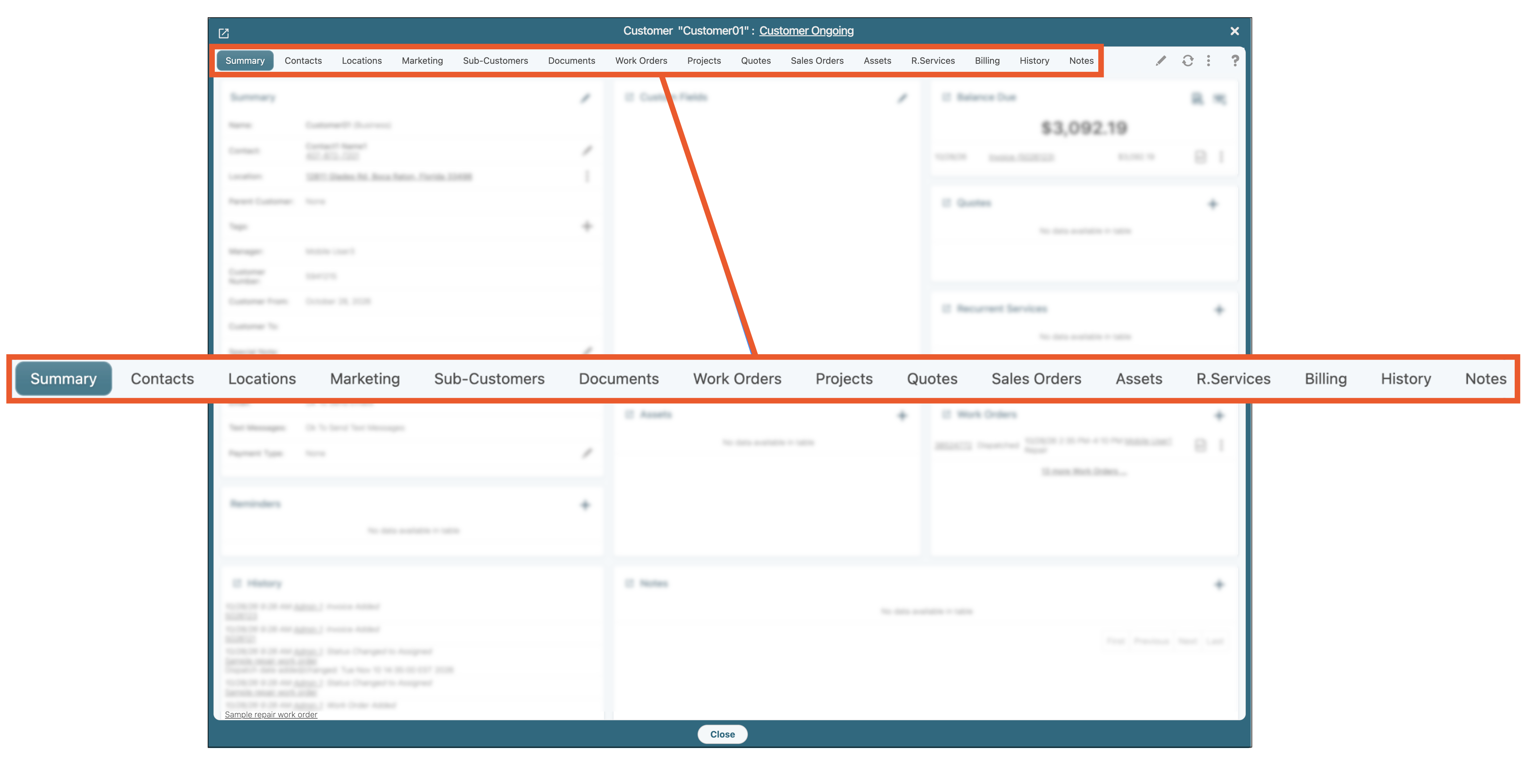
For example, the "Billing" tab in the View Customer pop-up window contains the customer balance, payment method, billing address, invoices, and other billing-related information for the selected customer. Other tabs provide access to additional details associated with the entity.
Depending on the selected tab, different panels will appear within the Entity View pop-up window, providing access to relevant information about the selected entity.
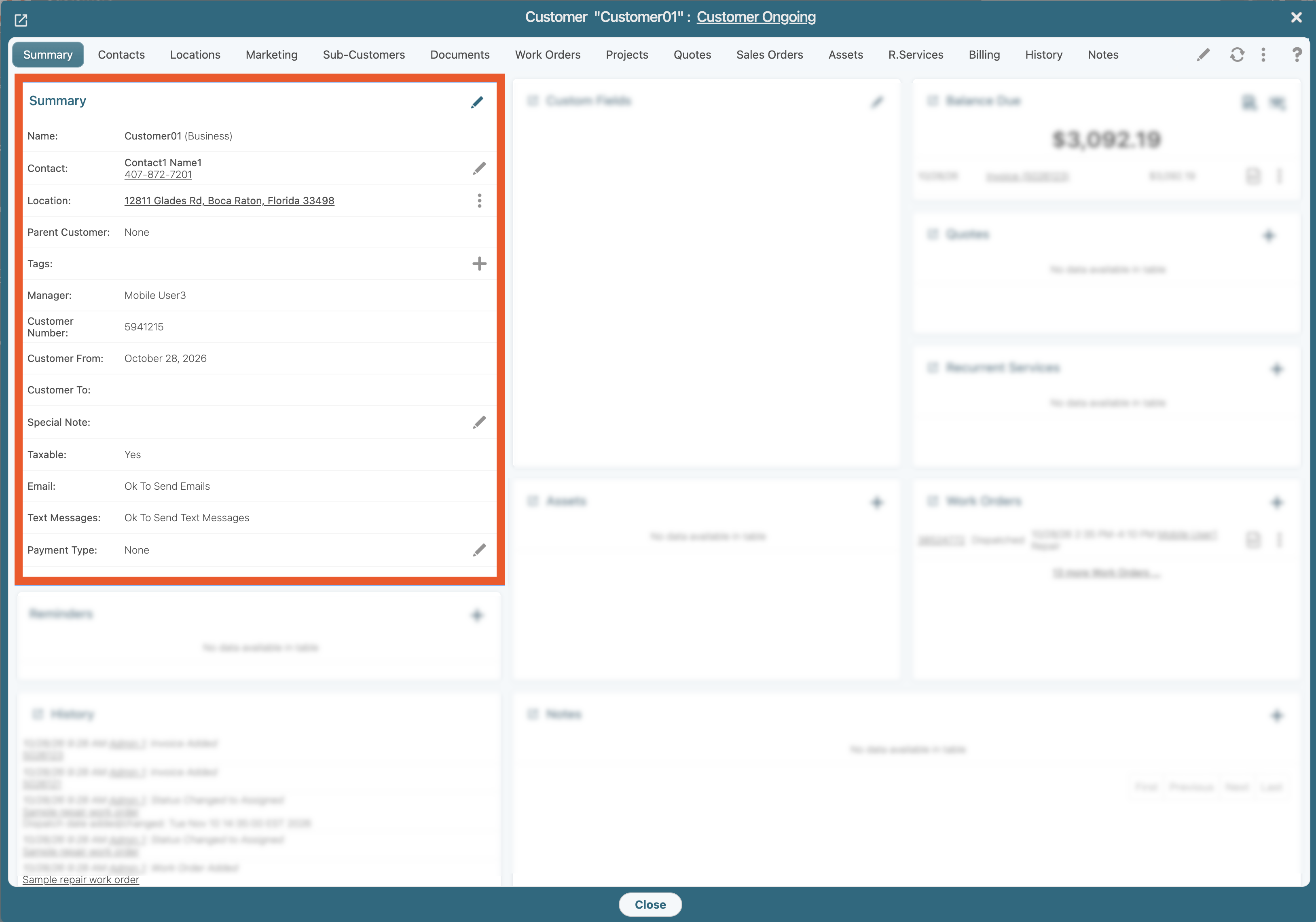
This is particularly evident in an entity's "Summary" tab, which organizes key information into individual panels for easy viewing and navigation. These panels present additional details in a clear, organized layout, allowing you to quickly review important information without navigating to separate tabs.
For example, the "Summary" tab in the View Customer pop-up window displays several panels, including the customer's summary, quotes, reminders, and other relevant information associated with the customer.
In the Entity View pop-up window, the entity's name or ID is displayed in the header, making it easy to identify the record you are viewing. The header also provides access to the entity's current status. You can view the status at a glance and, when applicable, update it directly from the header.
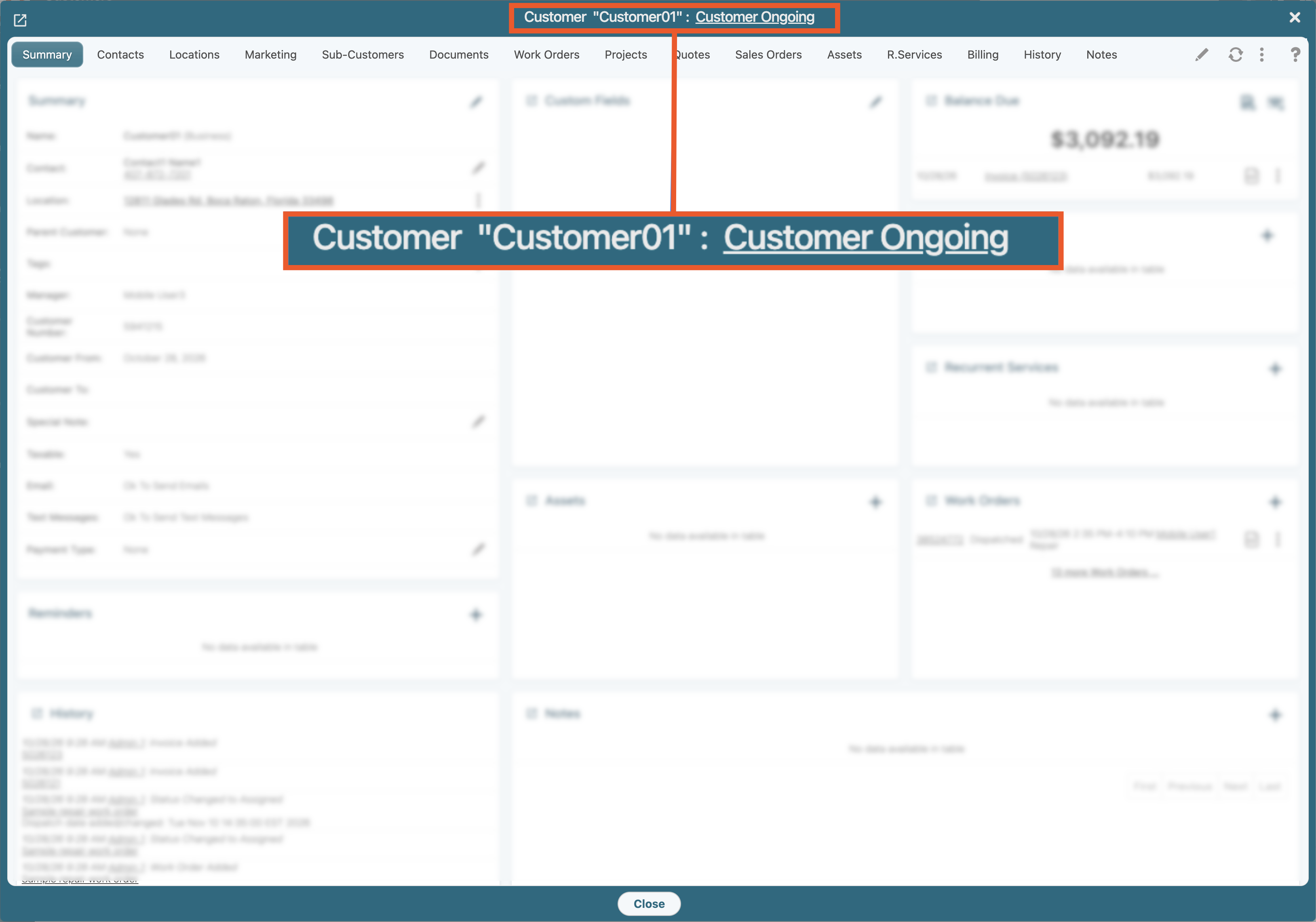
The available status options and the ability to update the status may vary depending on the entity type and your user permissions.
The Entity View pop-up window includes page controls that allow you to perform actions related to the selected entity, manage its information, and create associated records.
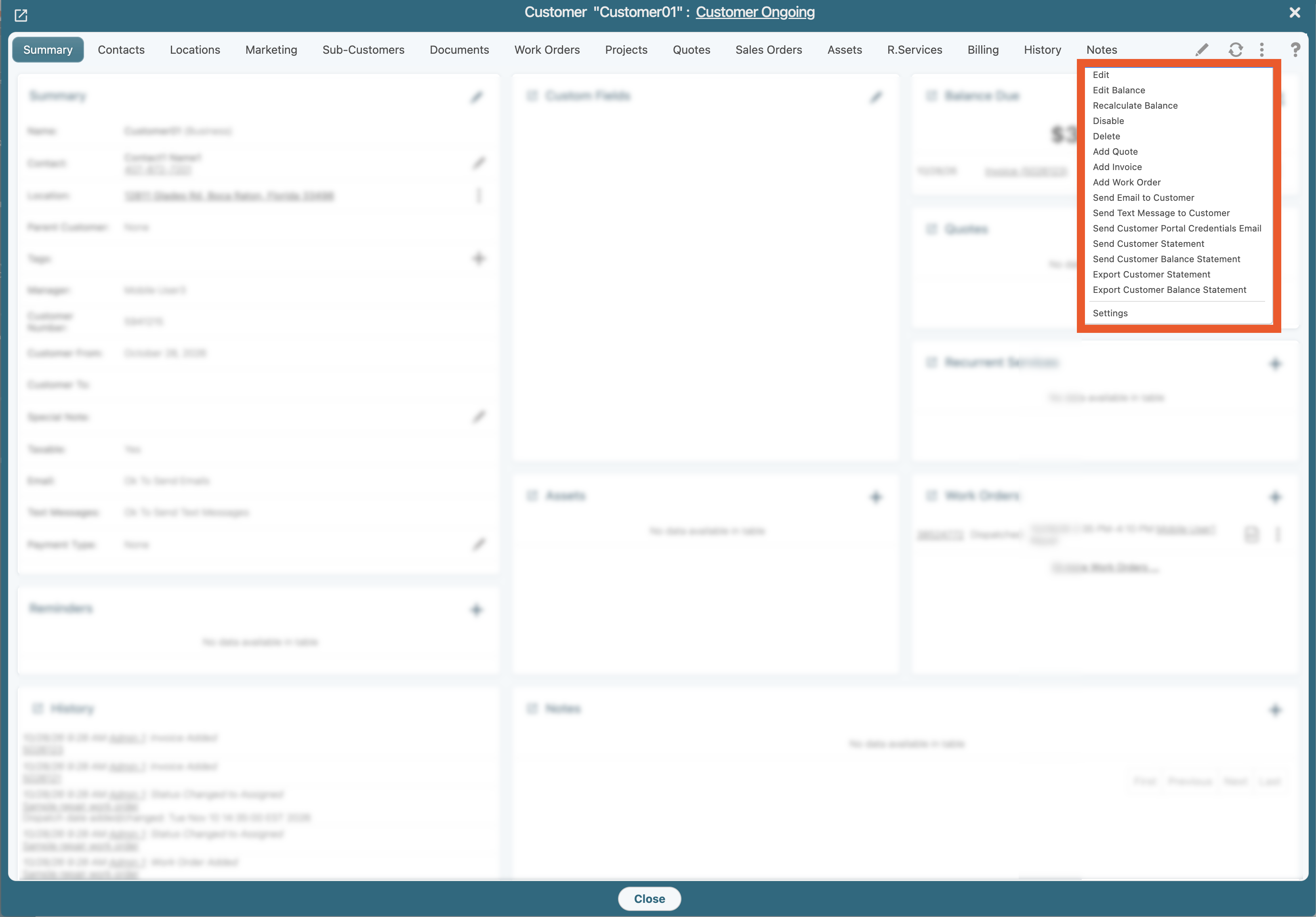
Depending on the entity type and your user permissions, you can use these controls to access specific actions, view or modify entity details, and create linked entities directly from the current profile. If an appropriate connector is installed and configured in your MobiWork account, additional integration options may also be available. For example, you may be able to export data to QuickBooks directly from the Entity View pop-up window.
For example, from a customer profile, you can create a new invoice or quote associated with that customer.