
Adding an Entity
To add a new entity, navigate to the corresponding Entity List page, and select the Plus Sign tile. You will be redirected to the appropriate Add Entity page, where you can enter the information needed to create the new record.
The example below highlights the process with the Add Customer page:
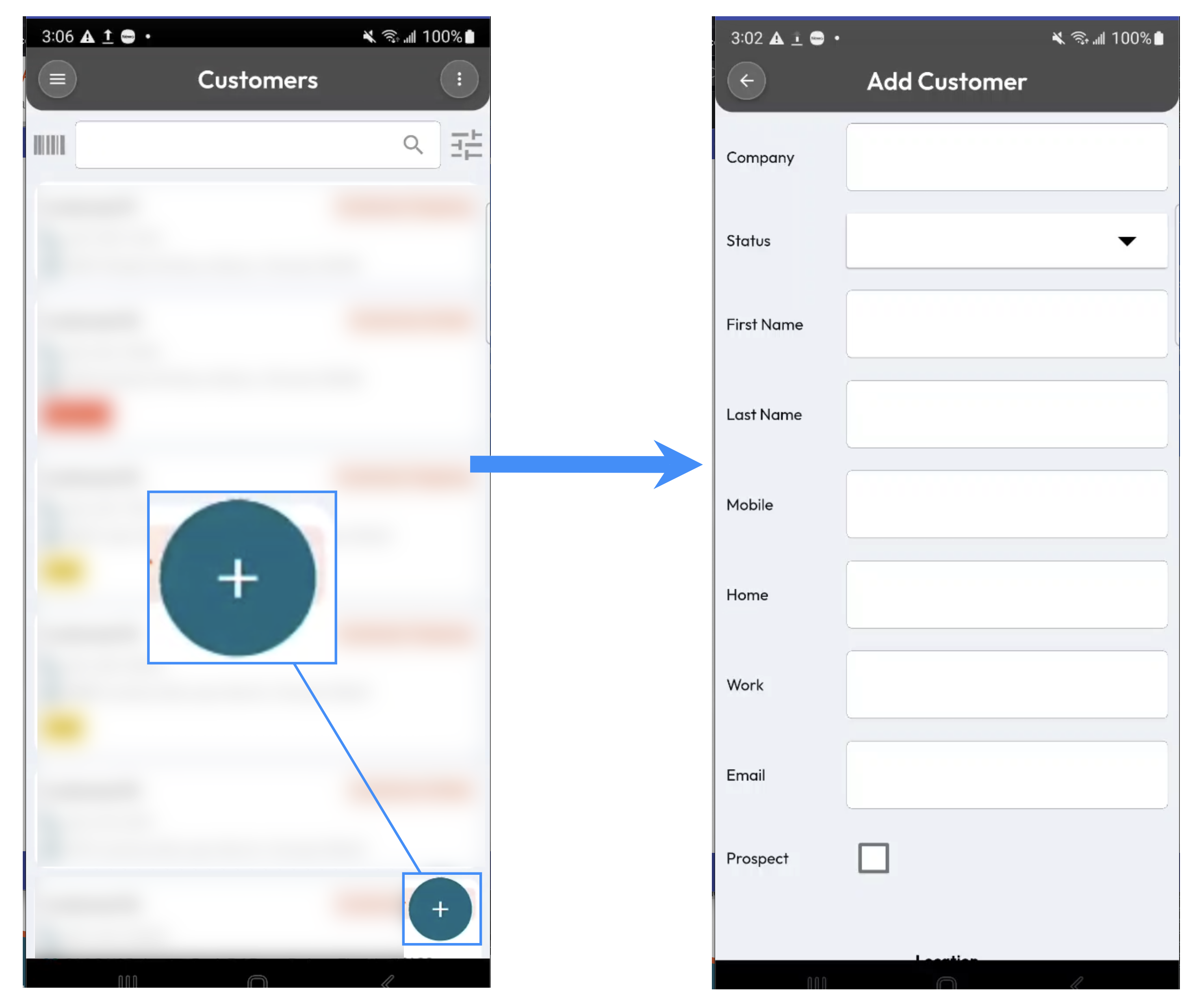
On the Add Entity page, enter the relevant information for the new entity in the available fields. The fields displayed will depend on the type of entity you are creating. For example, when adding a customer, you can enter the customer's name, contact information, location, and other relevant customer details.