
The Text Entity Action is a customizable feature that can be accessed from designated entities throughout MobiWork.
This action makes it simple and efficient to send text messages directly to customers, users, contractors, vendors, and other contacts without leaving the entity record. By centralizing communication within MobiWork, users can streamline correspondence, improve response times, and maintain better communication records across their organization.
You will also be able to access text message logs, allowing you to review sent messages. For more information about the text message logs, please see the Text Message Logs page.
To ensure that your text messages are sent, please confirm that the following criteria are met:
You must first have a Text Message Connector installed in your MobiWork Web Application. Please see the Adding a Text Message Connector for more information on how to add a text message connector to your MobiWork account.
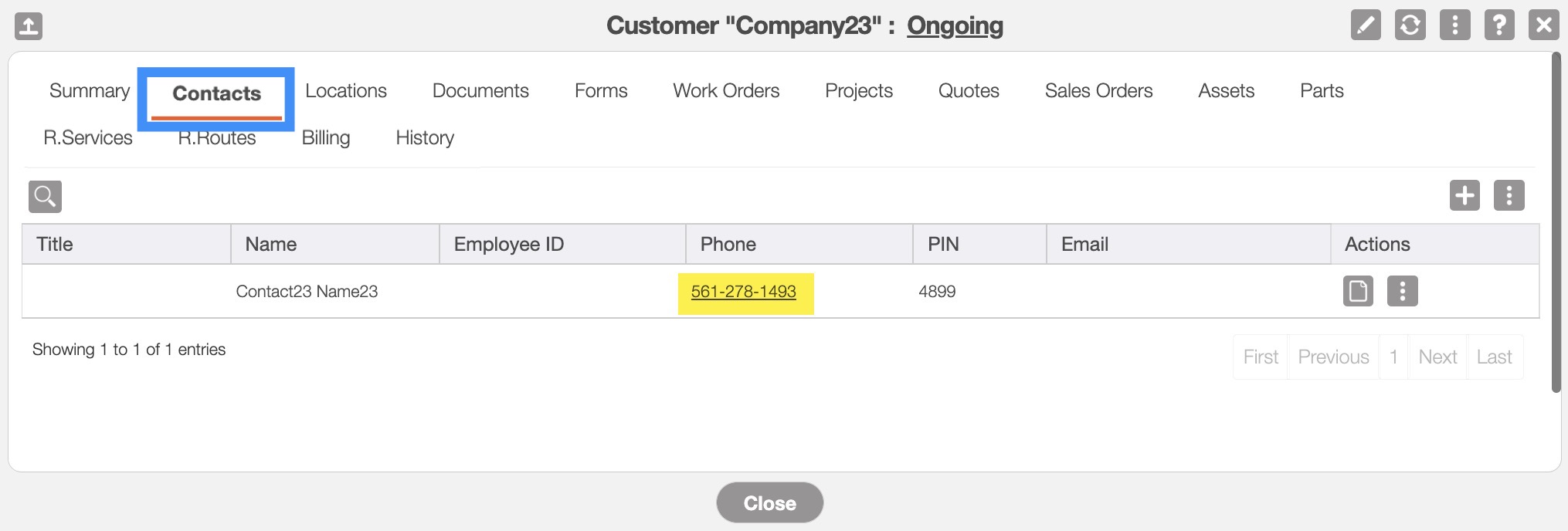
The customer must have a cell phone number associated with their profile. For a new customer you can add the cell number directly onto their profile; please see the Add Customer. For an already existing customer, please see the Edit Customer(s) page for more information on how to edit their contact details:
You can access the Text Entity Action when you right click on an entity, click on the corresponding individual Actions button, or directly from the view window of the respective entity:
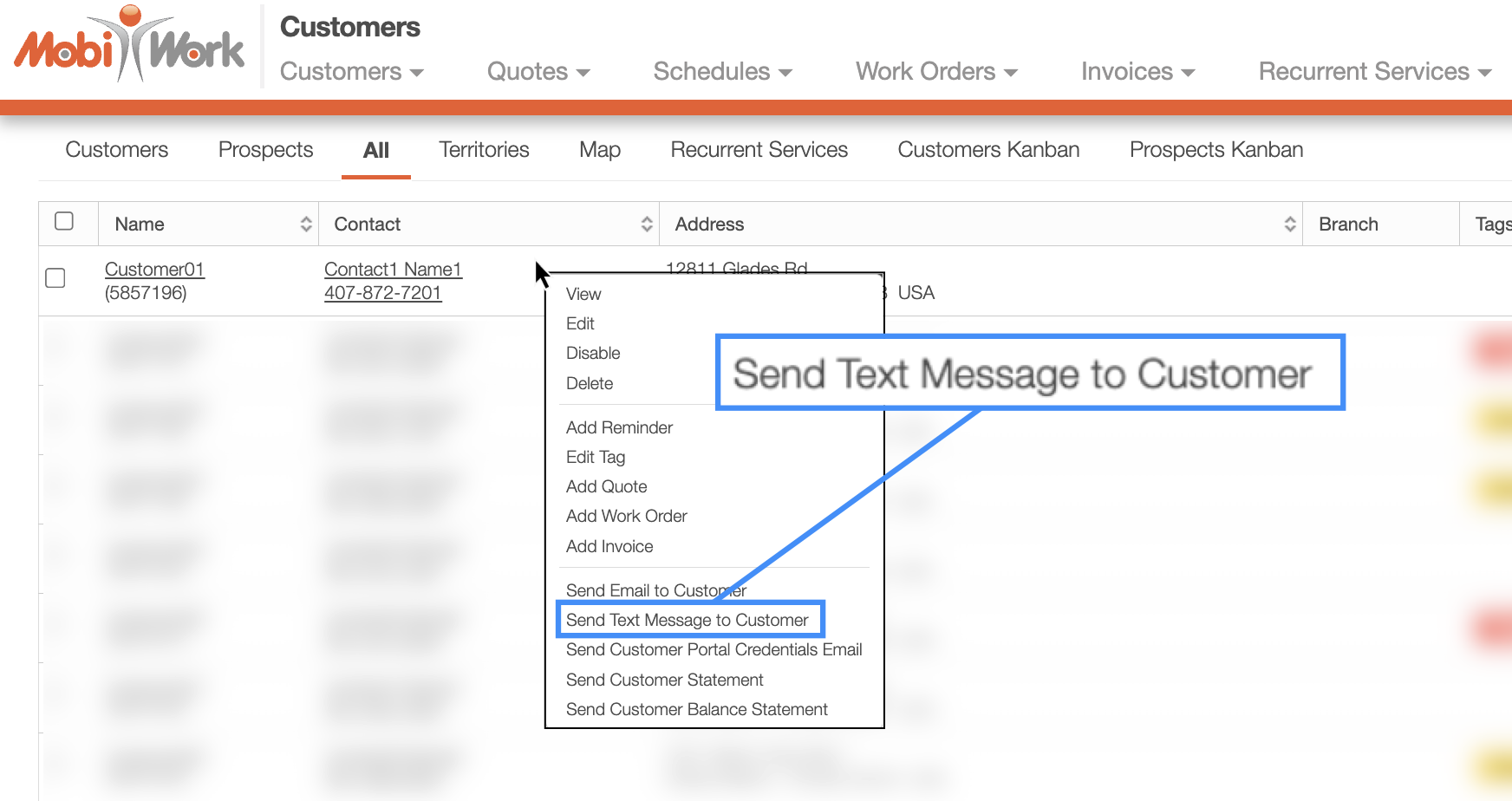
The example above shows the Text Entity Action from the Customer feature when right-clicking on the selected customer.
Once the Send Text pop-up window appears, you will be able to customize the message:
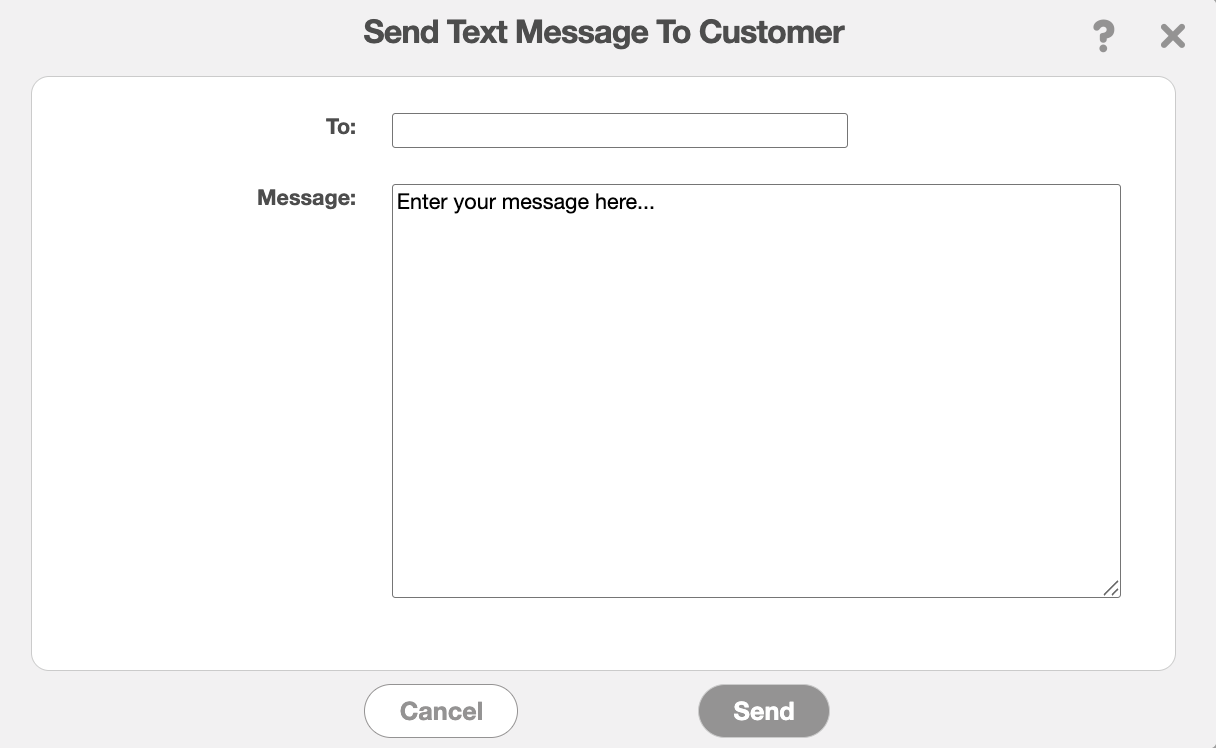
Please note that the name of this action may vary depending on the feature or configuration; however, the Send Text window and functionality will be the same.
If you would like to customize this Text Entity Action further or add it to additional features, please Contact Us for assistance.