

MobiWork allows users to view invoices for associated child customers on the parent customer profile, helping keep all related invoices organized and streamlined under the parent account. Regardless, of who the invoice is billed to, users will be able to see the child customer invoices on the parent customer account.
On the "Billing" tab of the parent customer, users will be able view the child customers' invoices and also issue payments on selected invoices:
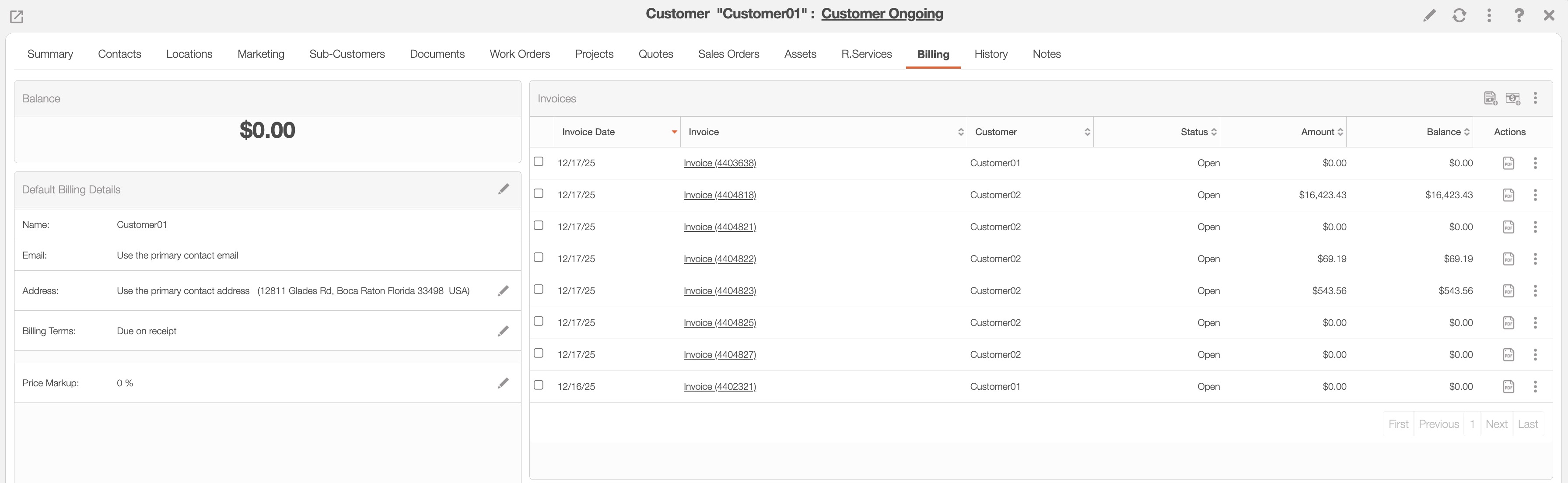
Note: The "Balance" panel will display the parent customer's balance, not the cumulative or parent/child invoices or child customer balance.
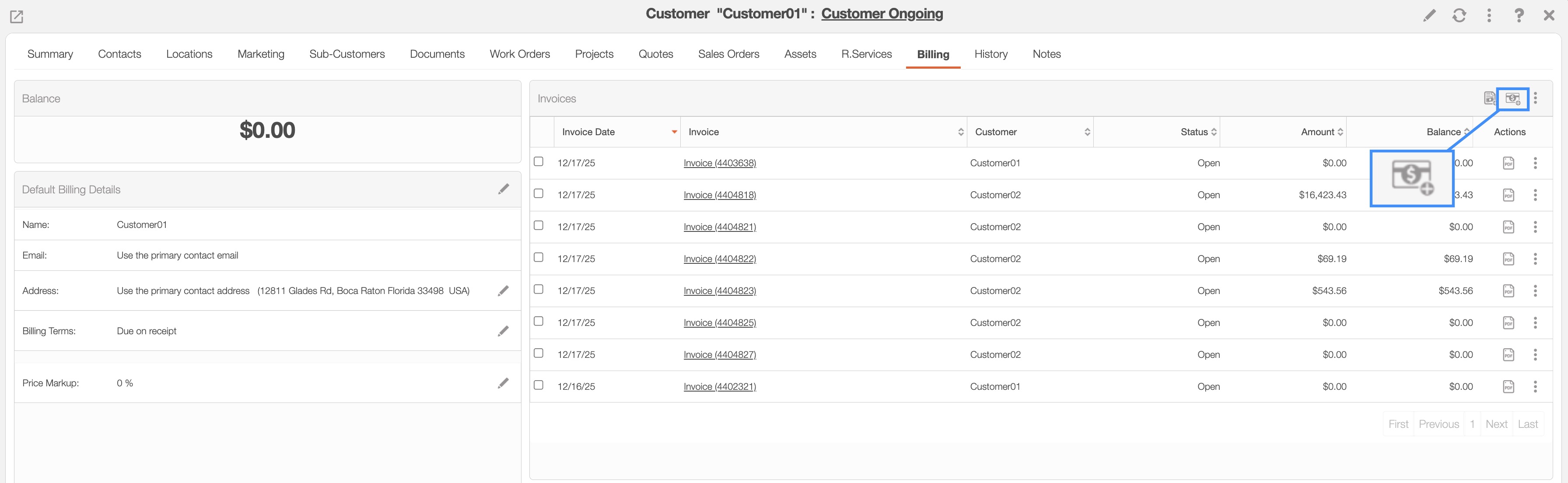
You can issue payments on invoices that have a positive balance and the "Paid" or "Service Completed" status. To render payment, select the desired invoices and then click the Payment icon:
An error message will appear if you attempt to issue payment and:
There are no invoices are selected.
The selected invoice does not have a positive balance.
The invoices does not have the "Paid" or "Service Completed" status.